The Intelligent Surveillance Solution
NUUO NVR/DVR/Hybrid NDVR System
- 137 -
Appendix D - Remote Desktop Tool
How to install NUUO Remote Desktop Tool
Step 1: Insert the Installation CD.
Step 2: Go to Remote Desktop Viewer directly and Run Setup.exe file.
How to Start NUUO Remote Desktop Tool
Step 1: Start - All Programs - NUUO Remote Desktop Viewer - Remote Desktop Viewer.
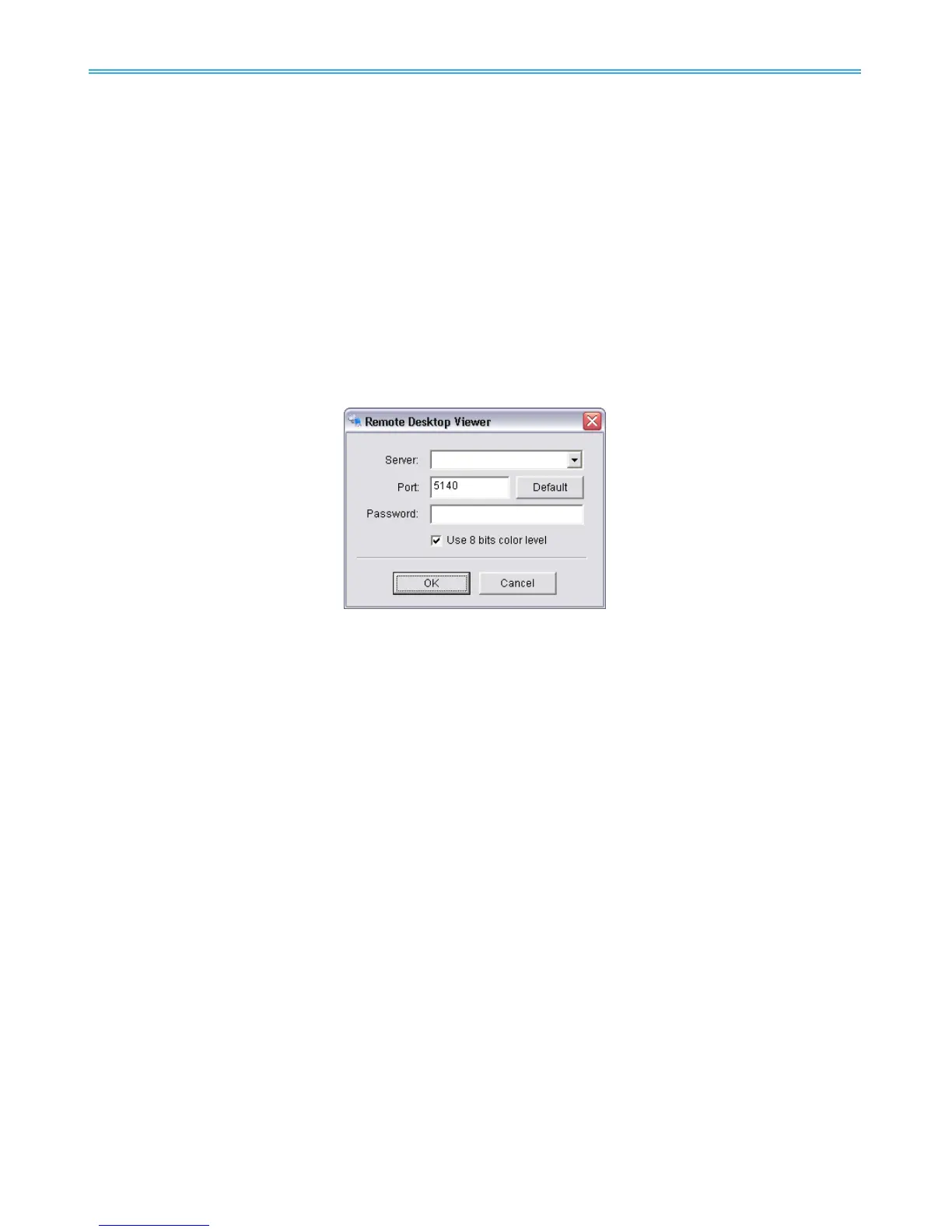
Step 2: Enter address, Port, Password of server. Enable the option to use 8 bits color level to show steadier
screen.
Step 3: Click OK to Start Remote Desktop.



 To Previous Page