The Intelligent Surveillance Solution
NUUO NVR/DVR/Hybrid NDVR System
- 12 -
Remote Desktop Tool
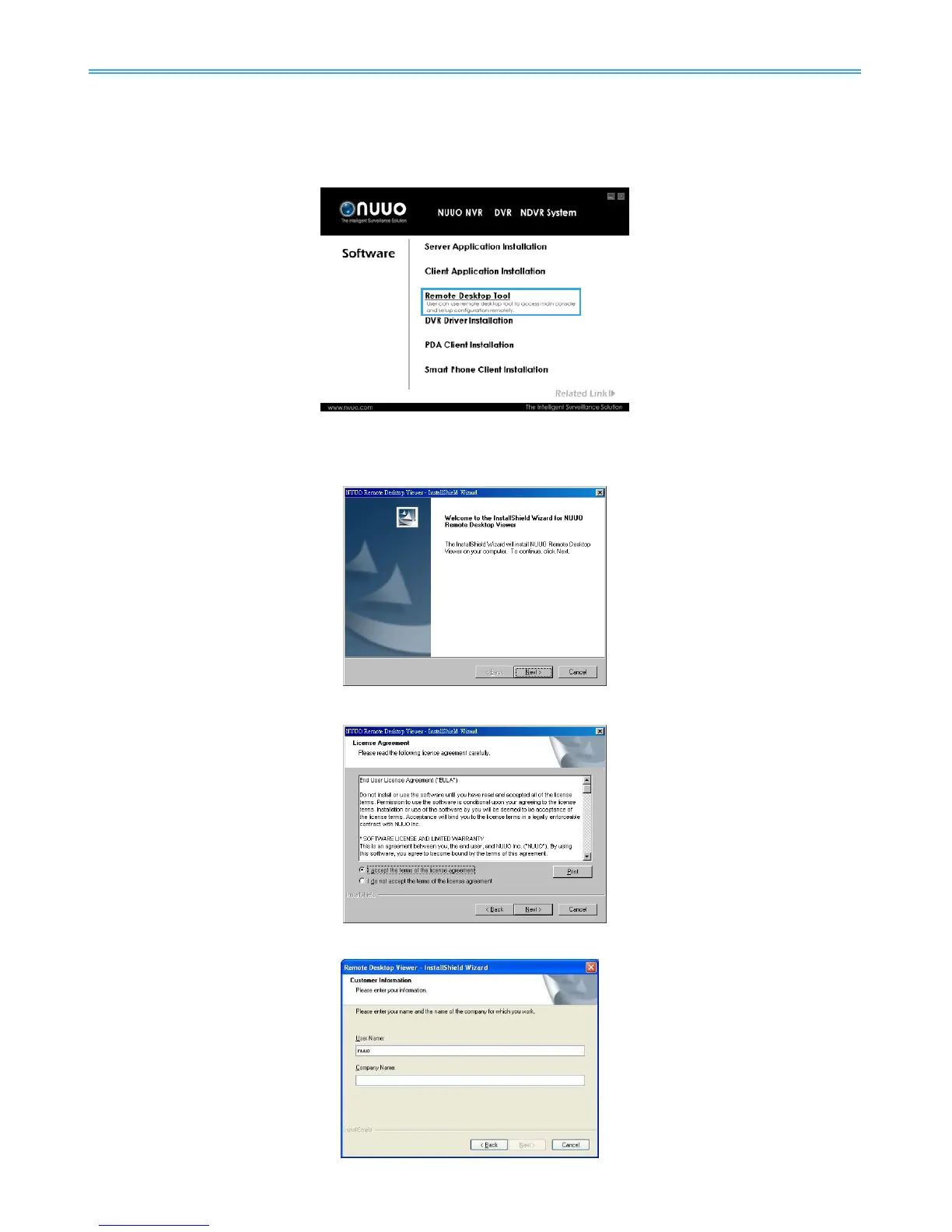
Remote Desktop Tool allow user remote to access Main Console System and setup configuration.
Step 1: Insert the Installation CD. Run autorun.exe from the CD-ROM directly to start the installation.
Step 2: Select Remote Desktop Tool.
Step 3: Select Next in the Install Shield Wizard dialog box.
Step 4: Check the option I accept the terms of the license agreement. Select Next.
Step 5: Enter your information, select Next.



 To Next Page