The Intelligent Surveillance Solution
NUUO NVR/DVR/Hybrid NDVR System
- 6 -
INSTALLATION
The Installation CD contains the software you need to run the complete system.
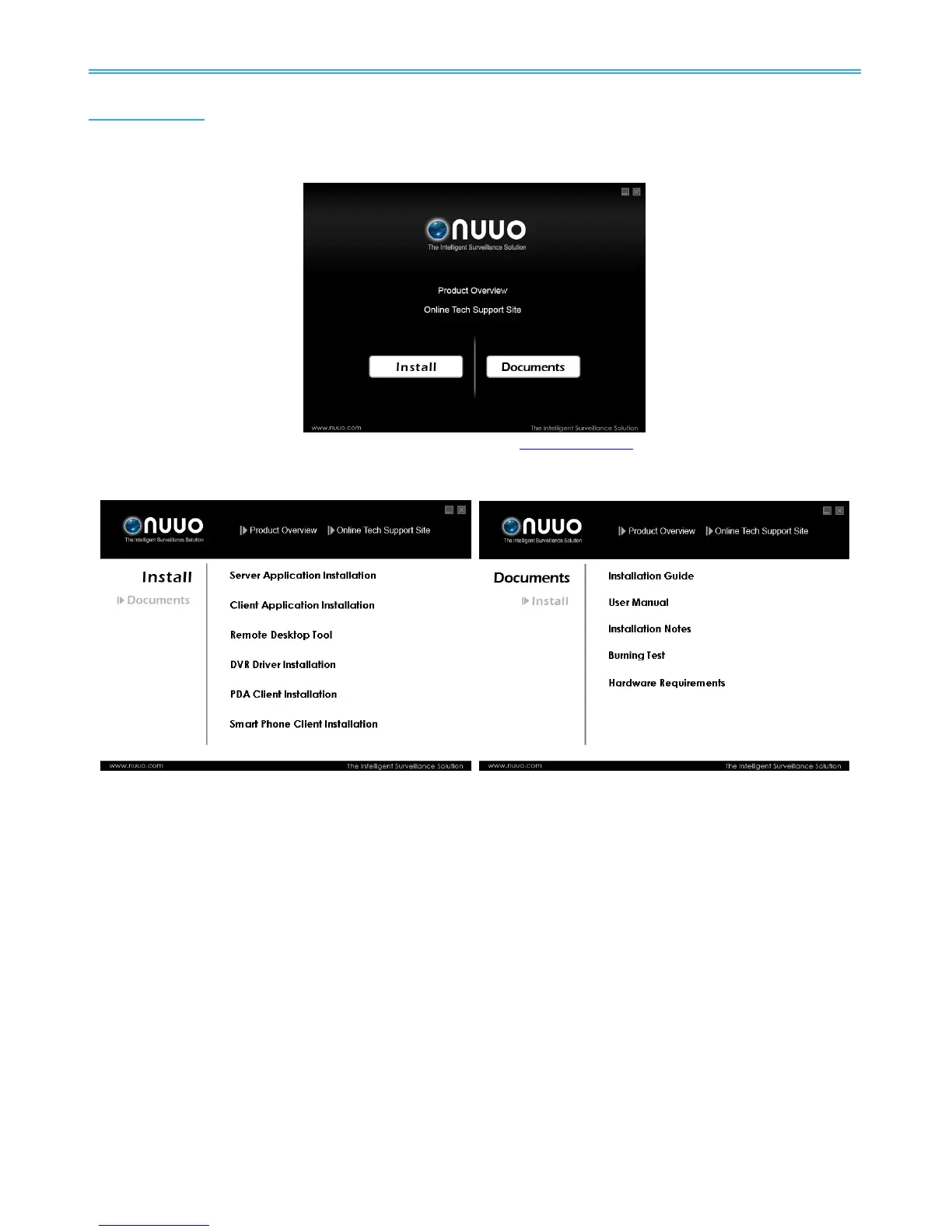
After inserting the CD, you should be able to see this window:
Click on Product Overview to access NUUO’s official website
www.nuuo.com for the latest product
information. You may also visit our Online Tech Support Site for FAQ.
Click on Install if you wish to start system installation immediately, or Click on Documents for extra info.
If you are installing the system on multiple PCs, install the appropriate software for each PC:
- Server Application: All functions of NVR/DVR/Hybrid NDVR systems including Main Console, Playback,
Remote Live Viewer, Backup, and Verification Tool.
- Client Application: Remote functions of NVR/DVR/Hybrid NDVR systems including Playback, Remote Live
Viewer, Backup, and Verification Tool.
- Remote Desktop Tool: The tool to access main console and setup configuration remotely.
- DVR Driver: The tool to detect the type of capture cards and install the proper driver automatically.
- PDA Client: Client application for PDA devices.
- Smart Phone Client: Client application for smart phone devices.
- Related Link: Click for more information including User Manual, Installation guide and Hardware
Requirements.
The following section describes the installation of each element of the Intelligent Surveillance System.



 To Next Page