The Intelligent Surveillance Solution
NUUO NVR/DVR/Hybrid NDVR System
- 135 -
I/O Device list:
Select and monitor the device connected with Server.
DI/DO status:
Monitor the DI/DO status synchronized with Server, and then click Output button to trigger the DO action
.
Gray icon indicates the normal status of DI/DO devices.
Red icon indicates the alarm status of DI/DO devices.
Green icon indicates the synchronization process.
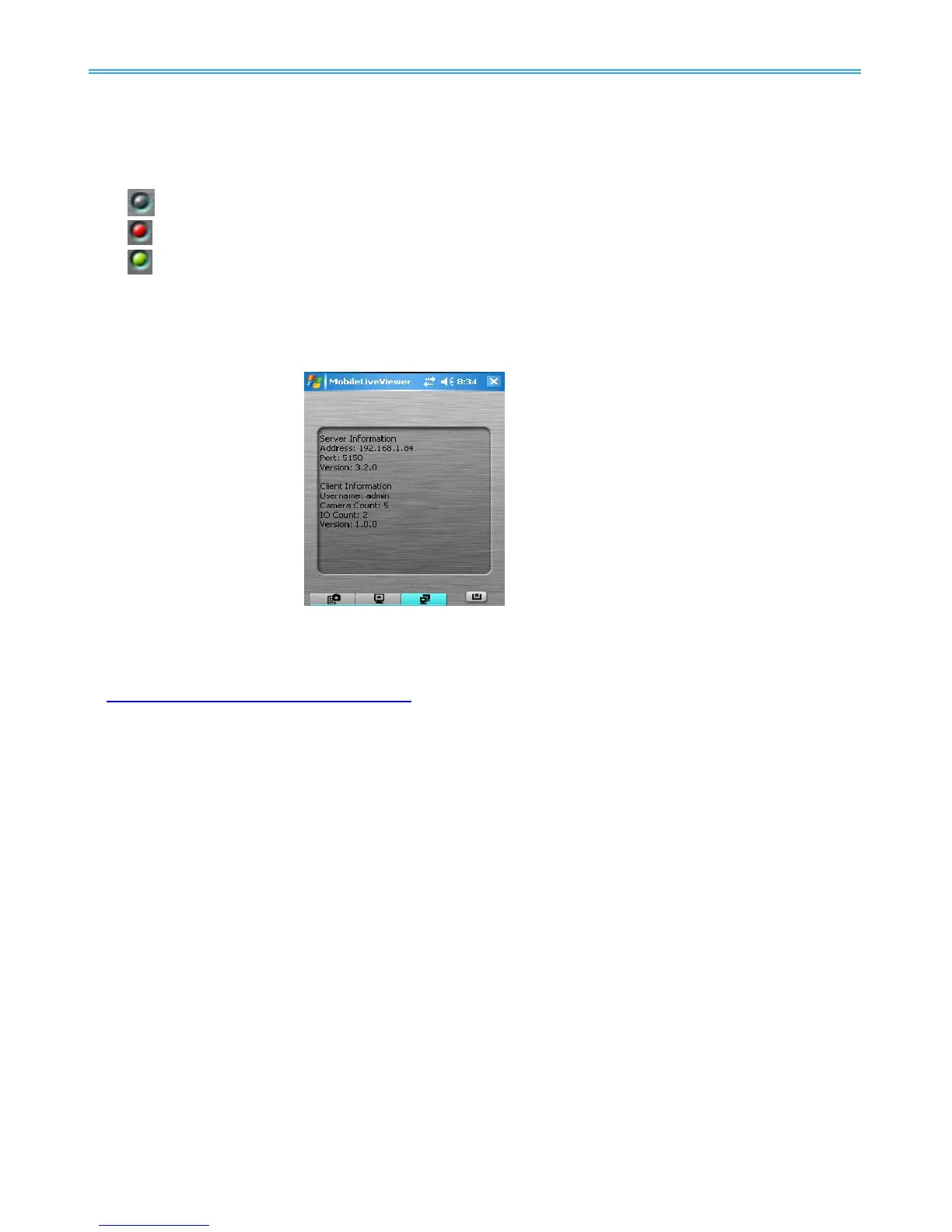
1.3.3 System Info
Display the server and client information. Server information includes address, post, and version. Client
information includes login user, count of camera and I/O device with access authority and version.
For NUUO’s latest release of Android application based client NUUO iViewer, please log on
to
http://www.nuuo.com/faq.php?node=1315 for more information and product demo videos.



 To Next Page