The Intelligent Surveillance Solution
NUUO NVR/DVR/Hybrid NDVR System
- 81 -
Last Backup
Last Backup Start: Time and date last backup started.
Last Backup Stop: Time and date last backup was complete or had failed.
Backup Video Period: Total time spent on last backup process.
Backup Size: Total file size of last backup.
Backup Result:
Completed: Last backup succeeded.
Failed: Last backup failed, under retry process.
Timeout: Last backup failed, retry process timed out.
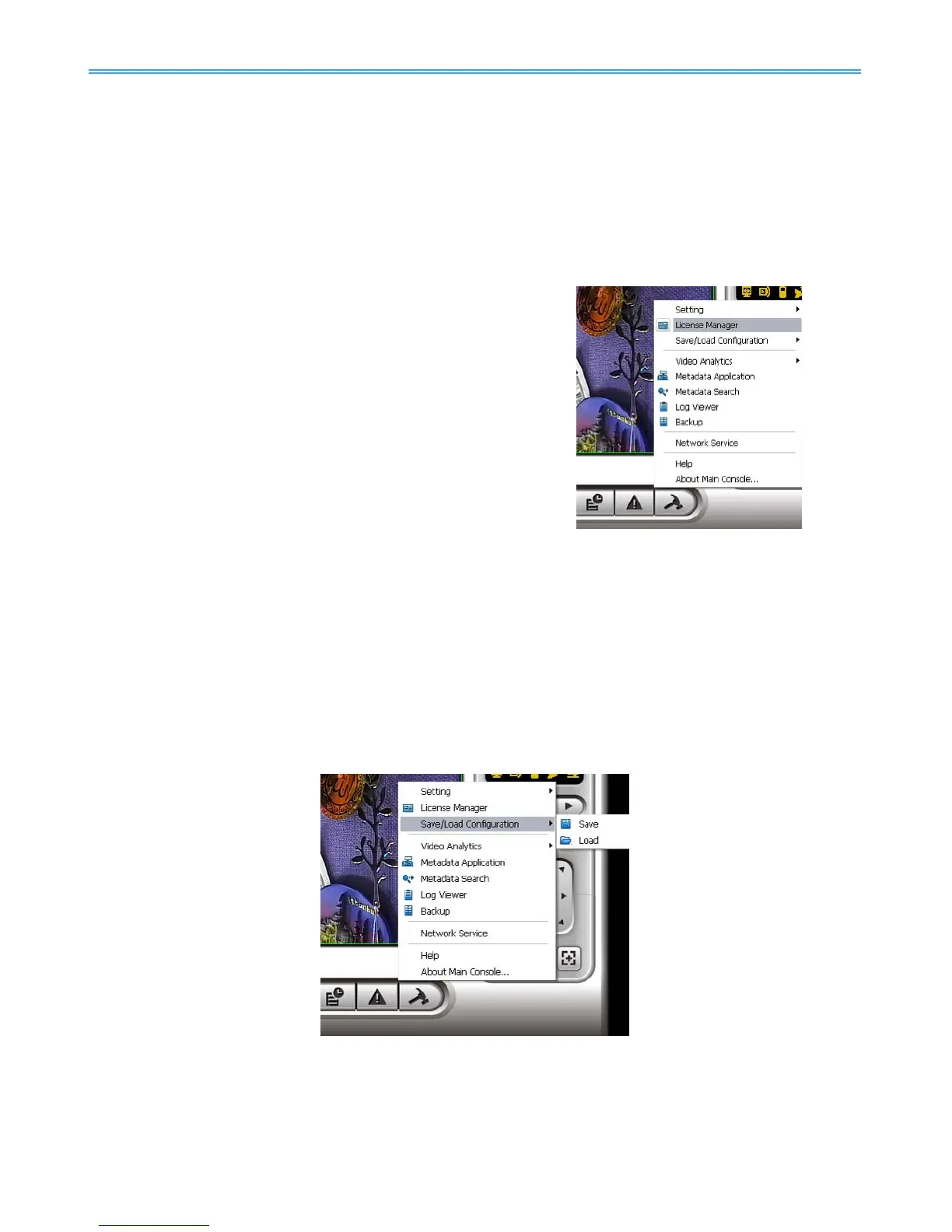
5.11 License Manager
The license of the software should be registered first before
operating the former version of Intelligent Surveillance System.
Execute the License Management Tool in Config >License
Manager to activate the license from dongle or serial number
allocated with the software package, or de-activate the license
then bring it to another PC to activate it again.
Note: Please refer to page 118 for the detail setting of License
Management tool.
5.12 Save/ Load Configuration
The Save/ Load Configuration function allows system users to save any specific setting as a CFG (config)
file. You may save several different CFG files at a time.
Save Configuration: To save a specific setting, go to Config - Save/Load Configuration - Save. In the popup
window, type in the file name and then save it as a CFG file.
Load Configuration: To load a specific setting, go to Config - Save/ Load Configuration - Load. In the popup
window, go to the directory that you saved the CFG files at, select any one of them and then click OK to
load the file.
Note: Main Console will be automatically shut down after loading a new configuration. Restart Main
Console manually.



 To Next Page