The Intelligent Surveillance Solution
NUUO NVR/DVR/Hybrid NDVR System
- 49 -
Holiday: You may assign holidays where the system will work according to the setting for Sunday.
Note: The default Holiday setting will apply Sunday’s settings. For the Middle East region where Friday is a
holiday, please adjust setting by right clicking on
and select “Apply Holiday Schedule
From…”.
Custom: You can assign a particular date(s) on which the system will work according to a special schedule(s)
different from the others.
3.2 Adjust the Scheduled Setting:
You can manually change the setting at any time after you insert or load a schedule.
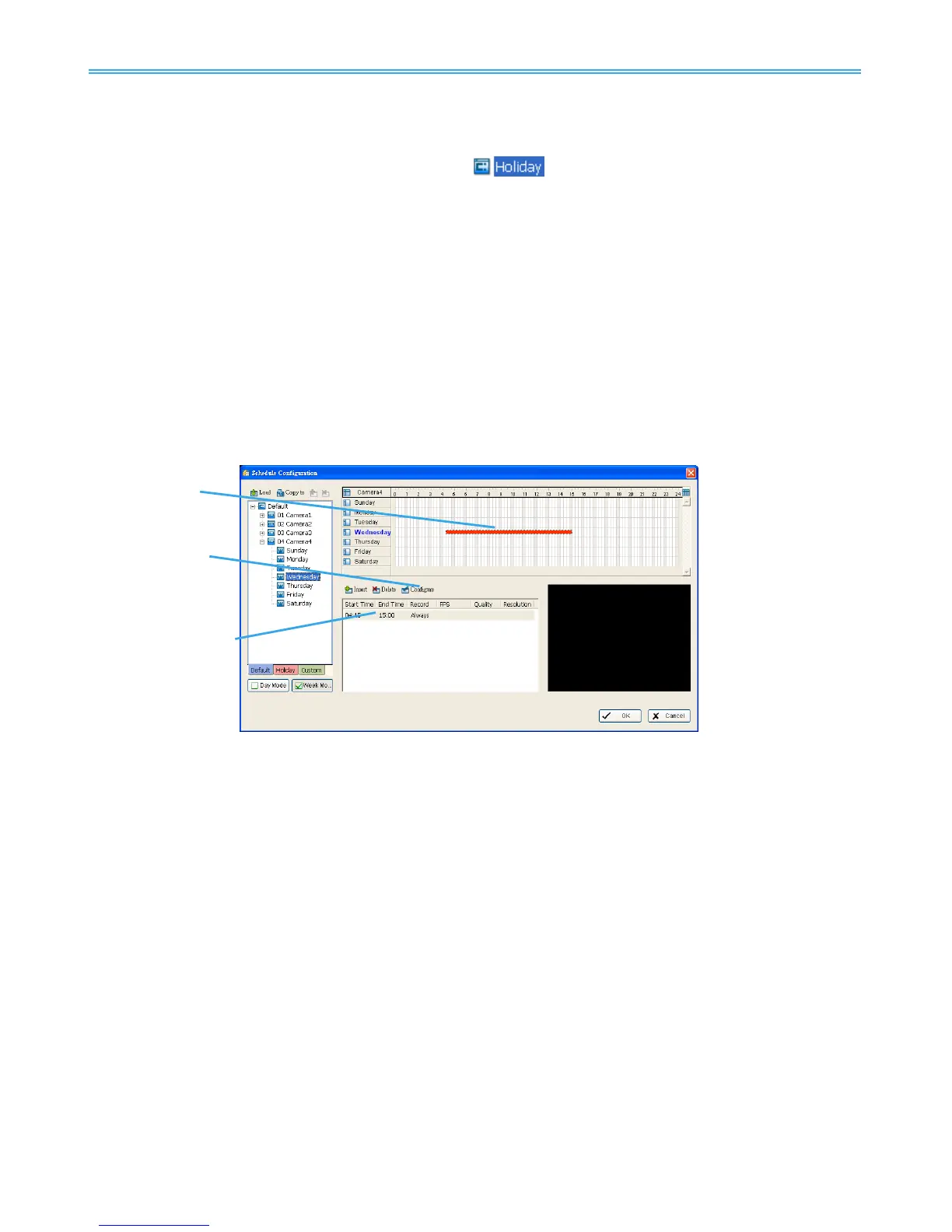
Option 1: Move the cursor to the “Time Bar” and change the length or move the bar sideways to
change the start and end points.
Option 2: Click on the Configure icon or double click on “Schedule Information” from the list to obtain
the “Encoding Option” panel (next page) and select the desired setting.



 To Next Page