The Intelligent Surveillance Solution
NUUO NVR/DVR/Hybrid NDVR System
- 114 -
10. Web View
Note: Make sure the Live Stream Server is enabled. Check 5.14 Network Service for more detail.
10.1 Server IP
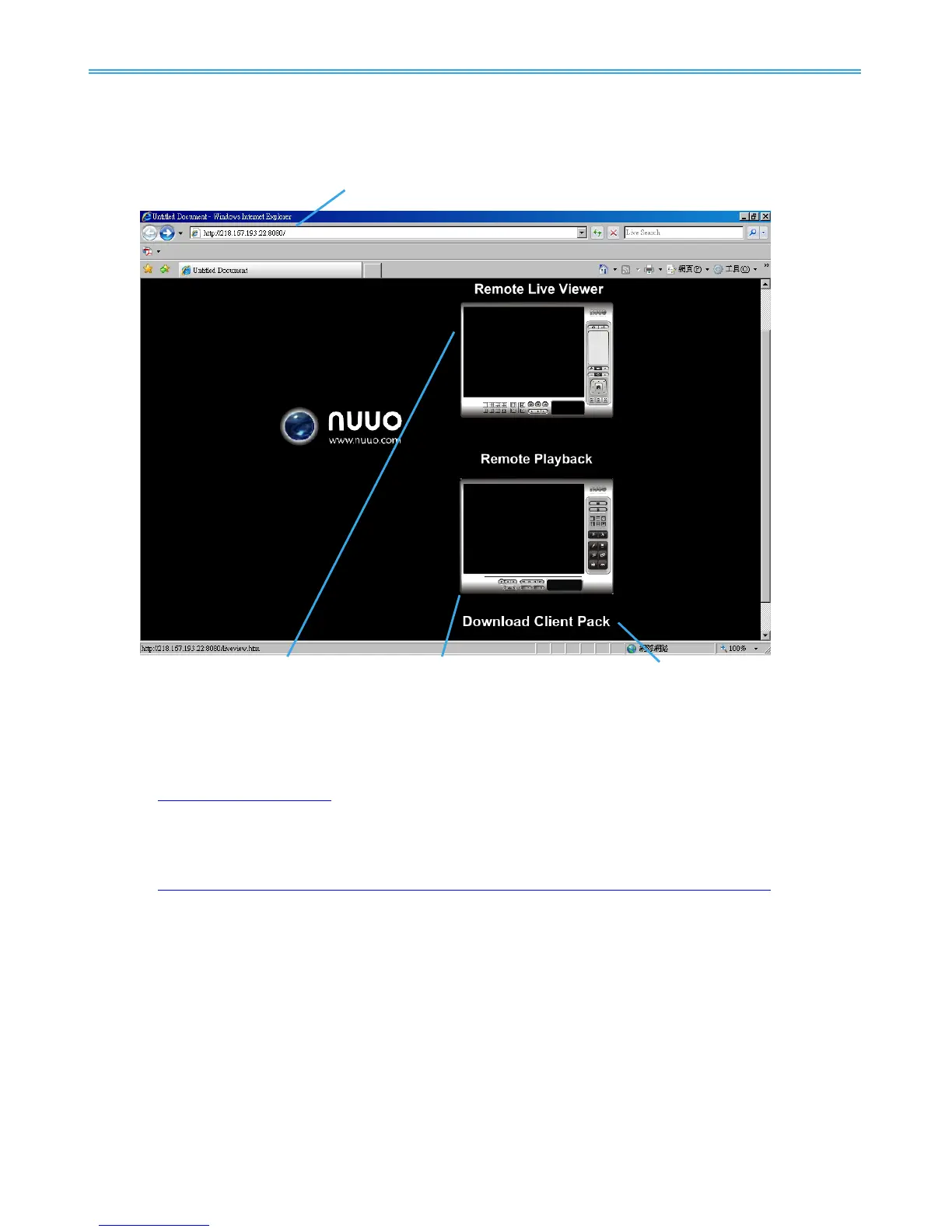
Start Internet Explorer browser and enter the IP address or DDNS name of the server followed by the
connecting port.
Example:
http://192.168.1.16:8080/
Note: 192.168.1.16 is the IP address of the server.
8080 is the port specified in Use Default Web Server in Network Service.
To connect directly to Remote Live Viewer without additional login, you may input username and password
in the URL.
Example:
http://192.168.1.16:8080/liveview-htmlskin/LiveView.html?user=admin&password=12345
(Username: admin, password:12345 in this example)
10.2 Remote Live Viewer
Press this icon to use Remote Live Viewer which functions are the same as Remote Live Viewer. See page
104 for details.
10.3 Remote Playback
Press this icon to use Remote Playback which functions are the same as Playback except remote server
and backup functions. See page 30 for details.
10.4 Download Client Pack
Press to download client pack to install application based Remote Live Viewer and Remote Playback.



 To Next Page