The Intelligent Surveillance Solution
NUUO NVR/DVR/Hybrid NDVR System
- 90 -
Options:
Port: Assign a port for NUUO Desktop tool to login and configure system.
Disconnect idle client after (300~3600 sec): Auto disconnect the on-line user who idled more than set
period.
Authentication:
Enabling this option would only allow admin account to use NUUO Desktop tool to login system.
Service:
Server Status: Click on Start/Stop to turn on/off this option.
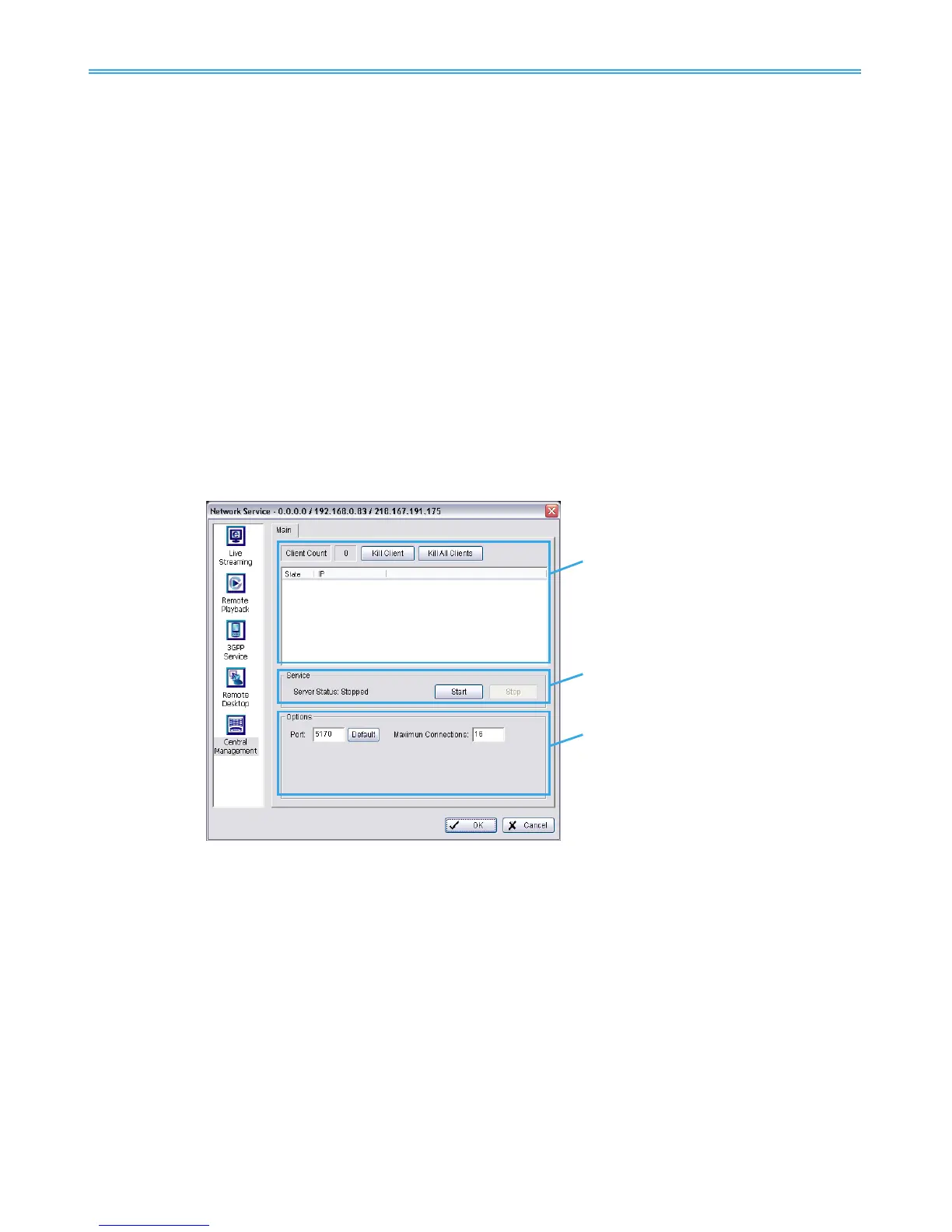
5.17.5 Central Management Service
* Note: This function is not available under NUUO NVR Lite license.
This service only supports NUUO Central Management System (NCS). Having started the Central
Management Service, Main Console sends event information to NCS and allows the NCS system to control
I/O devices from a remote site.
Note:
1. To enable this action, go Guard >Action and select “Send to Central Server” to enable the action
triggered by preference event.
2. Please refer to the user manual of NUUO’s Central Management System for detailed information.
Client list:
Client Count: Show the amount of NCS Servers that are connected to system.
Kill Client: Highlight an IP address and click on the “Kill Client” button to block the client from your client
list.
Kill All Clients: Click on this button and then block all the clients logged in to your system.
Service:
Server Status: Click on Start/Stop to turn on/off this option.
Options: Adjust the setting only when the server is stopped.
Port: Assign a port for NCS System to connect Main Console system. Default port is 5170.
Number of connections from NCS Servers that are allowed to connect to the system. The default is 8
NCS Servers and maximum is 16.



 To Next Page