The Intelligent Surveillance Solution
NUUO NVR/DVR/Hybrid NDVR System
- 32 -
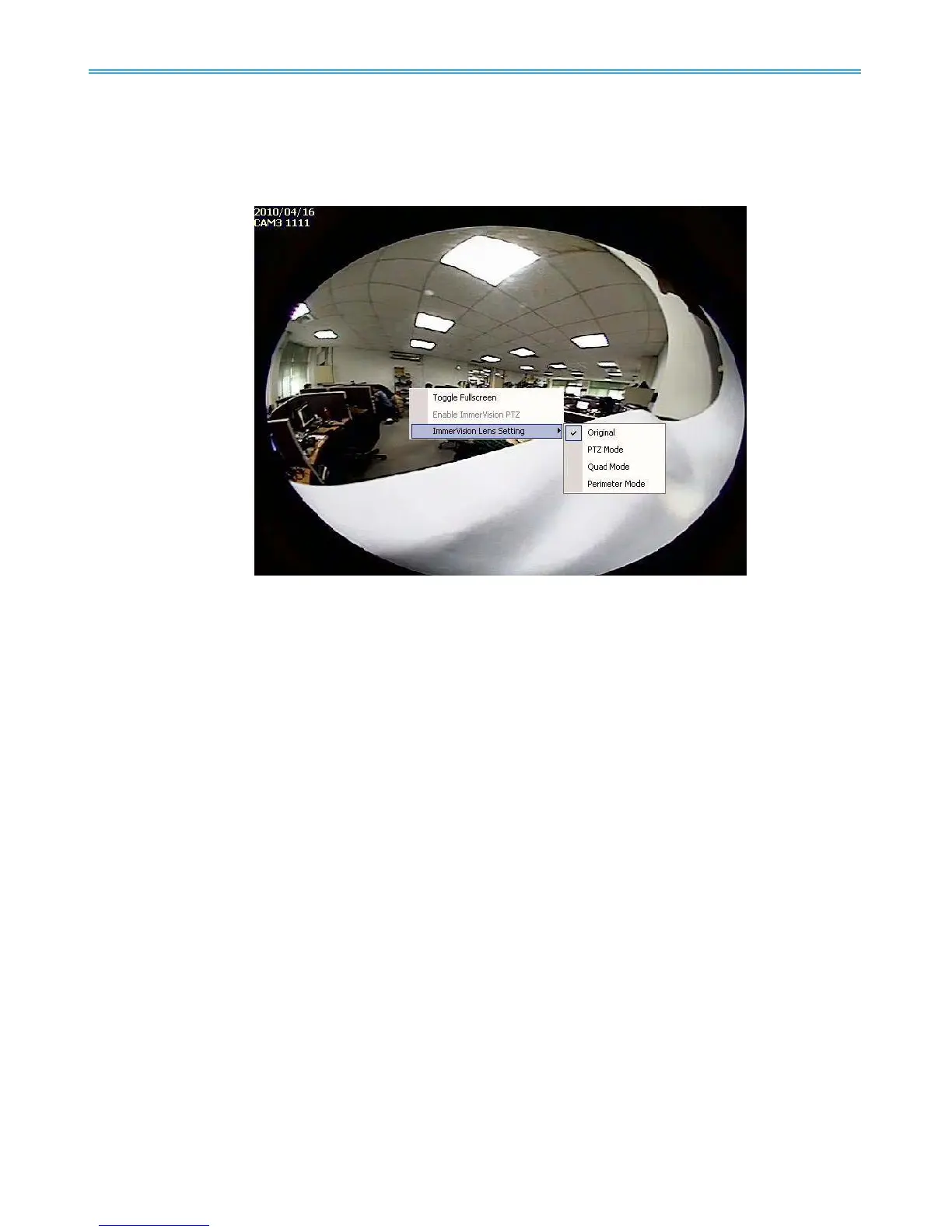
On Screen Menu:
Toggle Fullscreen: Select to view cameras under full screen. Press “Esc” or right click to go back to
original view.
Enable ImmerVision PTZ: Adjust PTZ in PTZ mode. (Depend on device)
ImmerVision Lens Setting: Select the mode of lens, original, PTZ mode, Quad mode and Perimeter
mode. (Depend on device)



 To Next Page