Service ManualY100250-4 9-9
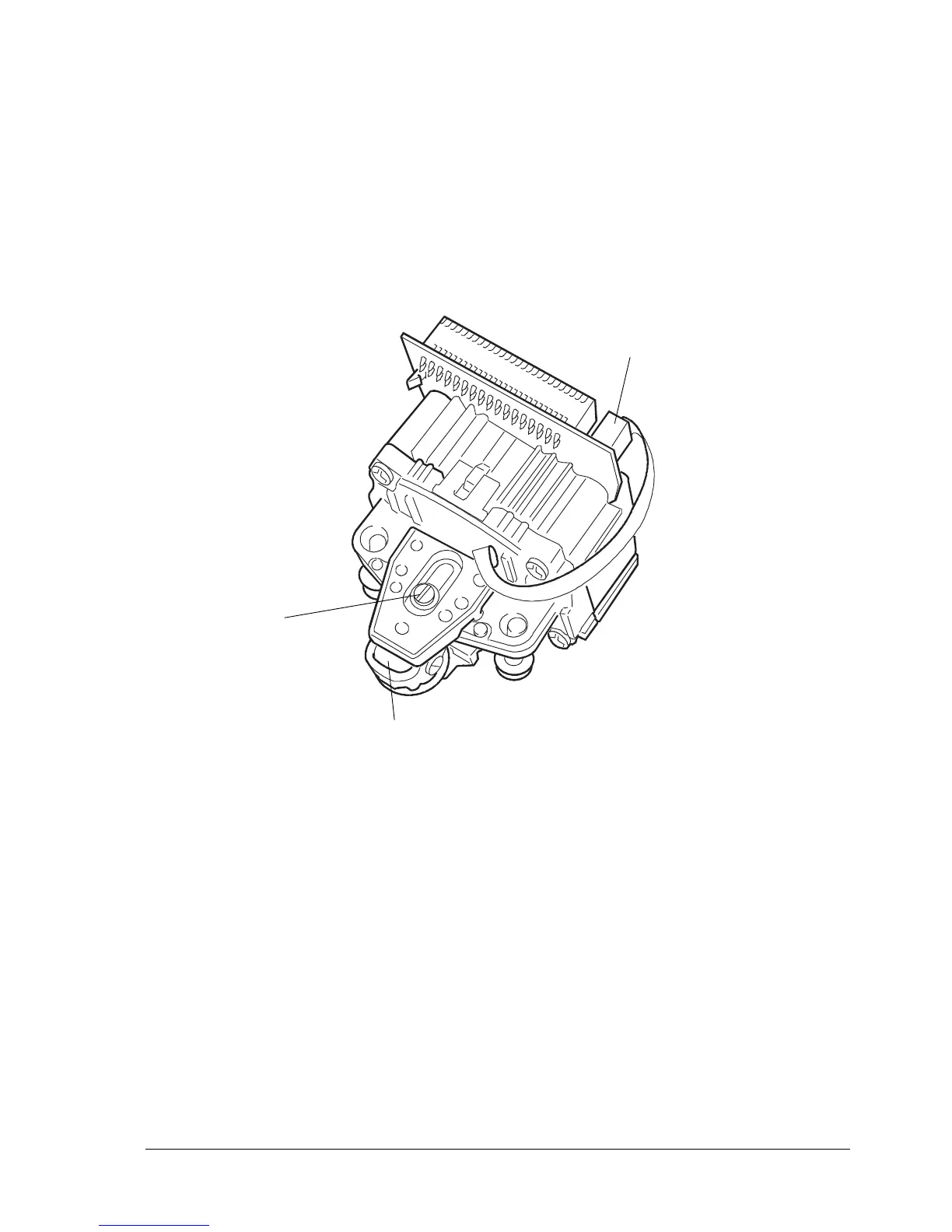
9.2.6 PRINTHEAD PHOTOSENSOR DISASSEMBLY/REASSEMBLY
- Remove the printhead (section 9.2.5).
- Remove screw (1) that secures the printhead photosensor and remove the photosensor from its
seat.
- Unplug the photosensor flat cable from its connector (2) on the printhead.
- Replace the old photosensor with the new one, making sure that it rests against support shield (3);;
replace and tighten the securing screw (1).
Note: The printhead photosensor must be calibrated whenever the printhead is replaced.
Fig. 9-7
1
3
2



 To Next Page