Service ManualY100250-4 9-23
9.3.2 HORIZONTAL MAGNETIC DEVICE/MICR MOTOR DISASSEMBLY/REASSEMBLY
- Remove the printer case (section 9.2.1).
- Remove the horizontal magnetic device/MICR assy (section 9.3.1).
- Unplug the motor cable from the magnetic options card.
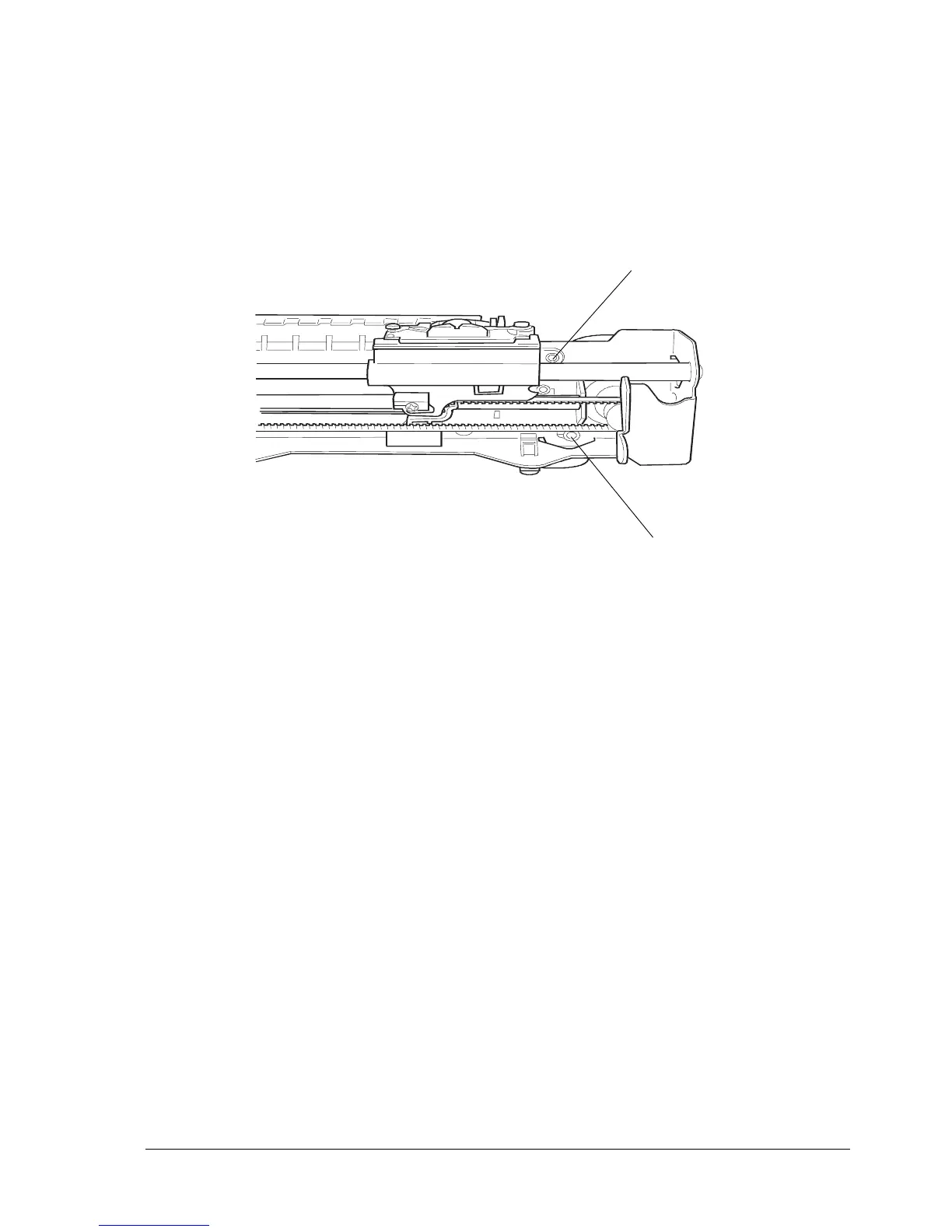
- Loosen the two screws (1) and then remove the motor with its related protective shield.
1
1
Fig. 9-24



 To Next Page