9-6
Y100250-4
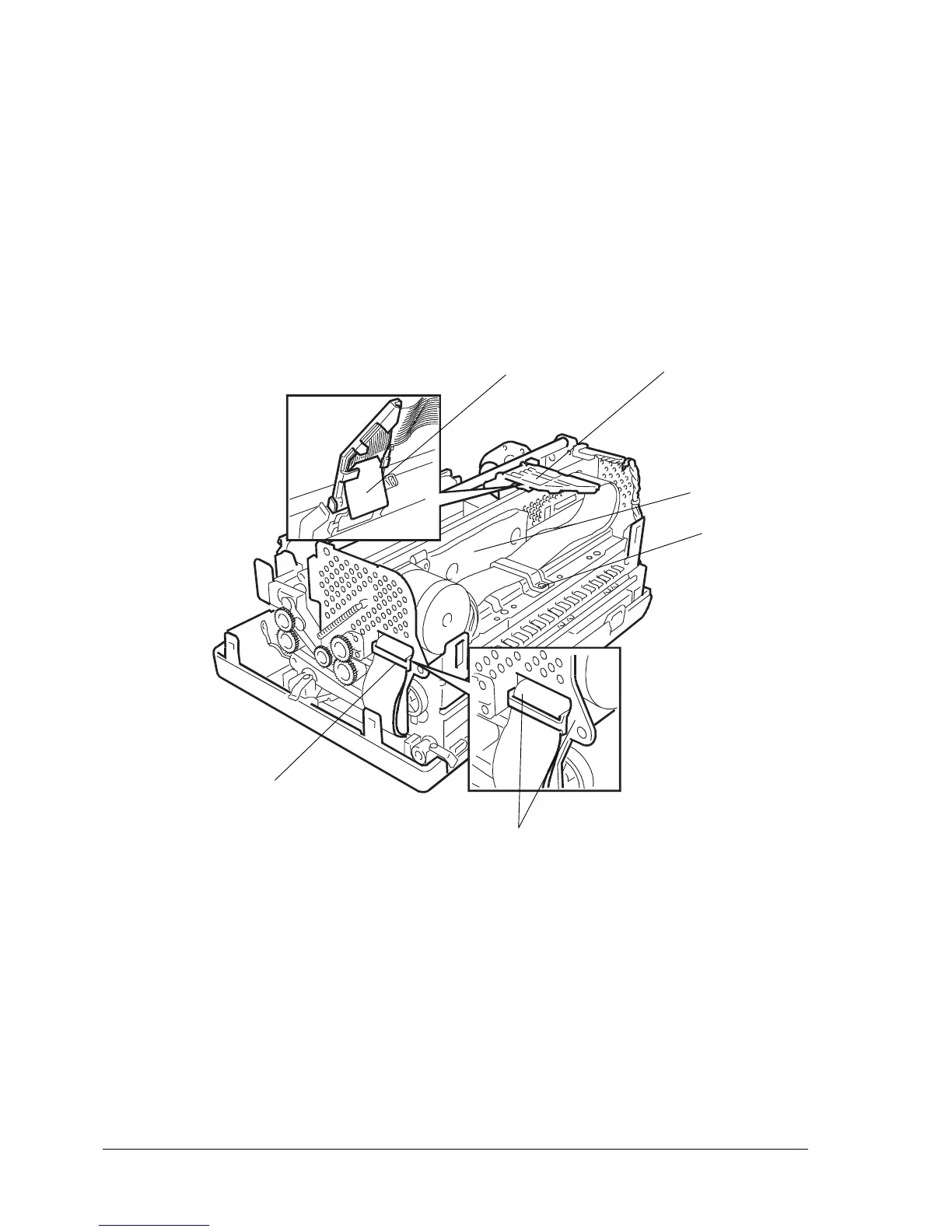
9.2.4 PRINTHEAD FLAT CABLE DISASSEMBLY/REASSEMBLY
- Remove the printer case (section 9.2.1).
- Free the cable clip (1) located on the right-hand side of the frame by unhooking it from the inside (2)
of the frame itself.
- Remove the soundproofing (3).
- Loosen screw (4) that secures the rear cable fastener, rotate the fastener and then free the flat
cables.
- Rotate the flat cable support (5) connected to the printhead upwards as far as it goes.
- Remove the mylar sheet (6) from underneath the flat cable support, then free the flat cables from their
securing tabs on the support.
1
Fig. 9-4
2
3
4
5
6



 To Next Page