Y100250-4
3-14
3.7 OPERATING PROCEDURES
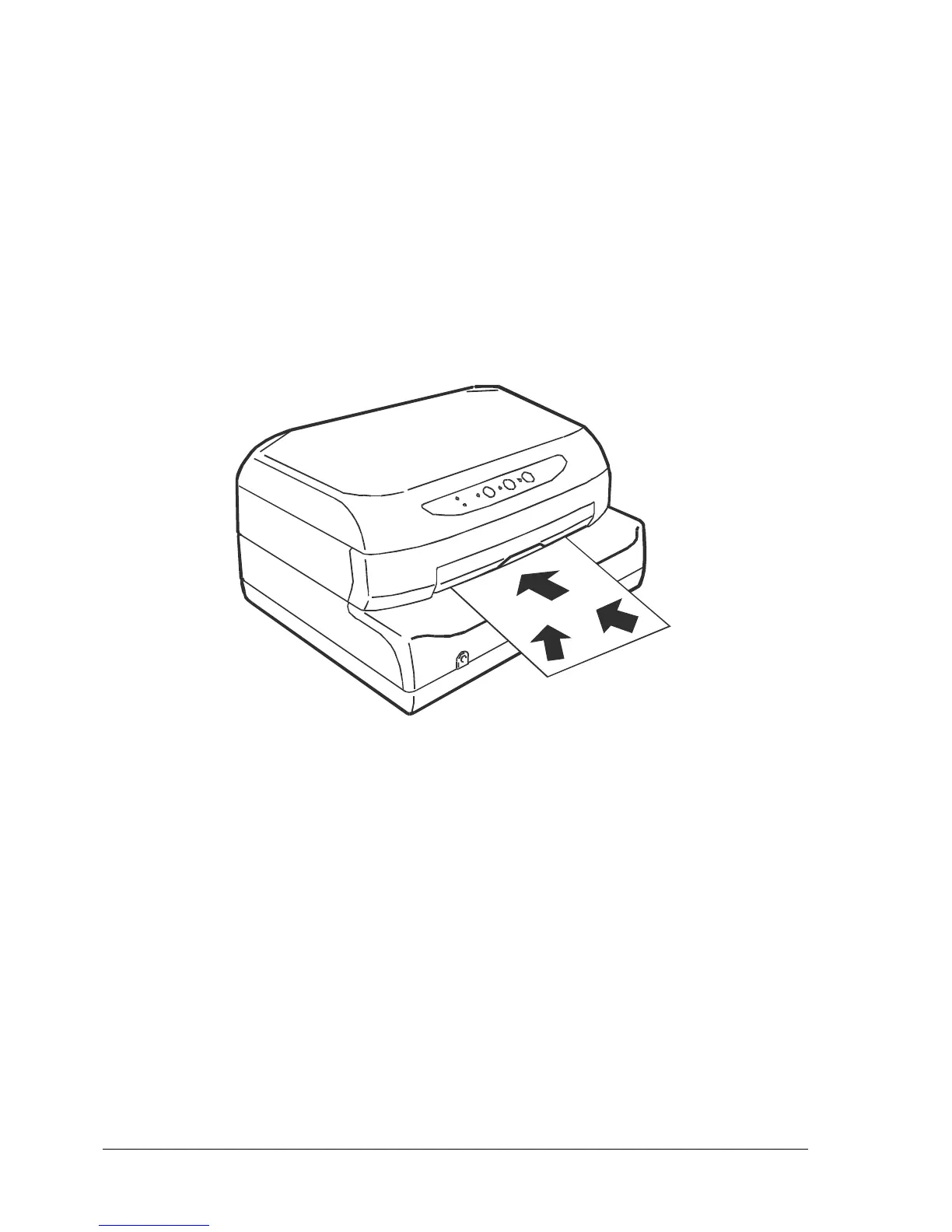
3.7.1 INSERTING A DOCUMENT WITH AUTOMATIC ALIGNMENT
The front shelf on the case helps to insert the document in the printer.
- With the printer powered on, place the document at the center of the front slot and then insert it into
the feed slot.
- Release the document as soon as the automatic alignment system is activated.
Fig. 3-12 Automatic Document Insertion



 To Next Page