Service ManualY100250-4
3-15
3.7.2 INSERTING A SAVINGS BOOK
Before inserting a savings book, open it and press it along its spine so that it remains completely open
horizontally. Make sure that pages of the book are not folded or ripped so as to prevent a poor print
quality and errors during book insertion.
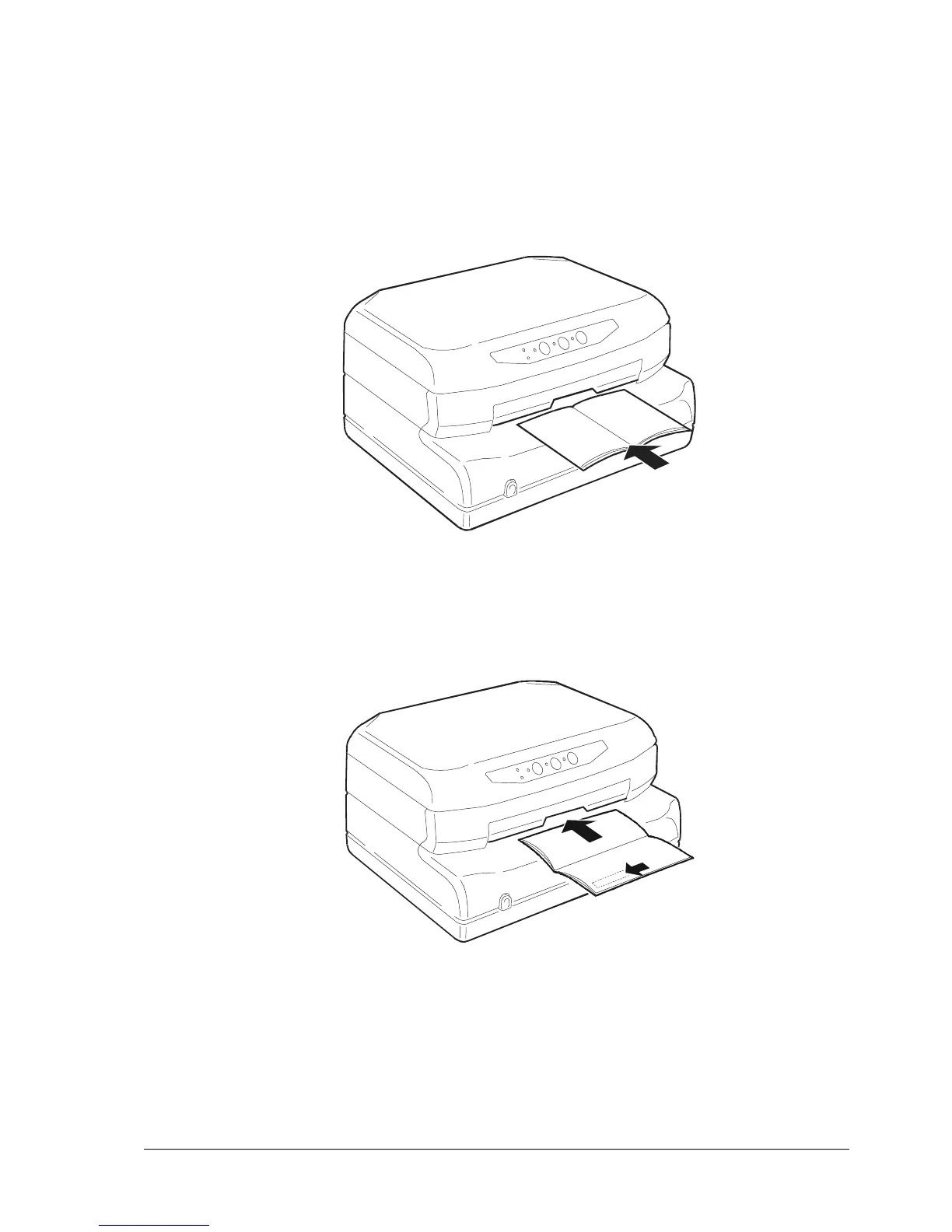
Place the open savings book on the front shelf with the magnetic stripe on the bottom.
Fig. 3-13 Manual Insertion of a Savings Book
Fig. 3-14 Manual Insertion of a Savings Book with Magnetic Stripe



 To Next Page