Y100250-4
2-2
2.1 POWER SWITCH
The printer is equipped with a two-pole power switch. The switch on/off command is provided by means
of a rod that crosses the printer longitudinally.
2.2 CONSOLE
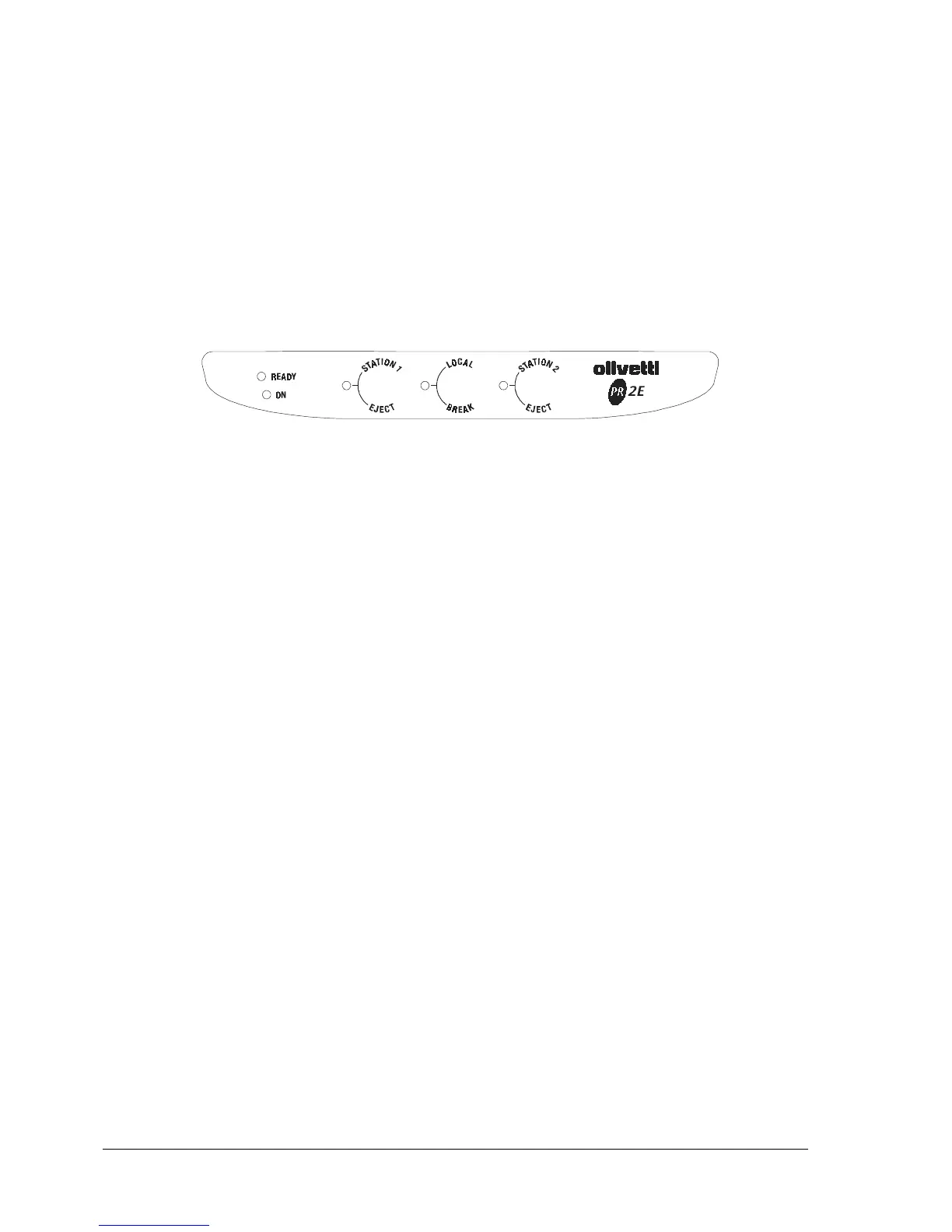
The printer console has five LEDs and three buttons.
Fig. 2-2 Console
The console is also equipped with a circuit breaker (Dry-reed) that informs the board logics when the
printer's top cover is opened.
During the machine set-up (section 4.3) or adjustment (section 4.4) phases, the buttons perform
different functions according to the procedures in which they are used.



 To Next Page