Service ManualY100250-4
2-9
2.6 UPPER MECHANICAL ASSEMBLY LIFTING LEVER
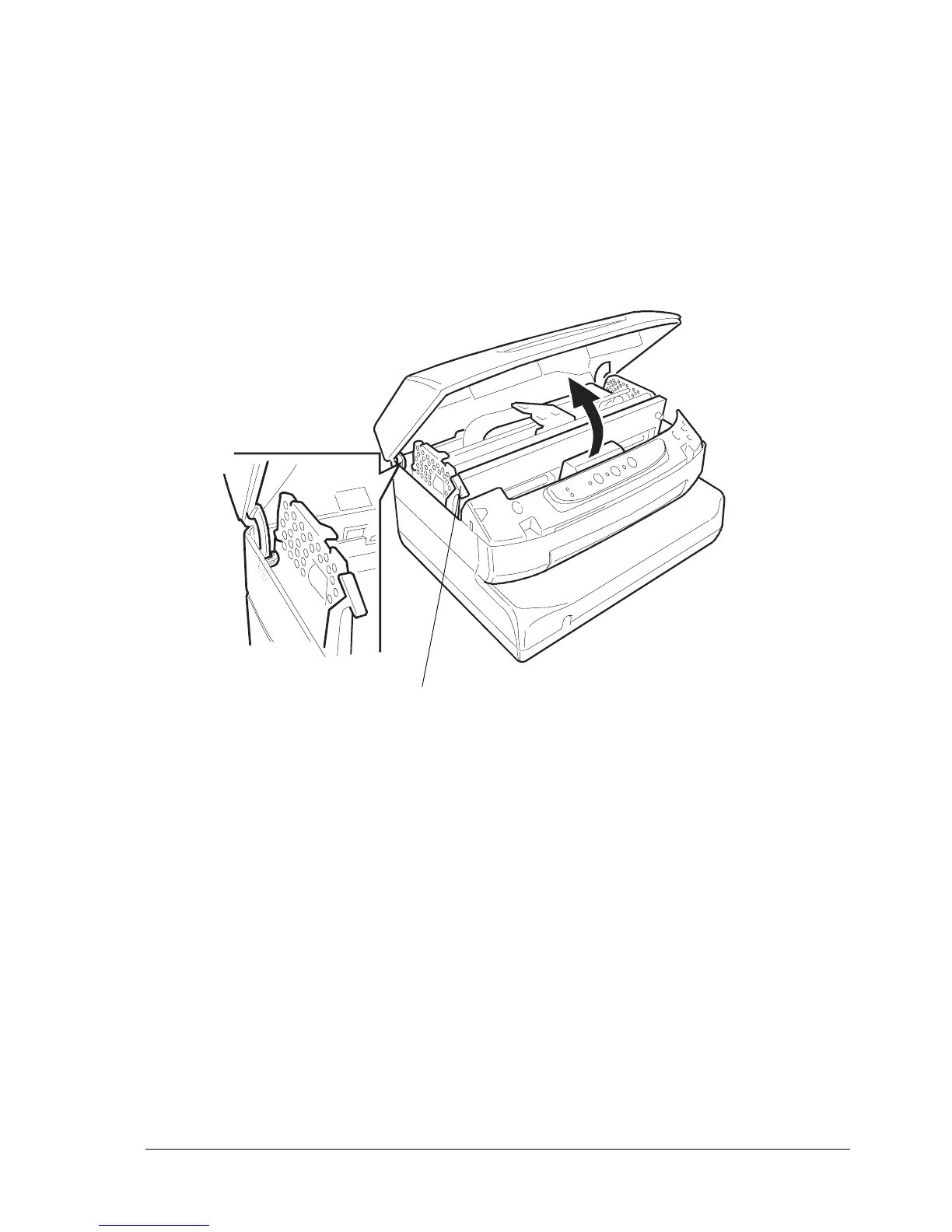
The upper mechanical assembly lifting lever (1) is located on the left-hand side of the printer and is used
to lift the upper part of the mechanical assembly so that you can access the internal paper path so that
paper jams can be cleared without needing to power off the printer.
To access this lever, lift the printer cover about 45 degrees until it stops.
Fig. 2-3 Opening the Cover
1



 To Next Page