Service ManualY100250-4
3-3
Unpacking and Setting-Up the Printer
- Remove the machine from its protective bag.
- Open the printer's top cover completely, forcing it to a horizontal position.
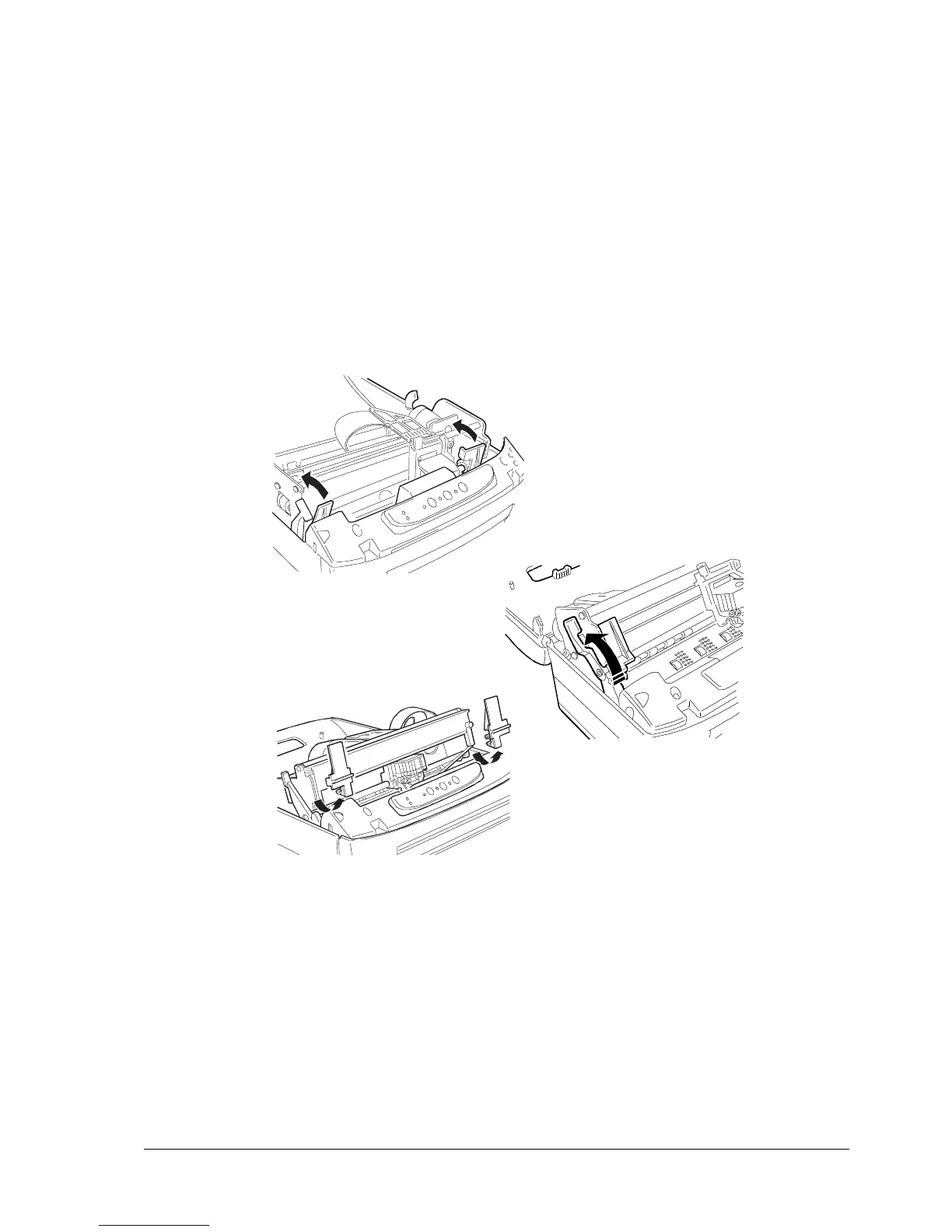
- Push forward the two red plastic retainers that lock the print carriage (illustration 1 in the following
figure).
- Lift the upper part of the mechanical assembly (illustration 2 in the following figure) and then remove
the two retainers (illustration 3 in the following figure).
Fig. 3-2 Removing the Transportation Retainers
- Quickly check that the printer was not damaged during transportation.
- Install the ribbon cartridge (section 3.7.5)
- Close the machine.
1
2
3



 To Next Page