User’s Manual of IGS-20040MT
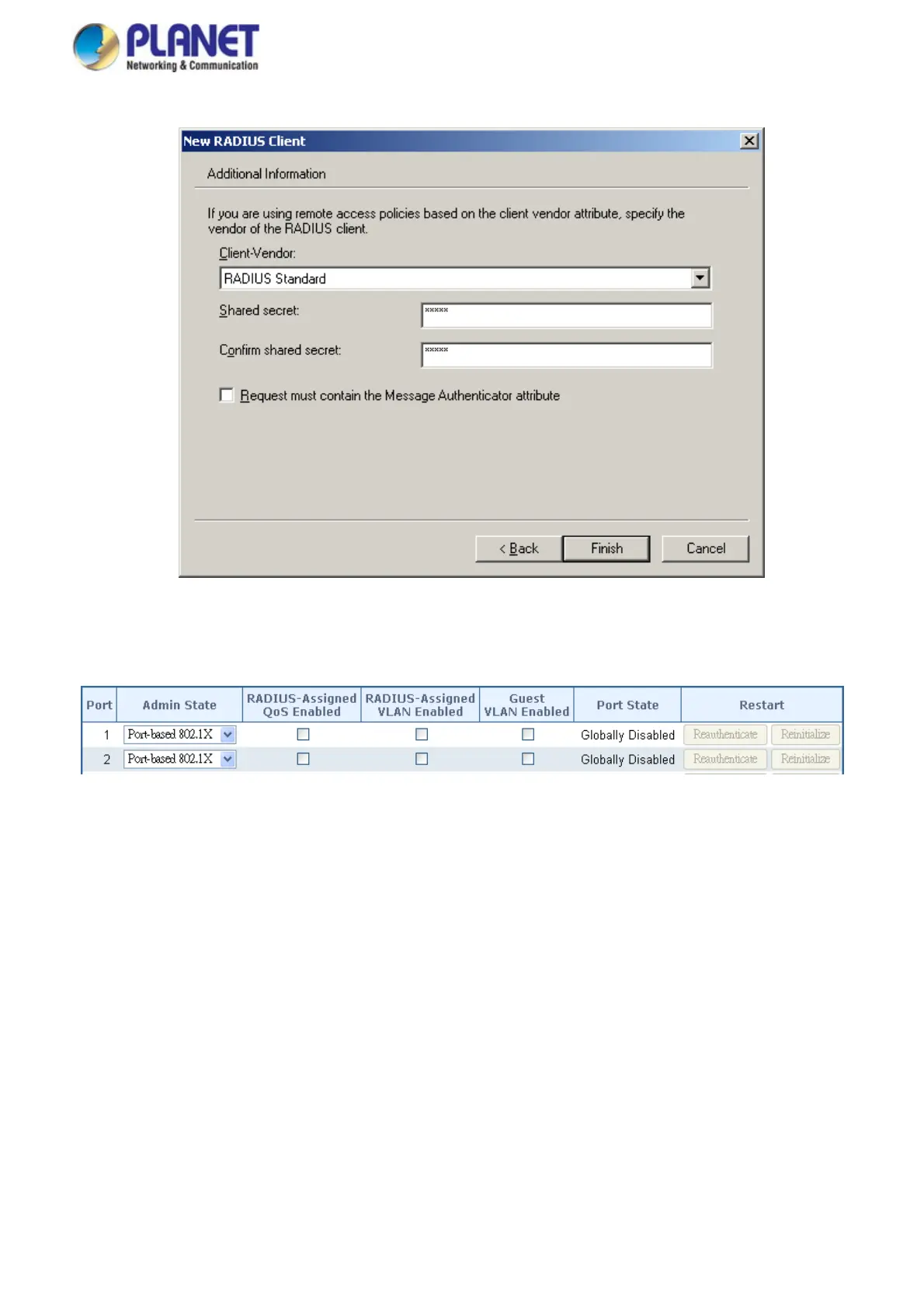
4. The shared secret key should be the same as the key configured on the Industrial Managed Switch.
Figure 4-11-14: Windows Server RADIUS Server Setting
5. Configure ports attribute of 802.1X the same as “802.1X Port Configuration”.
Figure 4-11-15: 802.1x Port Configuration
6. Create user data. The establishment of the user data needs to be created on the Radius Server PC. For example, the
Radius Server is founded on Win2003 Server, and then:
272














 To Next Page