User’s Manual of IGS-20040MT
4.5.3 LACP System Status
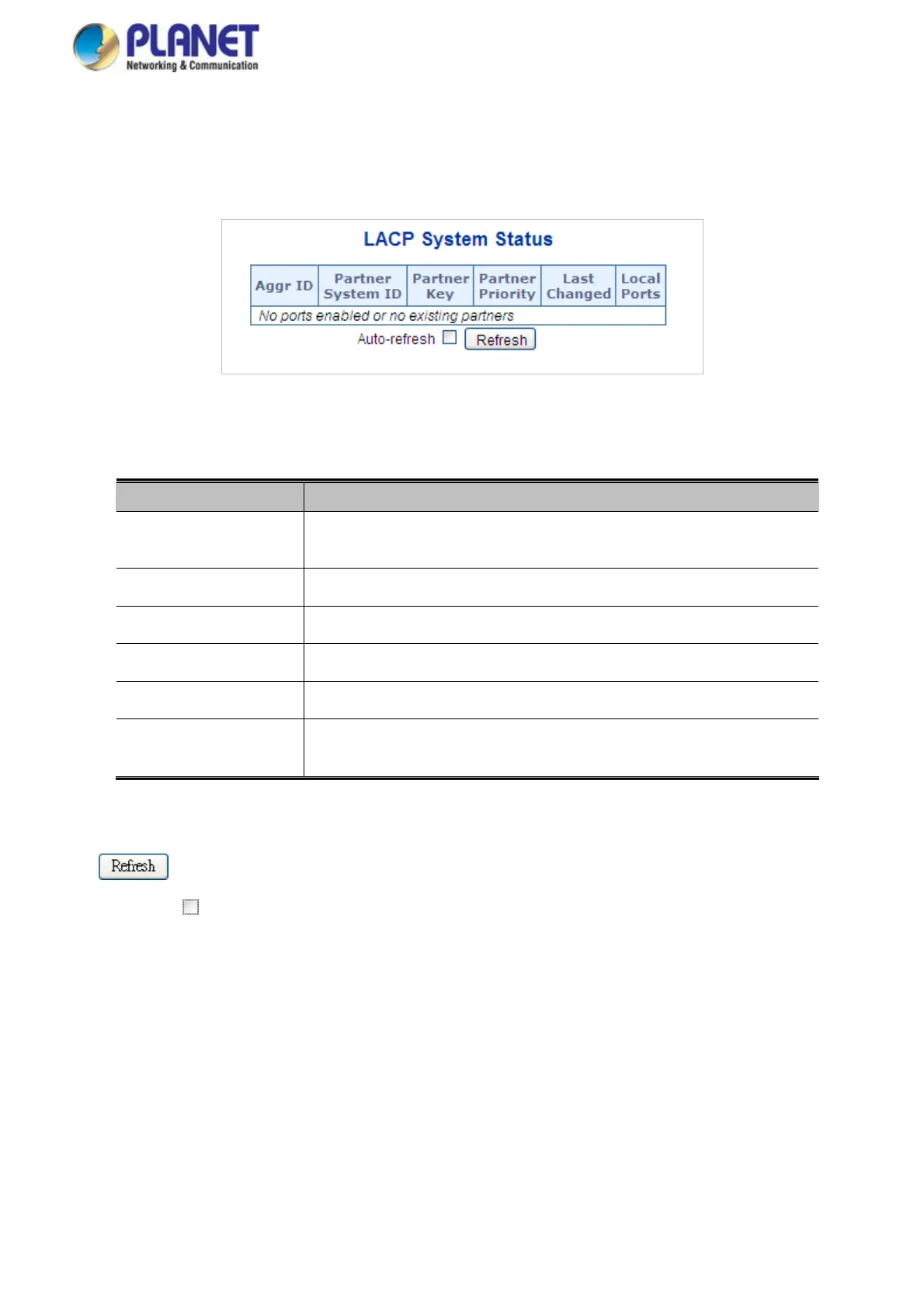
This Page provides a status overview for all LACP instances. The LACP Status Page displays the current LACP aggregation
Groups and LACP Port status. The LACP System Status screen in Figure 4-5-5 appears.
Figure 4-5-5: LACP System Status Page Screenshot
The Page includes the following fields:
Object Description
Aggr ID
The Aggregation ID associated with this aggregation instance.
For LLAG the id is shown as 'isid:aggr-id' and for GLAGs as 'aggr-id'
The system ID
(MAC address) of the aggregation partner.
Partner System ID
The key
that the partner has assigned to this aggregation ID.
Partner Key
The priority
of the aggregation partner.
Partner Priority
Last changed
The time since this aggregation changed.
Local Ports
Show which ports are a part of this aggregation for this switch/stack.
The format is: "Switch ID:Port".
Buttons
: Click to refresh the Page immediately.
Auto-refresh
: Automatic refresh occurs every 3 seconds.
112














 To Next Page