User’s Manual of IGS-20040MT
33
2.2.3 Wall Mount Plate Mounting
To install the Industrial Managed Switch on the wall, please follow the instructions below.
Follow all the DIN-rail installation steps as shown in the example.
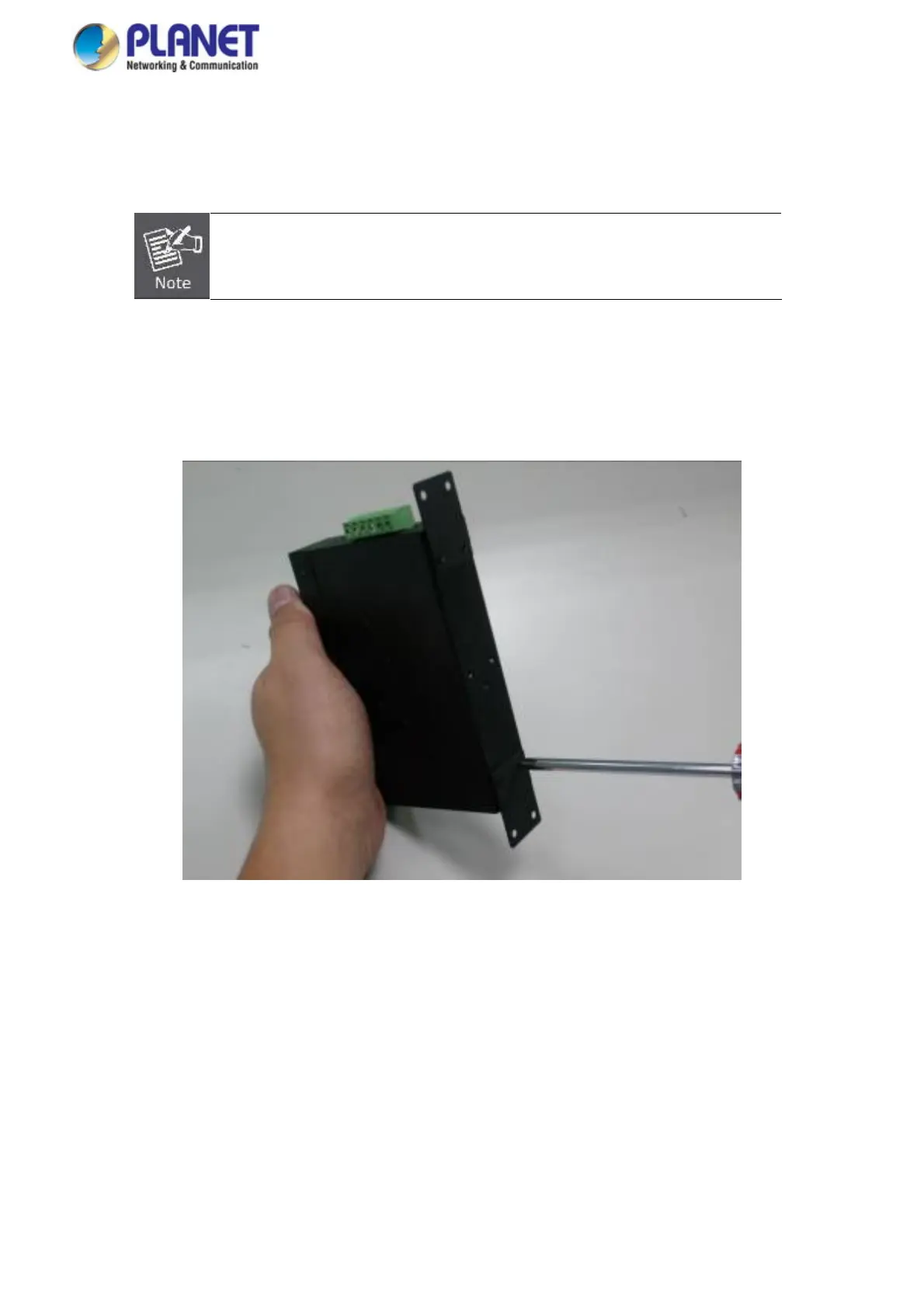
Step 1: Remove the DIN-rail from the Industrial Managed Switch. Use the screwdriver to loosen the screws to remove the
DIN-rail.
Step 2: Place the wall-mount plate on the rear panel of the Industrial Managed Switch.
Step 3: Use the screwdriver to screw the wall mount plate on the Industrial Managed Switch.
Step 4: Use the hook holes at the corners of the wall mount plate to hang the Industrial Managed Switch on the wall.
Step 5: To remove the wall mount plate, reverse the steps above.














 To Next Page