Handling the printer PrismJET 54 Gen2 OPERATION MANUAL
122 4.2 Media
4.2.3 Precaution on storing media after use
When storing roll media after use, follow these precautions to avoid print defects caused by cockling.
• After removing your roll media from the scroller, wind it back onto the roll properly and put it in
the original plastic bag. Then store it in the package it came in.
• Avoid high temperature, high humidity, and direct sunlight when storing media.
• Keep the media dry.
4.2.4 Printing area
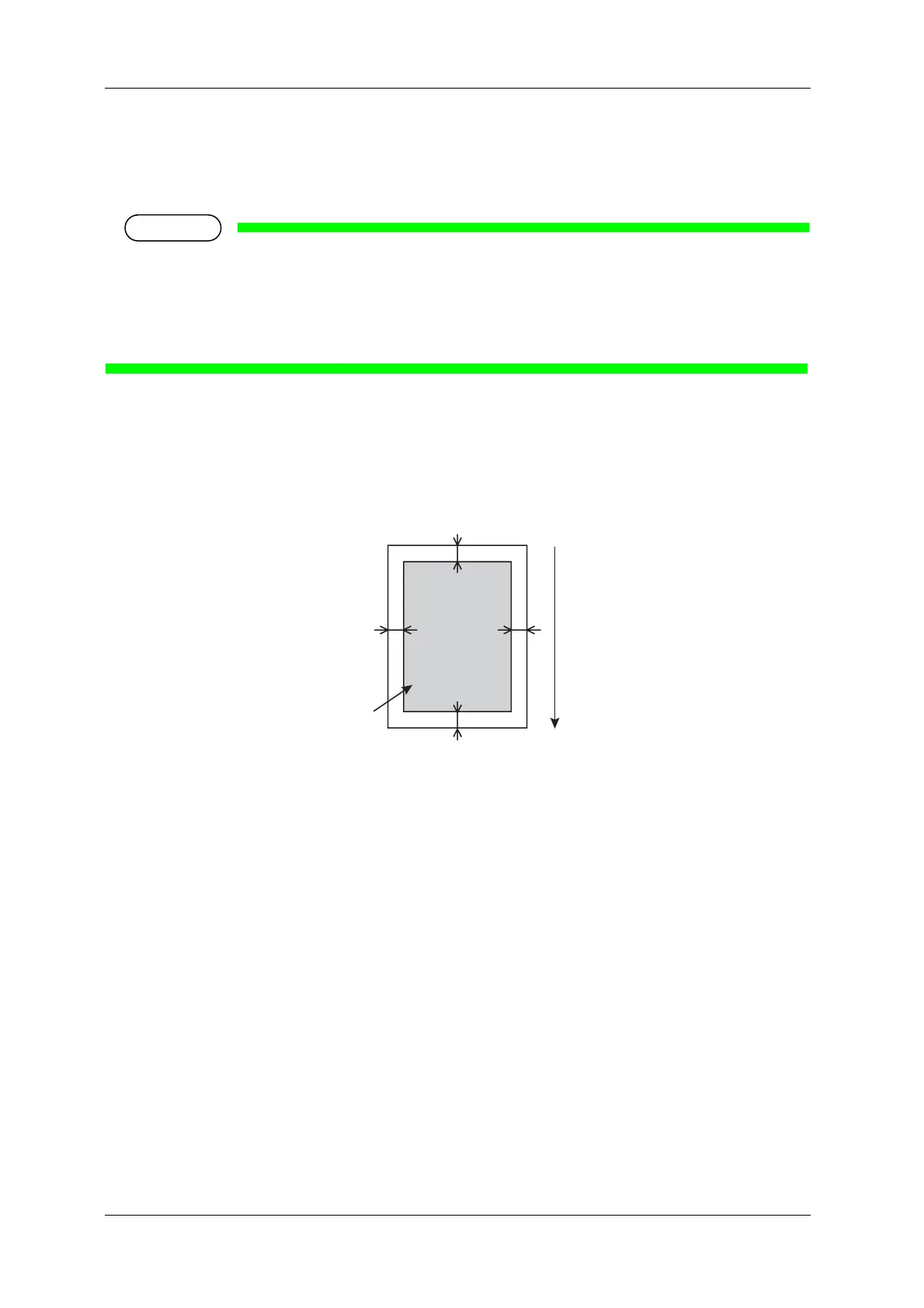
The printable area of this printer is as follows.
a
c
bd
Printable Area
a=5mm *1
b=5mm to 25mm *2
c=5mm
d=5mm to 25mm *2
*1 The value of “a” will be 15 mm in the
following cases:
• Immediately after media initialization
• When feeding the media backward
The value of “a” will be 40 mm in the
following cases:
• When Media Initial menu is set to
“Top&Width”
• After cutting the media
*2 Margin can be changed from the
Side Margin menu.
Media feeding direction



 To Next Page