PrismJET 54 Gen2 OPERATION MANUAL Panel setup menu
5.2 Test Print Menu 191
5.2 Test Print Menu
Performs nozzle check of the print head and setup list.
When the selected print mode of the user type is Quality or Production, Palette menu is not
displayed.
5.1.1.1.1 Print Mode menu
•Refer to the following for the operation procedure of test print.
3.5 Test print
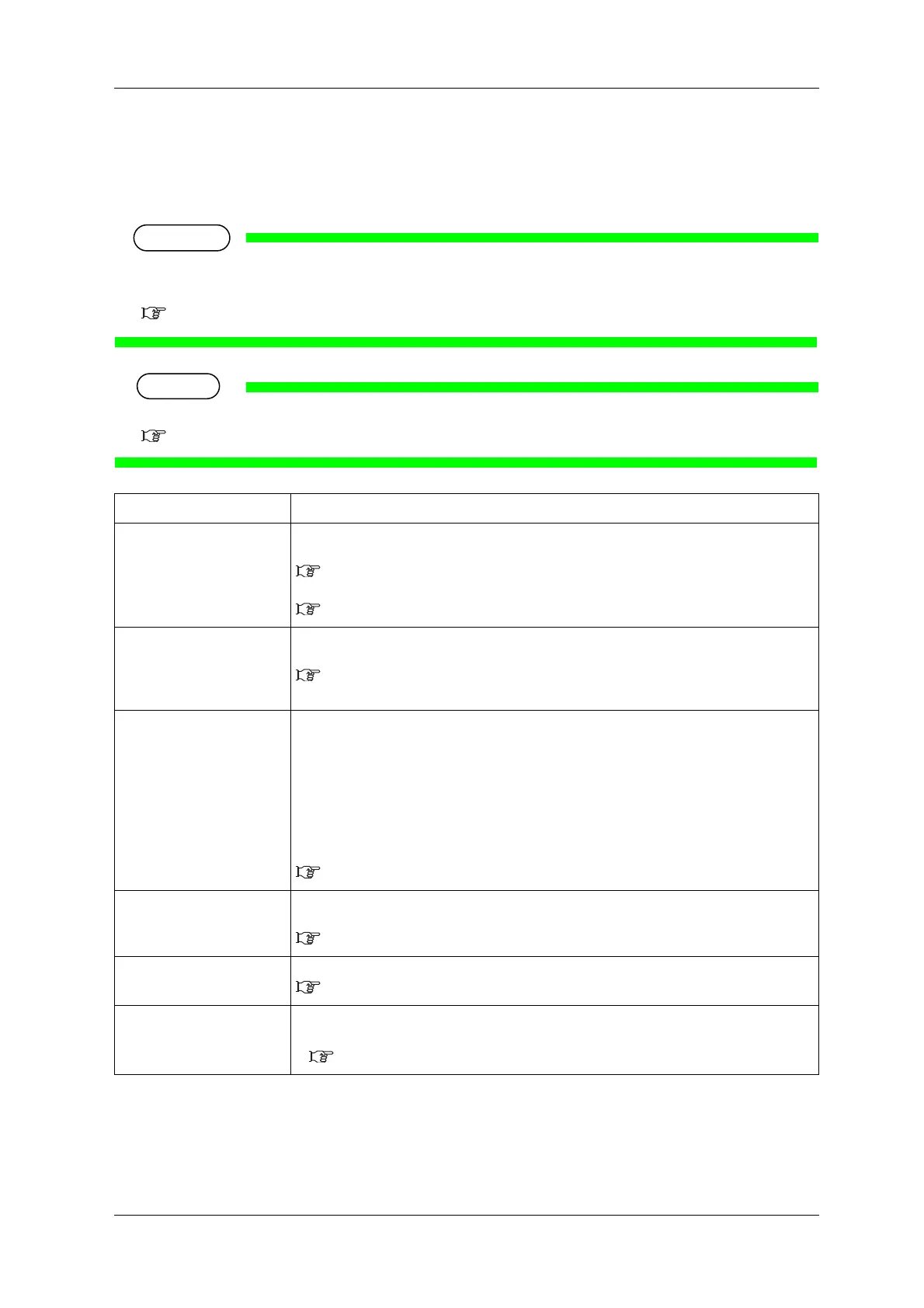
Setup item Description
Nozzle Check Perform the nozzle check printing.
It is used to check whether there are any clogged heads, or missing or blurred prints.
3.5.1 Nozzle check
Print a nozzle check pattern selected from Nozzle setting menu.
5.1.26.1 Nozzle Settings menu
Nozzle Check Perform the nozzle check printing.
It is used to check whether there are any clogged heads, or missing or blurred prints.
3.5.2 Nozzle check F
Print a nozzle check pattern using all of the nozzles on the print head.
Mode Print Mode print can be performed.
Used to confirm the following printing conditions.
• Print quality
•Effect
• Pre-heater temperature
• Platen heater temperature
• Dryer temperature
• Adjustment value
3.5.3 Mode print
Setup List Setup list printing is performed.
Used to check the setup item and the user type.
3.5.4 Setup print
Palette Palette print is executed for the color demonstration.
3.5.5 Palette print
—
• [Enter] key: “Printing” is displayed on the operation panel and test printing starts.
• [Cancel] key: shifts to the previous menu.
5 Panel setup menu



 To Next Page