Panel setup menu PrismJET 54 Gen2 OPERATION MANUAL
200 5.7 Display menu
5.7.3 Length menu
Sets the unit to display the length.
5.7.4 Remain Ink menu
Sets whether to display the ink level indicator.
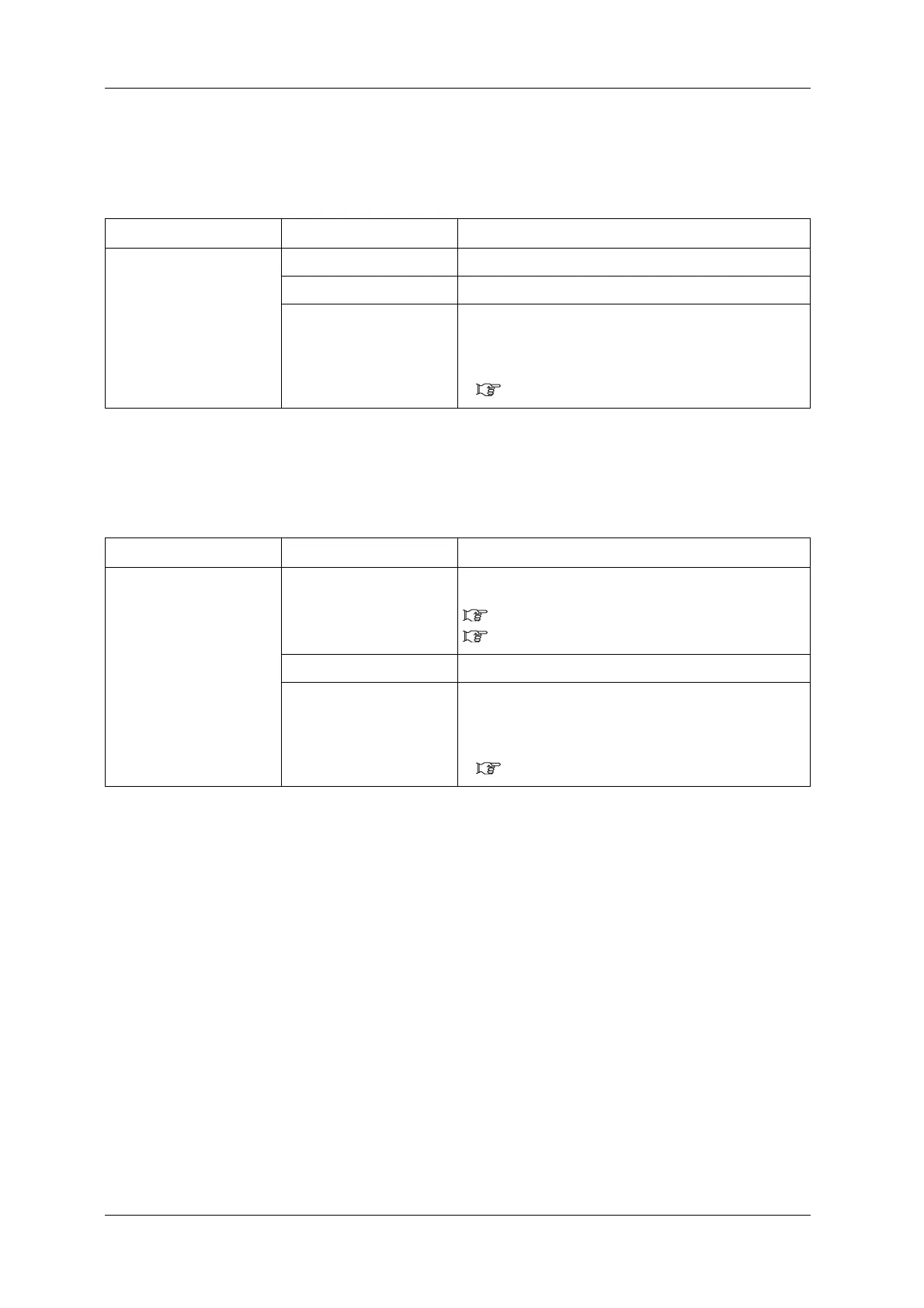
Setup item Setting Description
Length <mm> Displays the length in millimeters (mm).
inch Displays the length in inches (inch).
—
• [Enter] key: saves the setting and shifts to the previous
menu.
• [Cancel] key: cancels the setting and shifts to the previous
menu.
5.7 Display menu
Setup item Setting Description
Remain Ink On Displays the ink level indicator. Refer to the following for the
details.
2.1.4 Ink level indicator
2.1.4.1 Estimated Ink level graphic
<Off> The ink level indicator is not displayed.
—
• [Enter] key: saves the setting and shifts to the previous
menu.
• [Cancel] key: cancels the setting and shifts to the previous
menu.
5.7 Display menu



 To Next Page