PrismJET 54 Gen2 OPERATION MANUAL Handling the printer
4.2 Media 123
4.2.5 Head height adjustment
Printing with high printing rate or using strongly-curved media can cause print heads to rub.
Changing the distance from the print head surface to media (head height) may allow you to avoid
headrub.
Head height can be changed to three levels.
Follow the procedure below to change the head height.
4.2.5.1 When raising the print head
• If the head height adjustment lever is raised, high print quality is not guaranteed.
• Do not open the front cover or change the head height during printing.
If the head height is changed, the alignment will be changed and high print quality will not be
guaranteed.
• After you change the head height, make sure to perform the print quality calibration.
3.6 Adjust Print
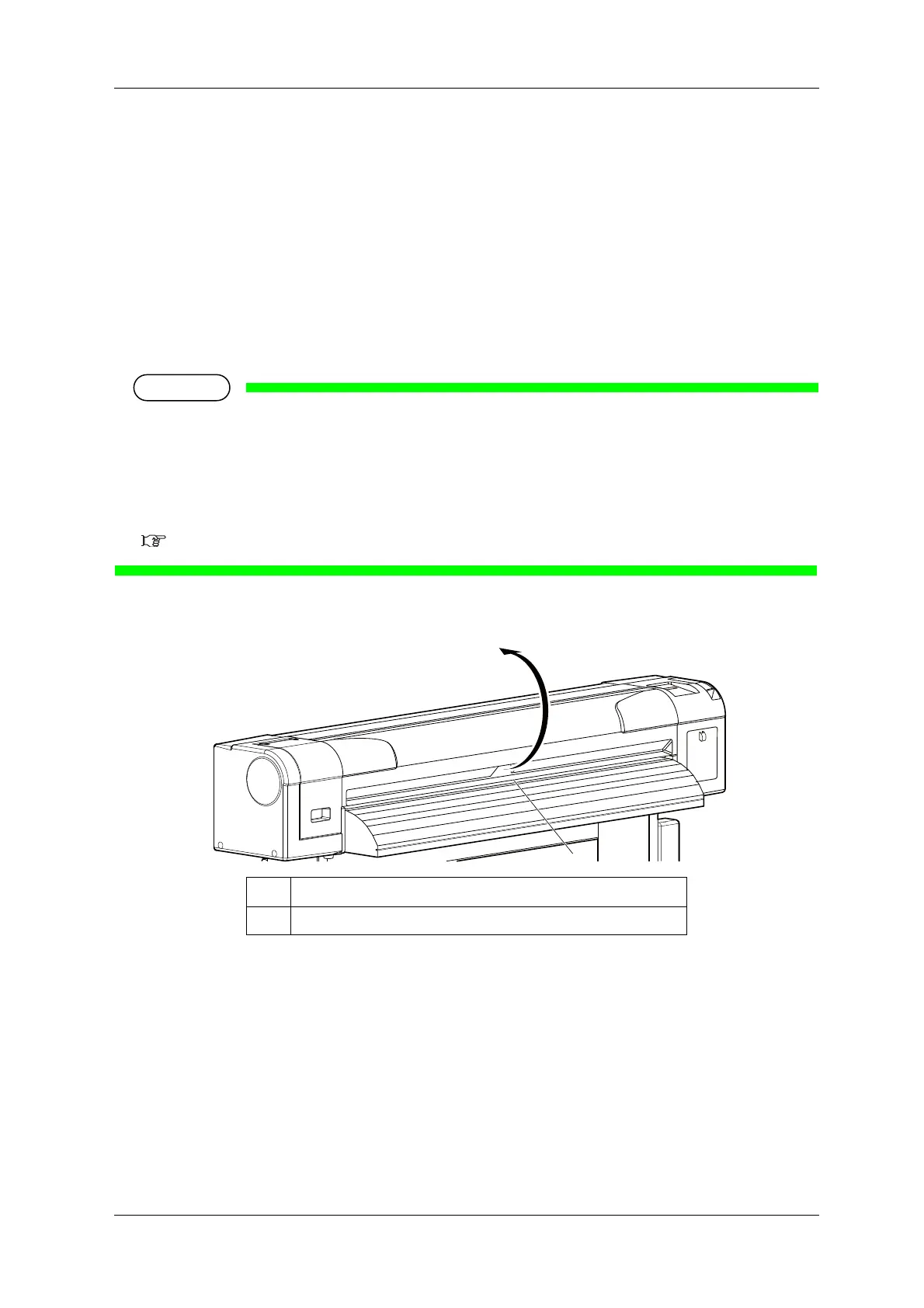
1. Open the front cover.
No. Name
1 Front cover



 To Next Page