Before using PrismJET 54 Gen2 OPERATION MANUAL
106 3.6 Adjust Print
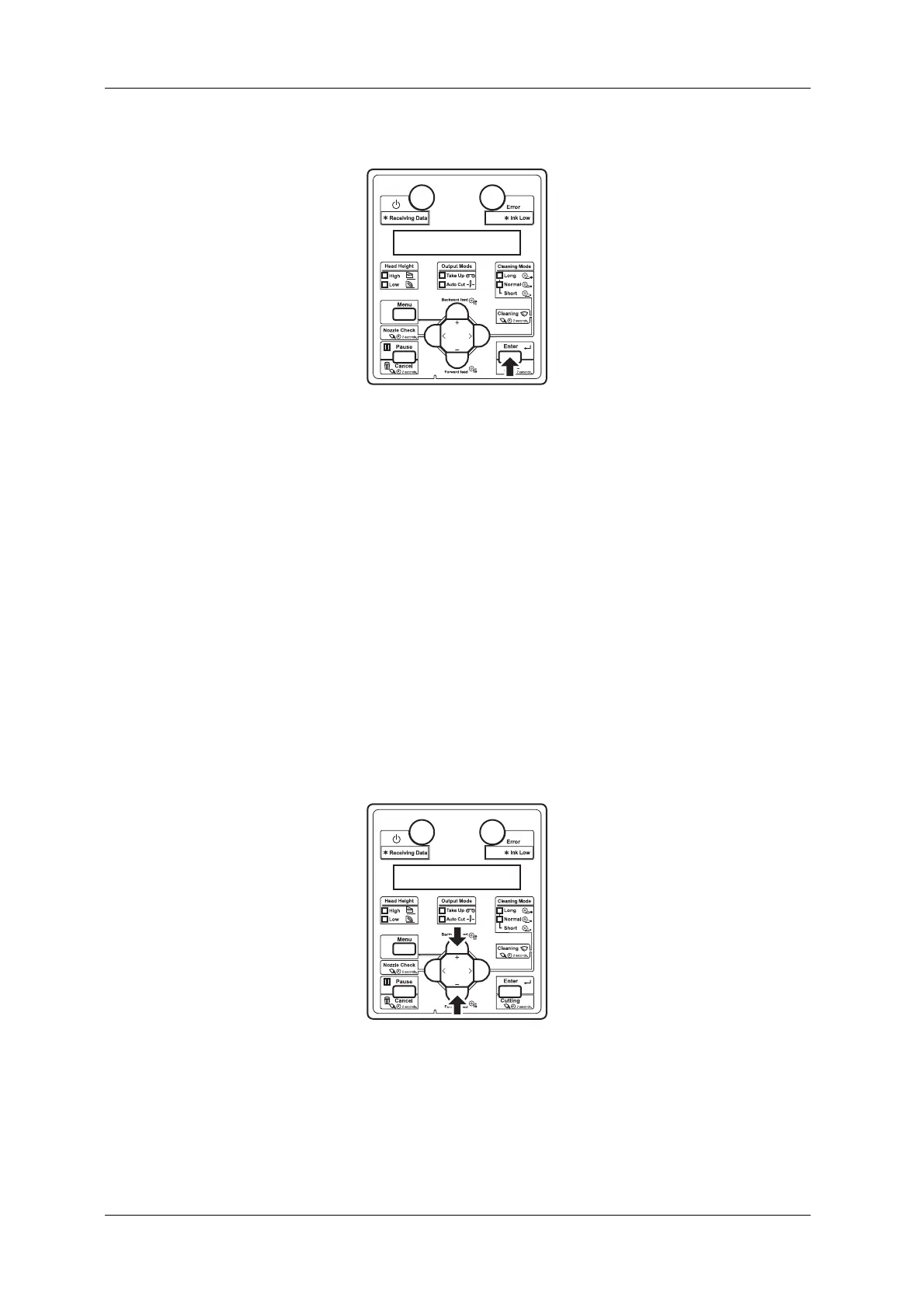
6. Press the [Enter] key on the operation panel.
• Determines the setting.
7. Enter the values for patterns B to F in the same way.
• Press the [Enter] key to set the values.
• Once all set values have been entered, press the [Enter] key to register the set values of “Pattern
A” to “Pattern F” to the printer.
• “Adj.2: RoughPtn. ALL” is displayed on Operation panel.
3.6.4.2.2 Rough Pattern A to F
Print one adjustment pattern from A to F and register the set value.
The following describes how to adjust pattern A only.
1. Display the Custom Adjust Print menu on Operation panel in the same way as Step 2 of
3.6.4.1 Custom Confirmation Pattern.
2. Press the [+] key or [-] key on Operation panel to select “Adj.3: RoughPattern A”.



 To Next Page