Before using PrismJET 54 Gen2 OPERATION MANUAL
50 3.3 Installing ink cartridges
3.3.2 Installing high capacity pack adapters (option)
Use the optional high capacity pack adapters to use the 1,000 ml ink bags on this printer.
Follow the procedure below to install the high capacity pack adapters.
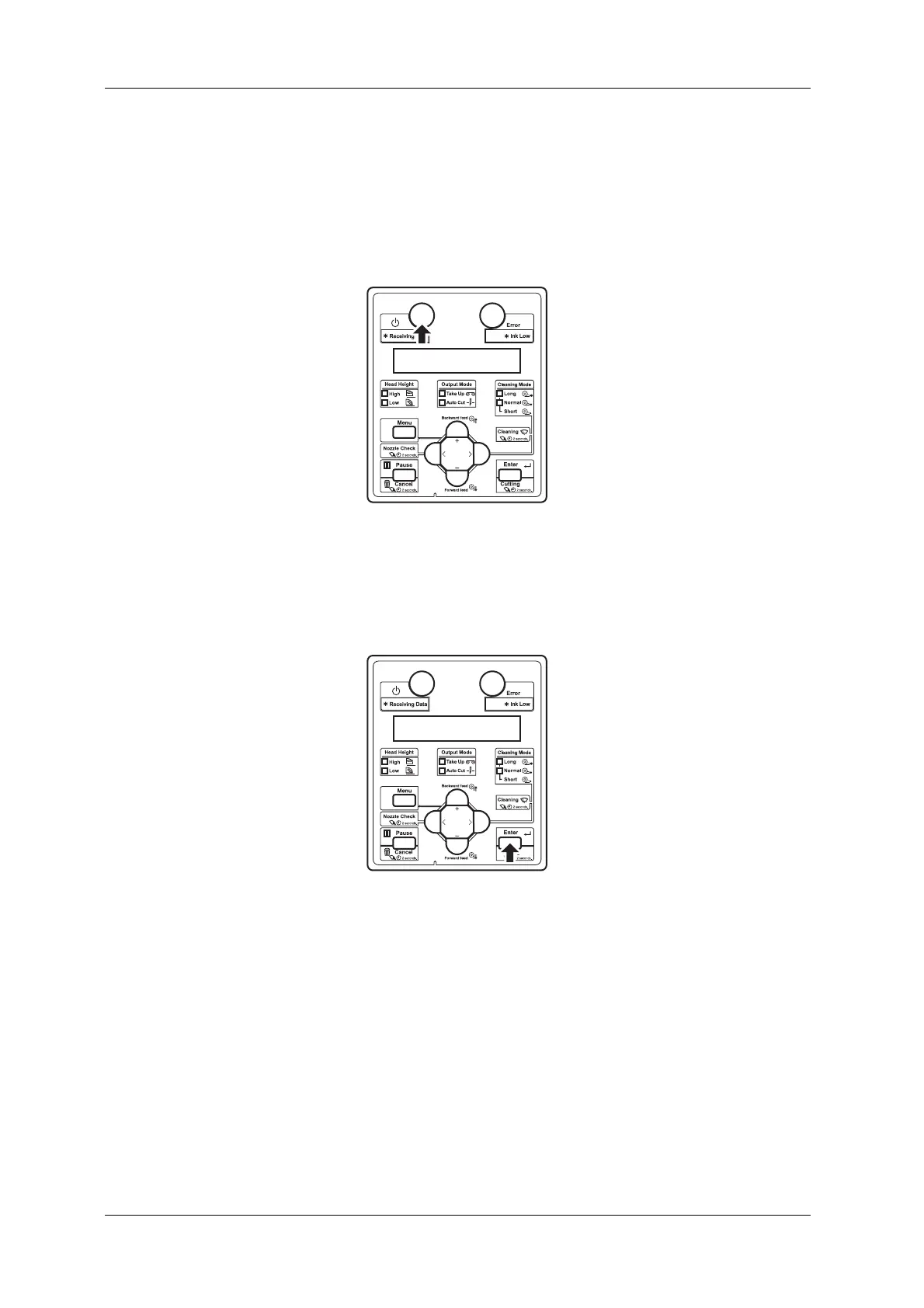
1. Turn the printer ON.
• The printer starts the initializing operation.
• After the initial operation is compete, “Start Ink Charge – > E” is displayed on the operation
panel.
2. Press the [Enter] key on the operation panel.
• “Insert Cleaning cart.” is displayed on the operation panel.
3. Take out the cleaning cartridges (4 pieces) from the bag.



 To Next Page