Before using PrismJET 54 Gen2 OPERATION MANUAL
82 3.6 Adjust Print
3.6.3.1 Standard Confirmation Pattern
Print the confirmation pattern for the print mode in the user type setting which is currently set.
1. Turn ON the printer and load the roll media.
3.4.2 Setting Roll Media
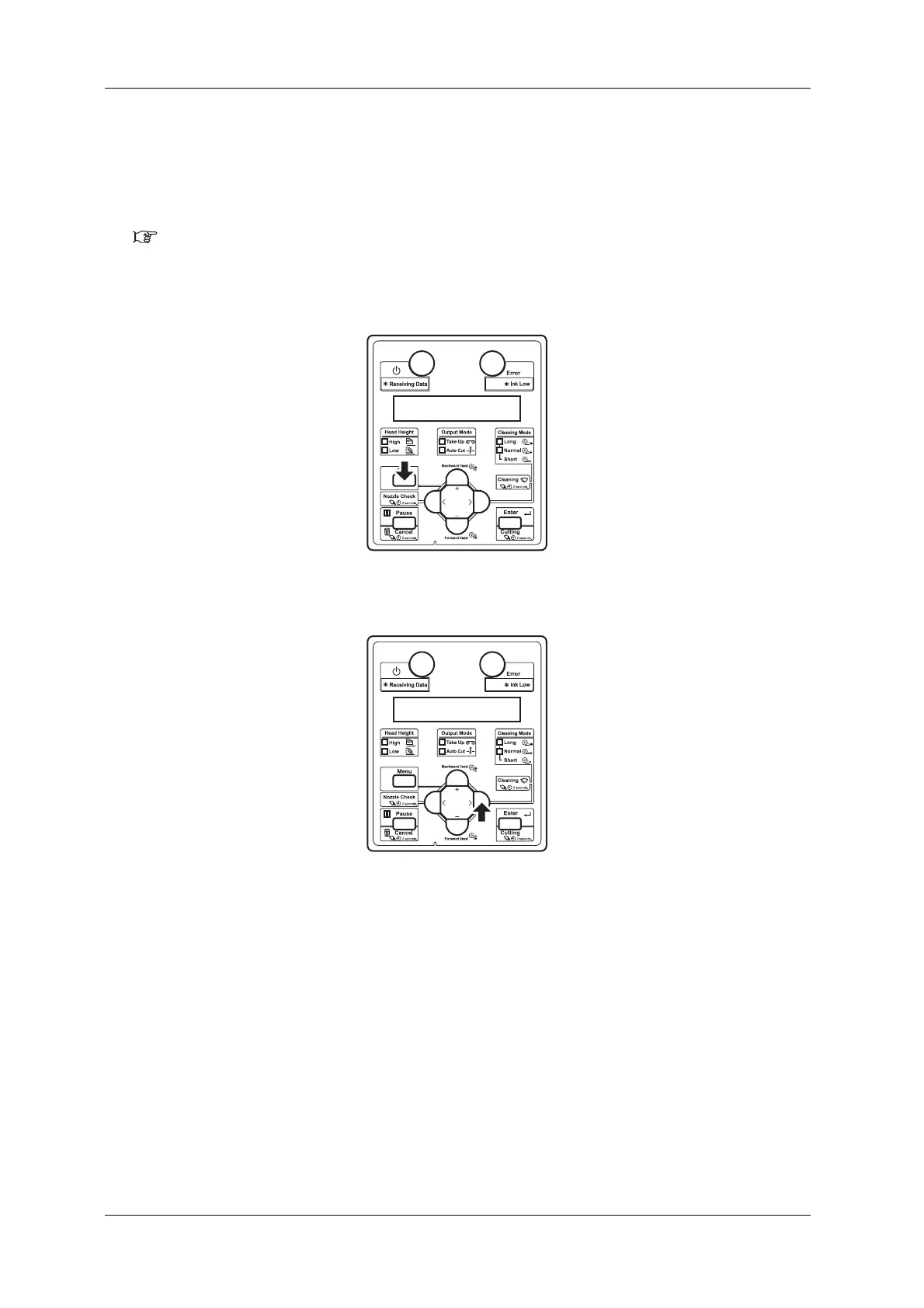
2. Display the Adjust Print menu on the operation panel.
a. Press the [Menu] key on the operation panel.
• “Menu1: Setup>” is displayed on the operation panel.
b. Press the [>] key on the Operation panel.
• “Set1: User Type” is displayed on the operation panel.



 To Next Page