Panel setup menu PrismJET 54 Gen2 OPERATION MANUAL
152 5.1 Setup menu
5.1.1 User Type menu
Sets the user type setting for printing.
—
• [Cancel] key: shifts to the previous menu.
5 Panel setup menu
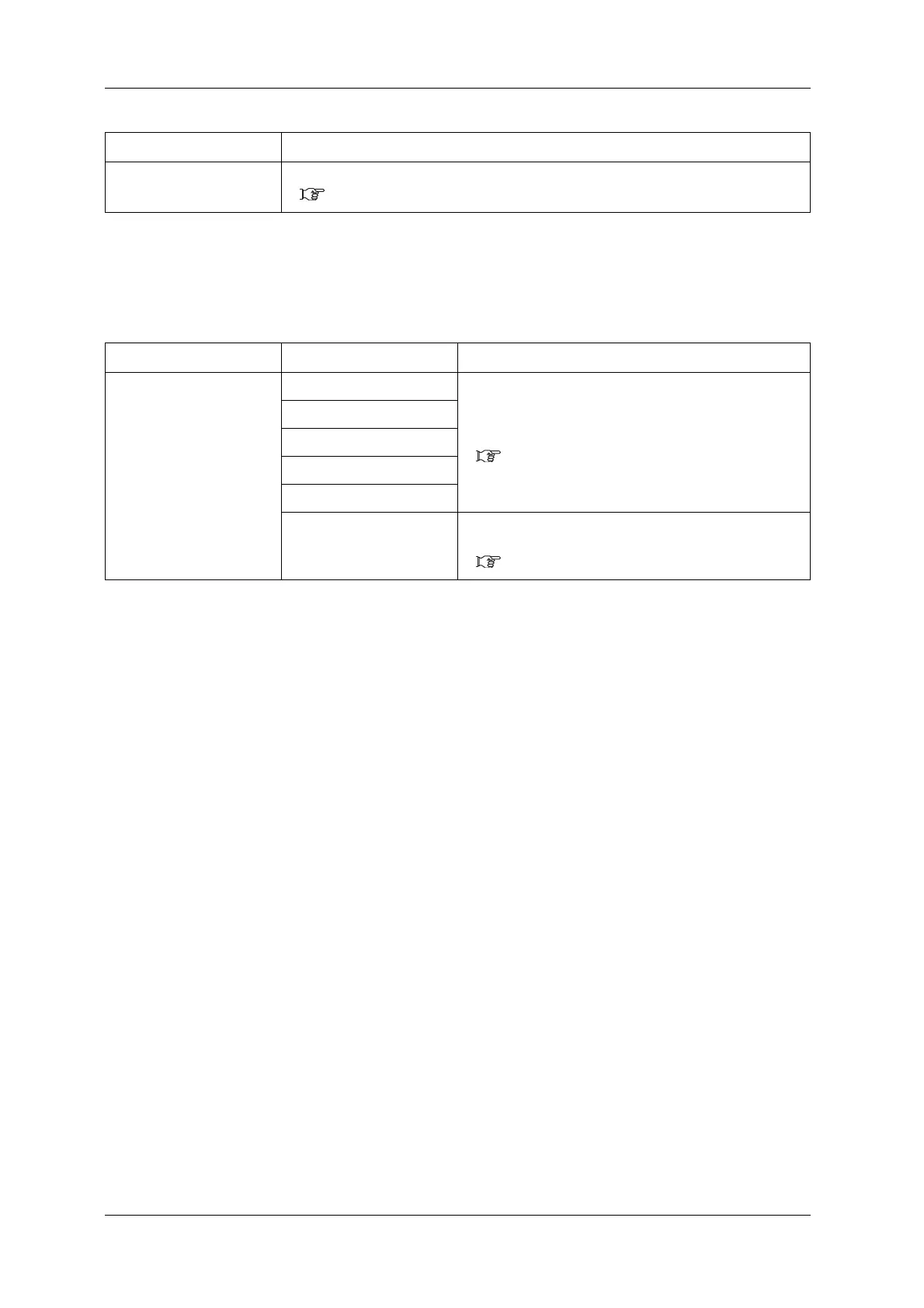
Setup item Setting Description
User Type Type 1 Settings for the media type to print are configured.
It is possible to set 15 different user settings as “Type 1 to 15”
for printing.
• [Enter] key: shifts to the sub menu.
5.1.1.1 User Type menu
Type 2
…
Type 14
Type 15
—
• [Cancel] key: saves the setting and shifts to the previous
menu.
5.1 Setup menu
Setup item Description



 To Next Page