PrismJET 54 Gen2 OPERATION MANUAL Panel setup menu
5.1 Setup menu 159
5.1.1.1.4 Dist.Adj menu
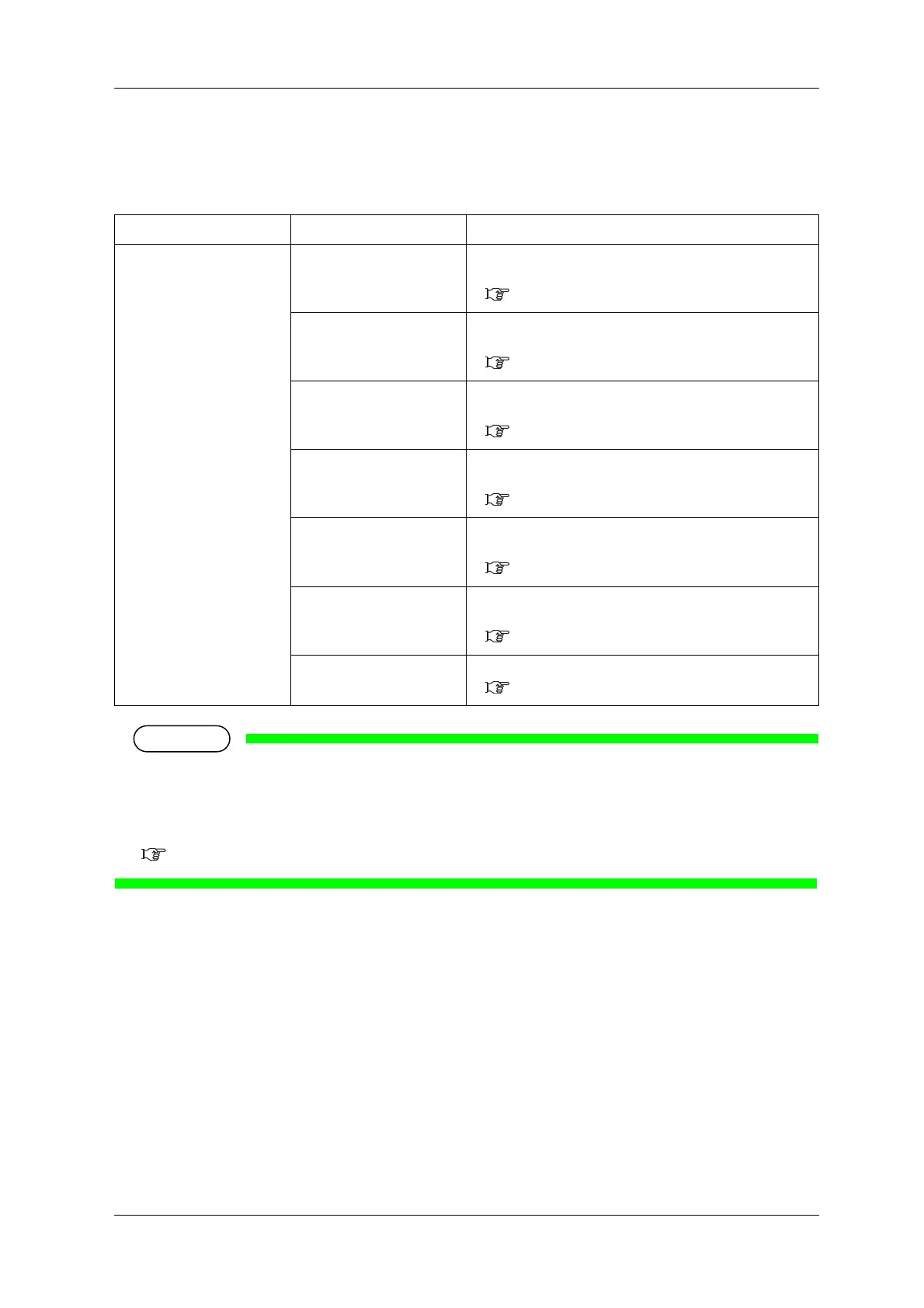
Sets up various settings on the media feed adjustment.
• "PF Adjust" requires at least 15.7 inches (400 mm) printable width. Before printing, make sure that
there is sufficient width on the media. If printable width is less than 15.7”, your printer will not
print. Printable width on the media can be adjusted by changing CR origin and side margin (left and
right side margin) settings.
5.1.3 Side Margin menu, 5.1.5 Media Width menu, 5.1.8 Origin menu
Setup item Setting Description
PF Auto The printer performs an automatically PF adjustment.
• [Enter] key: shifts to the sub menu.
(1) Auto menu
Initial Print Performs Initial Adjust Print.
• [Enter] key: shifts to the sub menu.
(2) Initial Print menu
Initial Change Sets up Initial Adjust Change.
• [Enter] key: shifts to the sub menu.
(3) Init.Adj.Change menu
Confirm Print Performs Confirm Print.
• [Enter] key: shifts to the sub menu.
(4) Confirm Print menu
Micro Print Performs Micro Adjustment Print.
• [Enter] key: shifts to the sub menu.
(5) Micro Print menu
Micro Change Sets up Micro Adjustment Change.
• [Enter] key: shifts to the sub menu.
(6) Micro Adj.Change menu
—
• [Cancel] key: shifts to the previous menu.
5.1.1.1 User Type menu



 To Next Page