PrismJET 54 Gen2 OPERATION MANUAL Product overview
2.1 Names of parts and functions 27
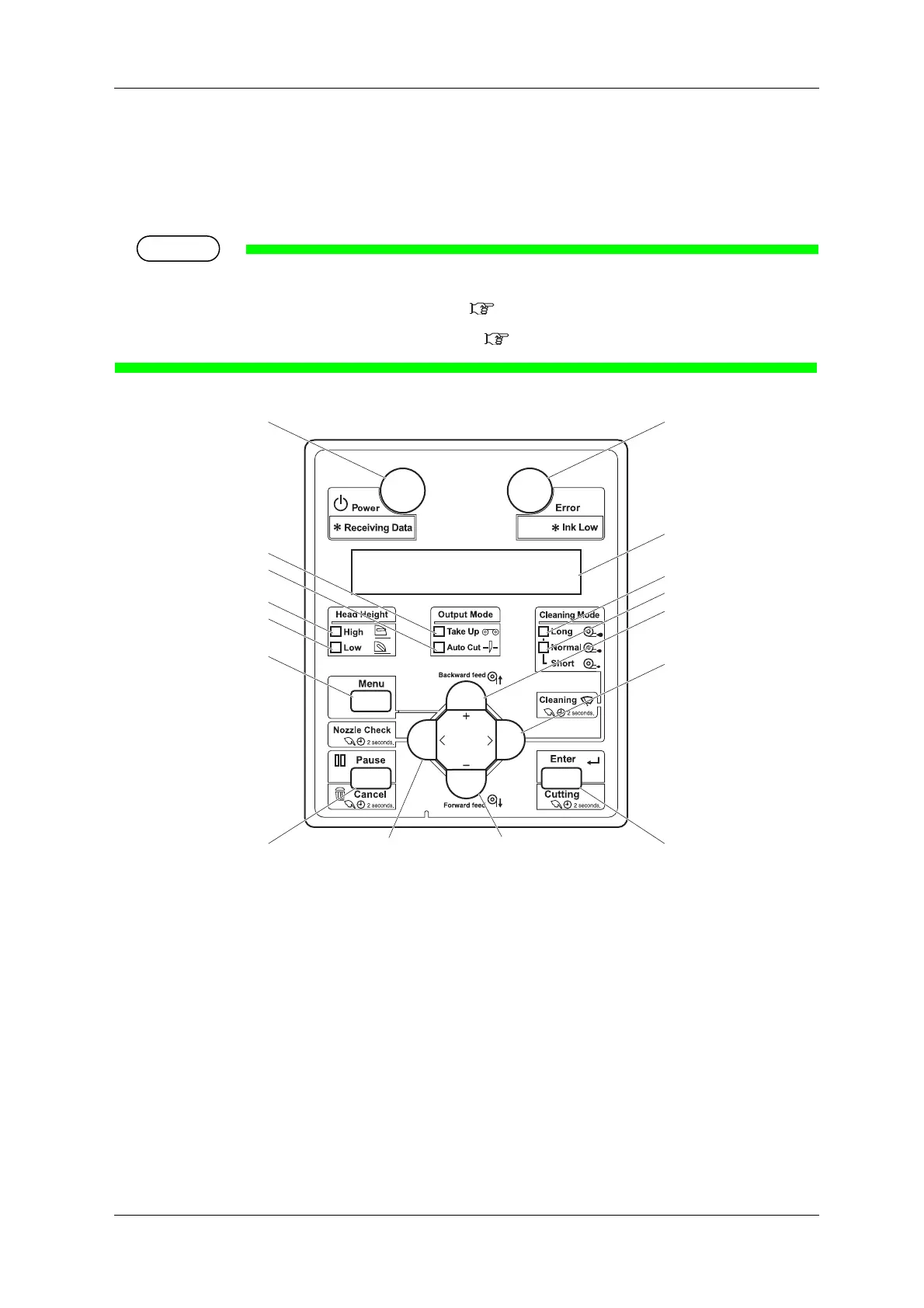
2.1.3 Operation panel
Used to set the operating conditions, to display the status of the printer, and to set various functions.
Names of each operation key and status display along with the functions are explained.
•Refer to the following for details regarding the operation method of the operation panel.
•When performing menu setting from the operation panel:
4.3 Menu setups on the operation panel
•When performing various operations in the operation panel: 4.4 Operating from the operation panel
8, 9
3
15
17
16
6
5
11
12
1
13
14
10
27
4



 To Next Page