PrismJET 54 Gen2 OPERATION MANUAL Panel setup menu
5.9 Roll Length Manage menu 211
• The printer may fail to scan if a remaining length management code has dirt or fold marks on it.
• Your printer is unable to scan if "Output Mode" is set to "Take-Up".
5.1.6 Output Mode menu
• In case the printer failed to scan the code, manually specify the Roll Length settings based on the
remaining length management information printed in text on the media.
5.9.4 Roll Length menu
5.9.4 Roll Length menu
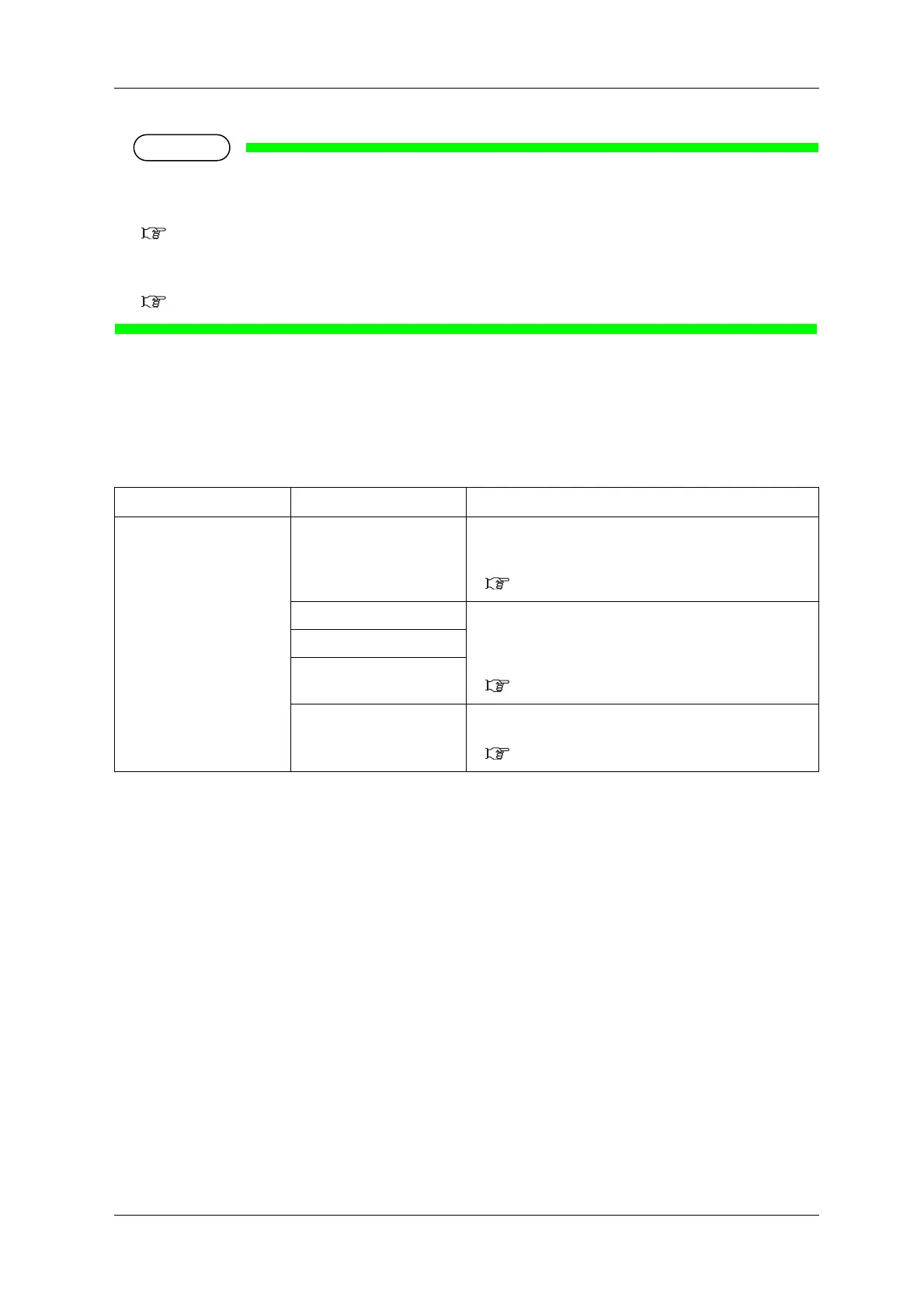
Sets up the roll media length.
Setup item Setting Description
Roll media <Off> Roll Length is not used.
• [Enter] key: saves the setting and shifts to the previous
menu.
5.9 Roll Length Manage menu
Roll1 Sets up the roll media length.
The set values of the roll media length can be set as “Roll1” to
“Roll3”.
• [Enter] key: saves the setting and shifts to the sub menu.
5.9.4.1 Roll Length menu
Roll2
Roll3
—
• [Cancel] key: cancels the setting and shifts to the previous
menu.
5.9 Roll Length Manage menu



 To Next Page