Before using PrismJET 54 Gen2 OPERATION MANUAL
58 3.4 Loading media
3.4.2 Setting Roll Media
This section explains how to set the roll media.
Follow the procedure below to set the roll media.
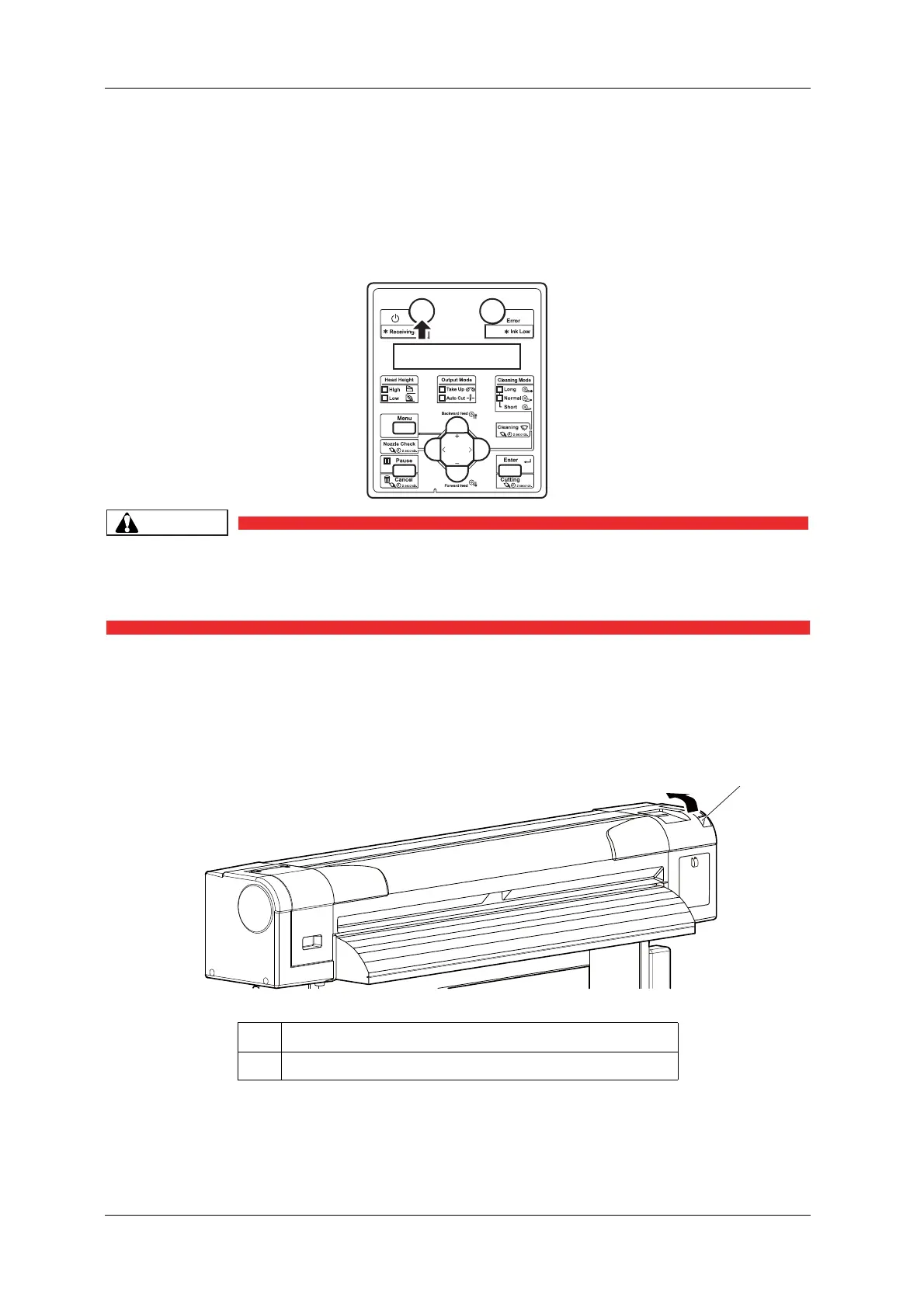
1. Turn the printer ON.
• Do not operate the media loading lever during the initial operation or printing.
The print head portion may touch the pressurizing roller portion, and cause a
malfunction.
• The printer starts the initializing operation.
• “Media End” is displayed on the operation panel.
2. Raise the media loading lever.
• “Load Media” is displayed on the operation panel.
No. Name
1 Media loading lever



 To Next Page