PrismJET 54 Gen2 OPERATION MANUAL Panel setup menu
5.1 Setup menu 163
5.1.1.1.6 Platen heater menu
Sets the temperature of the platen heater.
Set to improve print quality by allowing the ink to settle by heat.
• The set temperature of the platen heater differs depending on the media.
Setup item Setting Description
Platen heater Off / <30 °C> to 50 °C Sets the temperature of the platen heater.
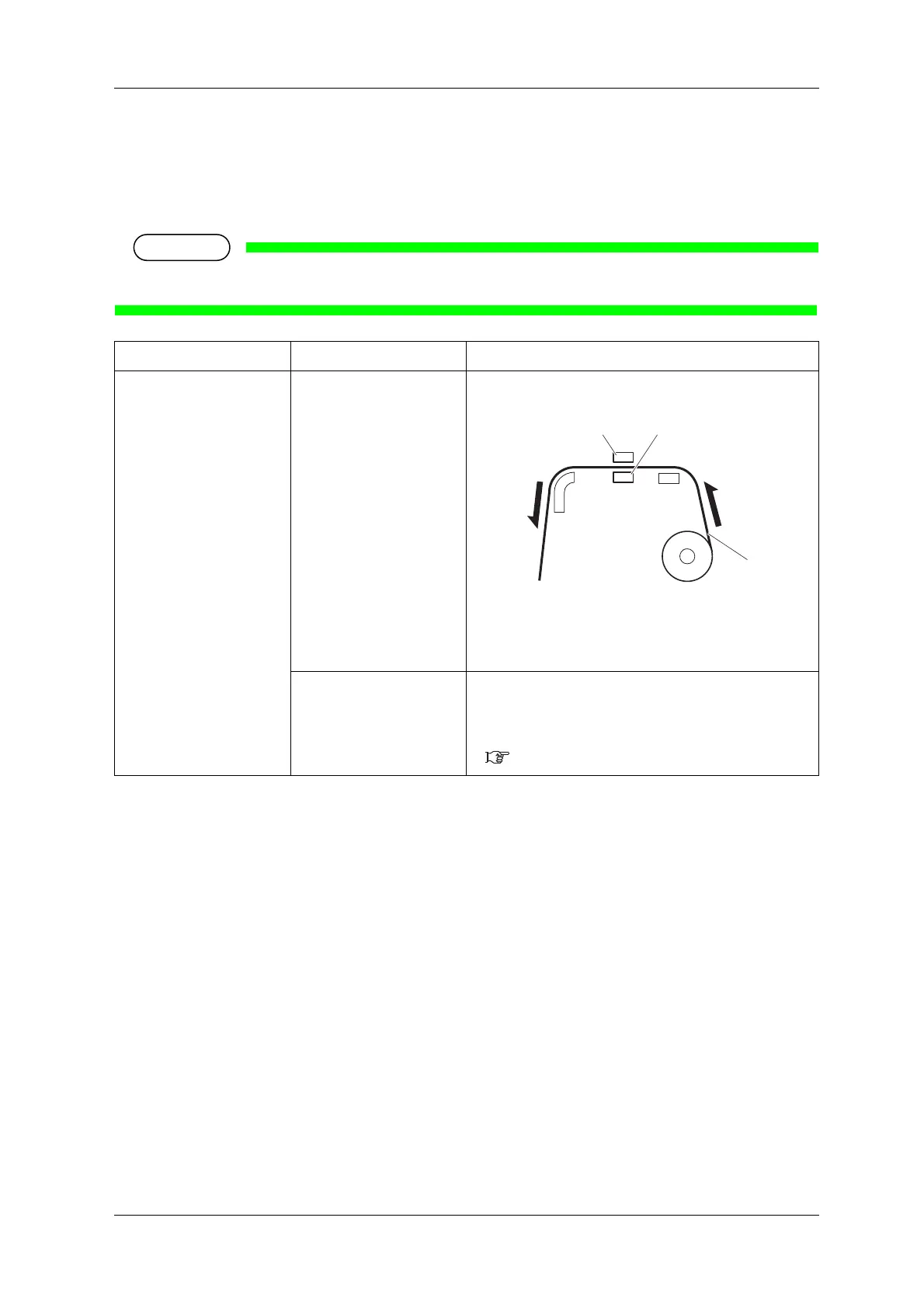
1.Roll media
2.Platen heater
3.Print head
—
• [Enter] key: saves the setting and shifts to the previous
menu.
• [Cancel] key: cancels the setting and shifts to the previous
menu.
5.1.1.1 User Type menu



 To Next Page