PrismJET 54 Gen2 OPERATION MANUAL Handling the printer
4.2 Media 125
4.2.5.2 When returning the print head to the original position
• Do not open the front cover or change the head height during printing.
If the head height is changed, the alignment will be changed and high print quality will not be
guaranteed.
• After you change the head height, make sure to perform the print quality calibration.
3.6 Adjust Print
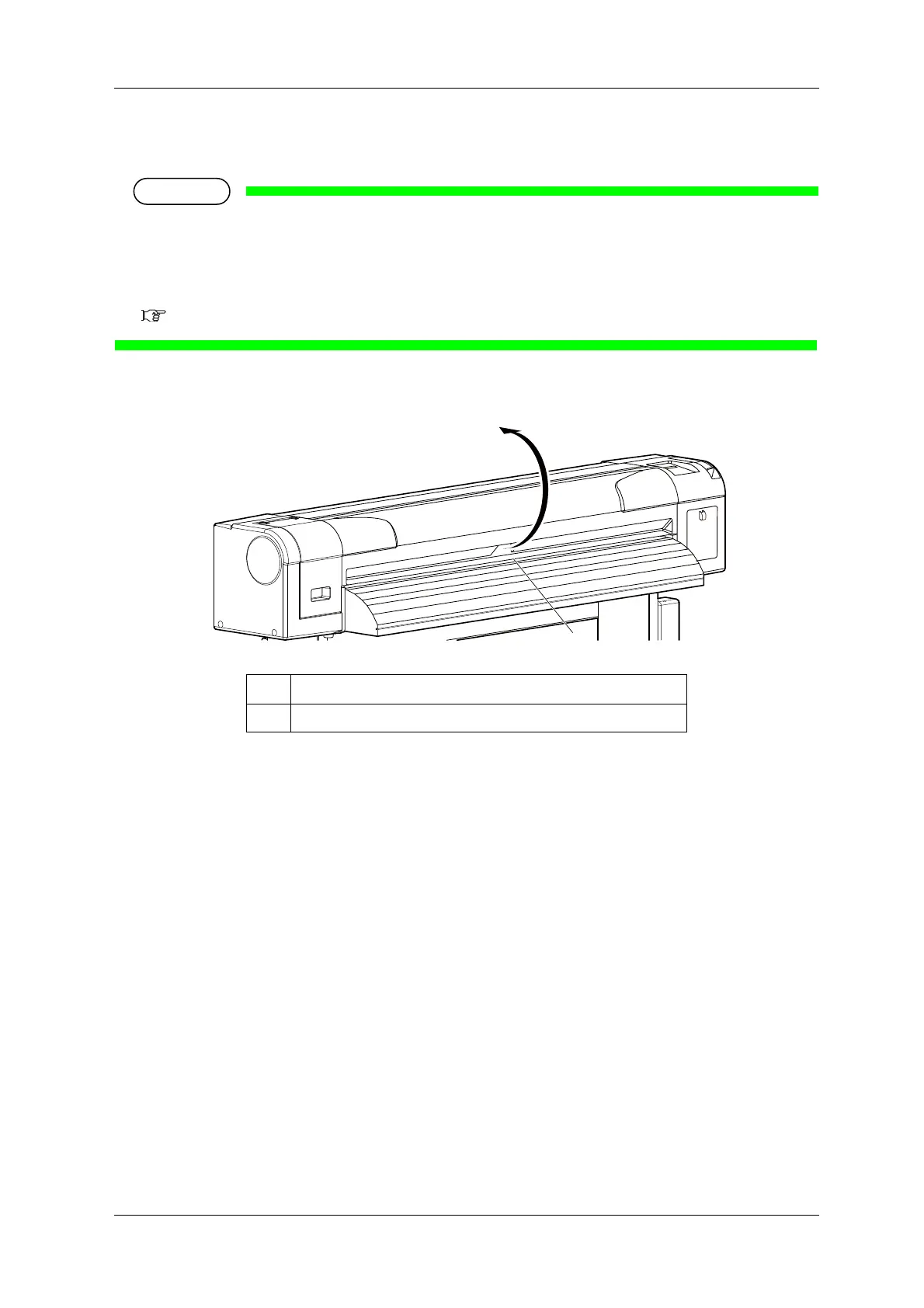
1. Open the front cover.
No. Name
1 Front cover



 To Next Page