Panel setup menu PrismJET 54 Gen2 OPERATION MANUAL
172 5.1 Setup menu
5.1.5 Media Width menu
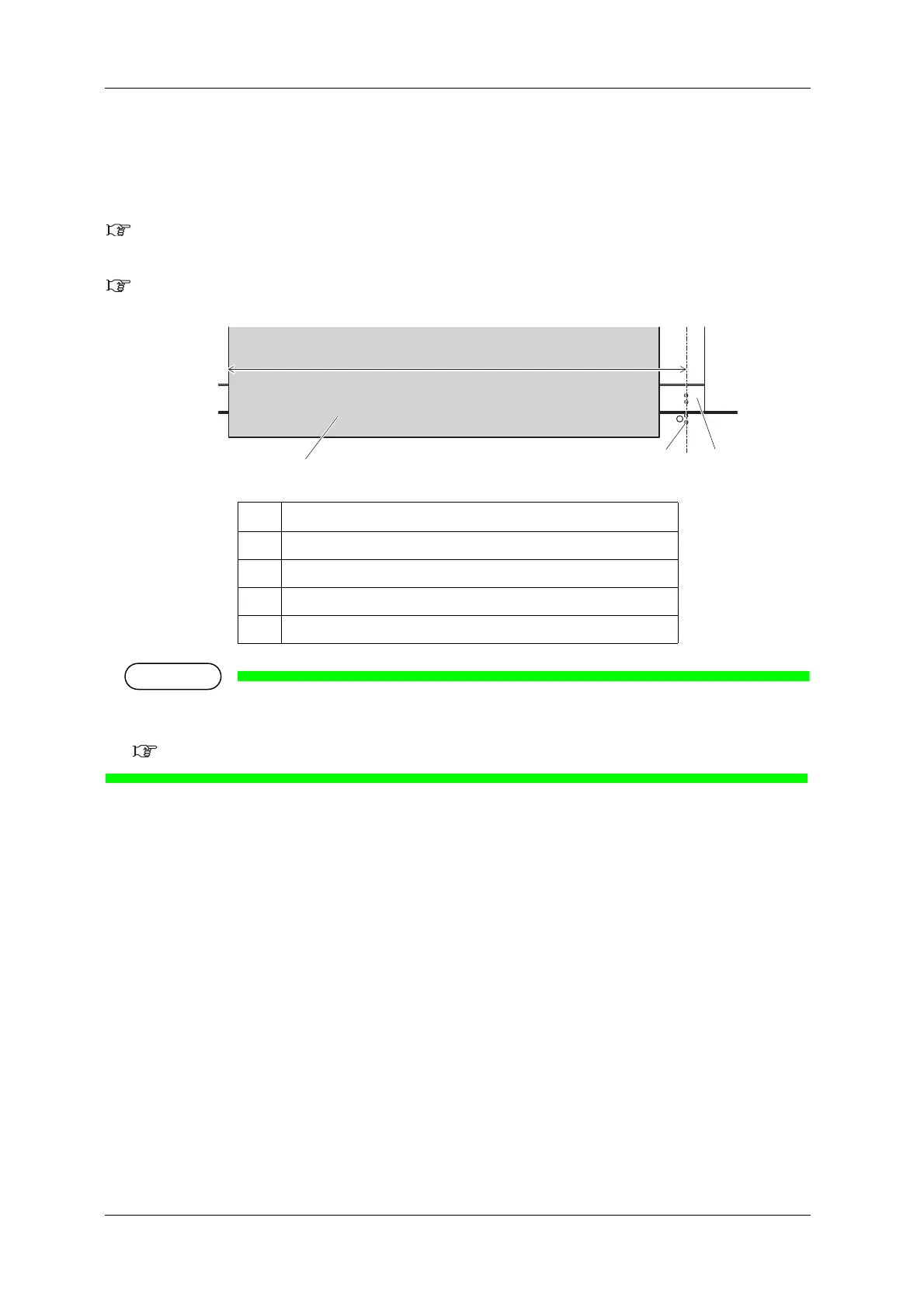
Specifies the media width between 0.27” (7 mm) away from the right edge of the platen and the left end
if media detection is not performed during media initialization.
(1) Media Width menu
Displays the detected media width if media detection is performed during media initialization.
(2) MediaWidth menu
• If the media is loaded as shown in the illustration and media detection is not performed, the printing
may be performed between the right edge of the platen and the media.
5.1.8 Origin menu
No. Name
1
Roll media
2
Media width (when not using media detection)
3
Media loading mark
4
Platen



 To Next Page