Troubleshooting PrismJET 54 Gen2 OPERATION MANUAL
304 7.2 Error messages
7.2.3 Error requiring restart
An error requiring restart is displayed if a fatal operational failure such as the following occurs.
• When an obstacle that prevents printing occurs
• When a problem occurs with the electrical circuit (PCB, motor, sensor, etc.) of the printer
• When a failure in the printer control program occurs
If an error requiring restart occurs, the printer stops operating after performing the following operations.
1. The drive power automatically shuts down.
2. All lamps on the operation panel blink, and the buzzer rings continuously.
3. The error message is displayed on the operation panel.
Pressing any key on the operation panel stops the beeping.
For an error requiring restart, operation will return to normal after removing the cause of the error and
restarting the printer.
If the same error continues to be displayed, contact the SIGNWarehouse Product Support or your
PrismJET dealer. Be sure to include the specific error code from the error message when you contact us.
• “***” in the error message is the code no. that indicates what type of error occurred.
• The command code representing the error occurred may be indicated in [ ].
• For the settings on your PC side, refer to the Operating Manual attached with your PC.
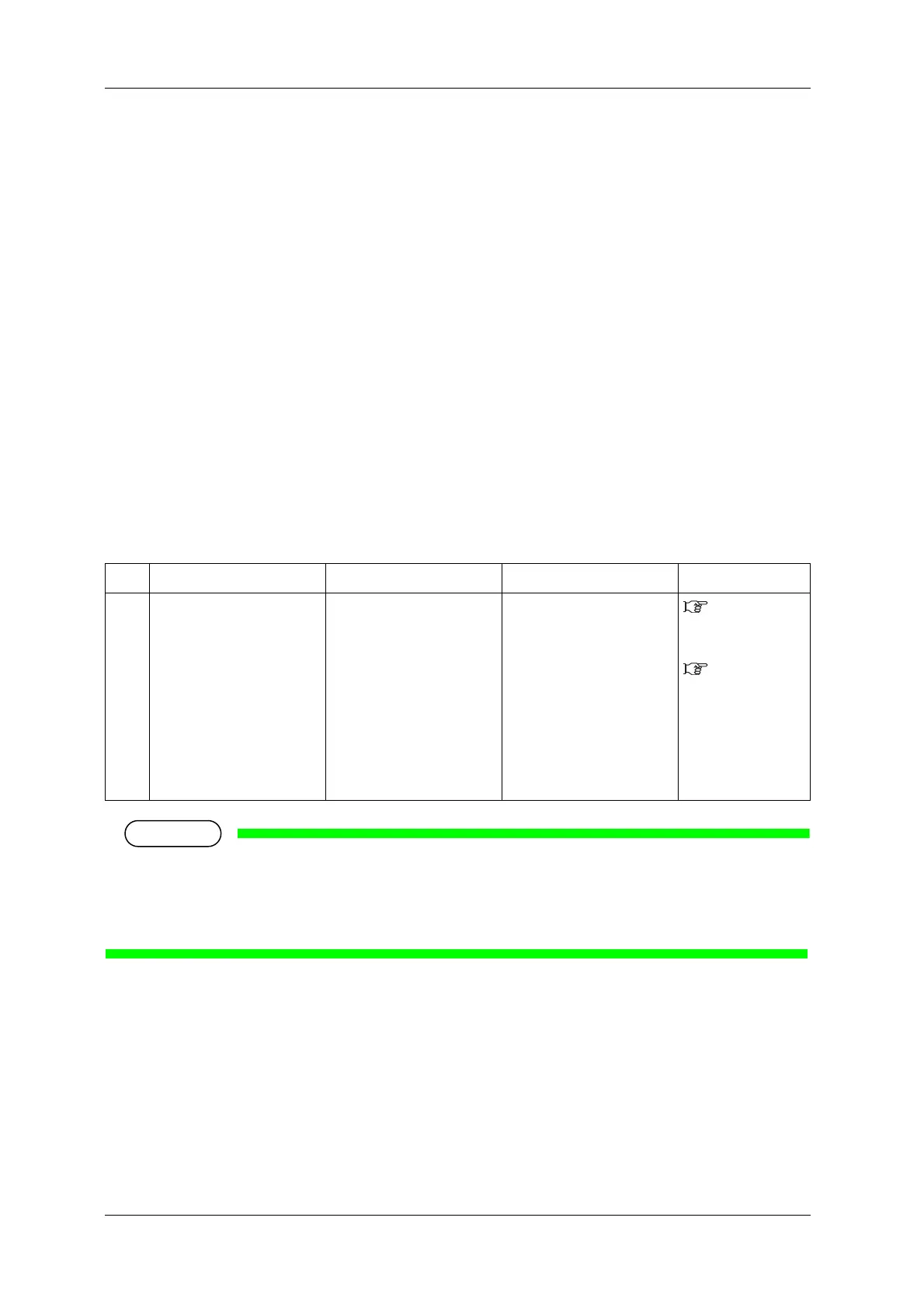
No. Display Description Remedy Reference
1 E*** Error [ ] A problem that does not have
a remedy has occurred.
1. Remove obstacles such
as paper scraps in the
drive system.
7.3 The media
is jammed
2. Confirm that the
replaced items are
correctly attached.
6.1 Replacing
consumable
components
3. Turn OFF the printer
power, and turn it ON
again after 10 seconds or
longer.



 To Next Page