Panel setup menu PrismJET 54 Gen2 OPERATION MANUAL
176 5.1 Setup menu
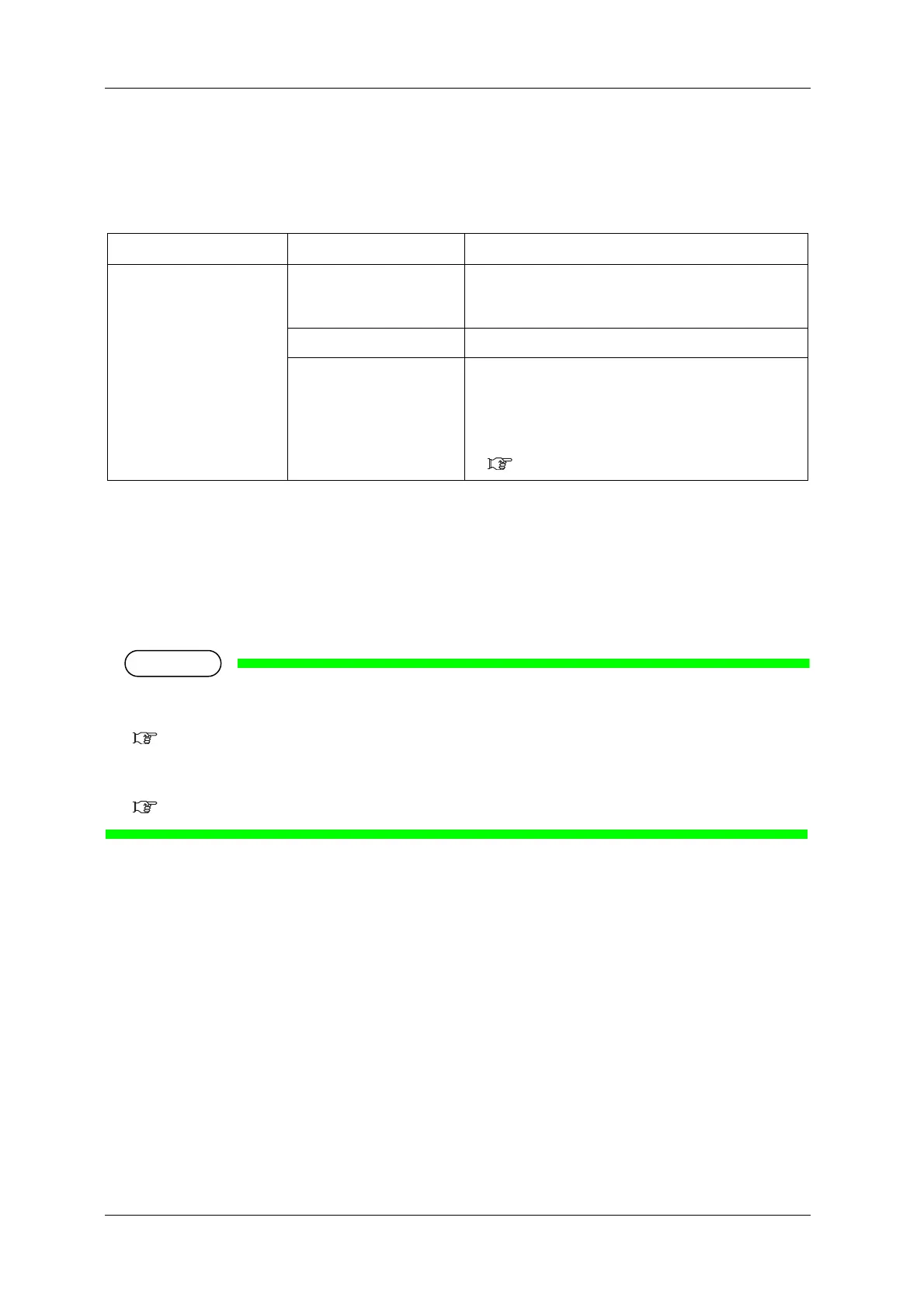
5.1.7.1 Cut Pressure menu
Sets the media cutting pressure for the cutting operation.
5.1.8 Origin menu
Sets the beginning of printing (origin) of the print data.
Set the menu when reprinting on the margin with changing the printing data position to the printed
media.
• When Output Mode menu is set to “Take-up”, the set value X (media feeding distance) becomes 0
mm to 15000 mm.
5.1.6 Output Mode menu
• Depending on the set value of the side margin, the maximum set value of Y (print head transferring
distance) decreases.
5.1.3 Side Margin menu
Setup item Setting Description
Cut Pressure Low Cut the media at low pressure.
Suitable for thin media or if the “High” pressure setting is
too strong.
<High> Normal cutting pressure
-
• [Enter] key: saves the setting and return to the previous
menu.
• [Cancel] Key: Cancel the set value, and return to the
previous menu.
5.1.7 Method of Cut menu



 To Next Page