PrismJET 54 Gen2 OPERATION MANUAL Panel setup menu
5.1 Setup menu 183
5.1.16 Longstore menu
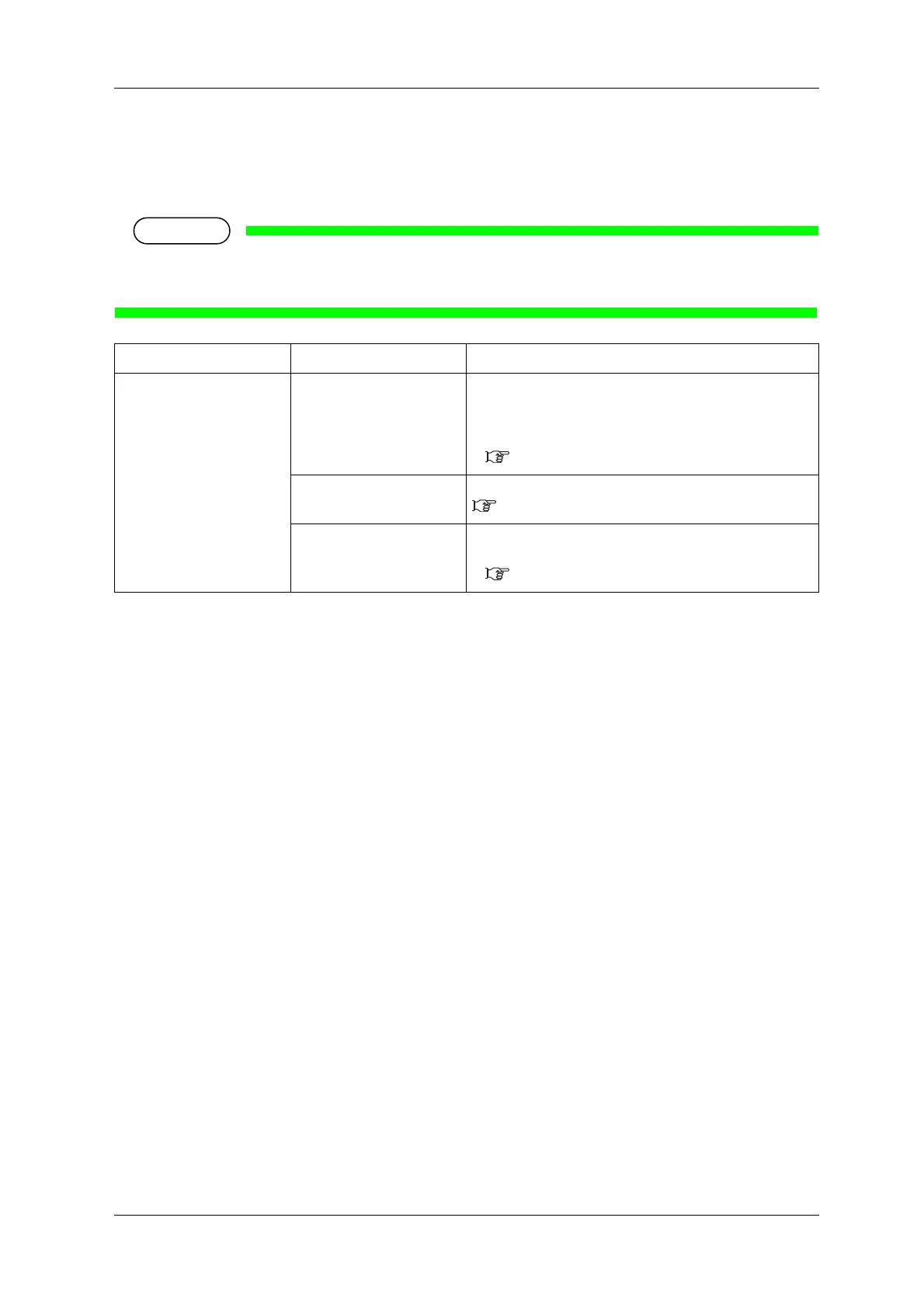
Wash the print head with the cleaning fluid.
• Make sure to use the dedicated cleaning fluid
(Part number: PRNI-SW-EIP-220-CLN-MUT or VJ-MS31-CL220U).
Setup item Setting Description
Longstore Start Wash the print head with the cleaning fluid.
• [Enter] key:
Performs the head washing operation.
The following content is displayed on the operation panel.
6.5.1 Long-term storage
Remove Cartridges Remove the ink cartridge, and install the cleaning cartridge.
6.1.1 Replacing ink cartridges
—
• [Cancel] key: shifts to the previous menu without Head
washing.
5.1 Setup menu



 To Next Page