Maintenance PrismJET 54 Gen2 OPERATION MANUAL
284 6.5 Long Storage and Initial Ink Charging
6.5.2 Performing initial charging after head cleaning
When powering on the printer after the long storage, follow these steps to perform initial ink charging.
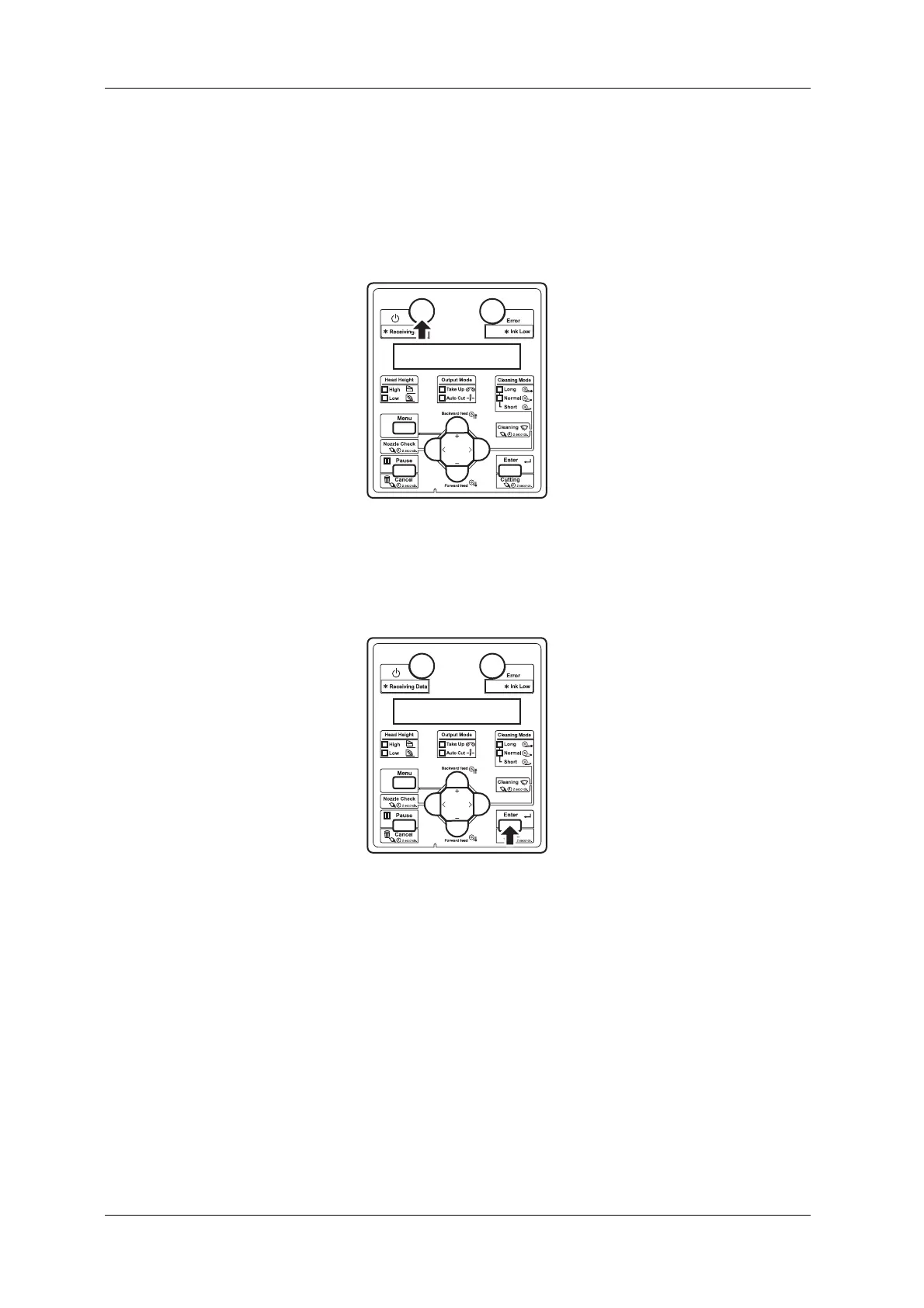
1. Press the [Power] key on the operation panel to turn ON the printer.
• Power lamp on the operation panel turns on (blue).
• The printer starts the initializing operation.
• After the initial operation is compete, “Start Ink Charge – > E” is displayed on the operation
panel.
2. Press the [Enter] key on the operation panel.
• “Insert InkCartridges” is displayed on the operation panel.
• When “Remove Cartridges” is displayed on the operation panel, remove all cartridges.



 To Next Page