PrismJET 54 Gen2 OPERATION MANUAL Maintenance
6.5 Long Storage and Initial Ink Charging 283
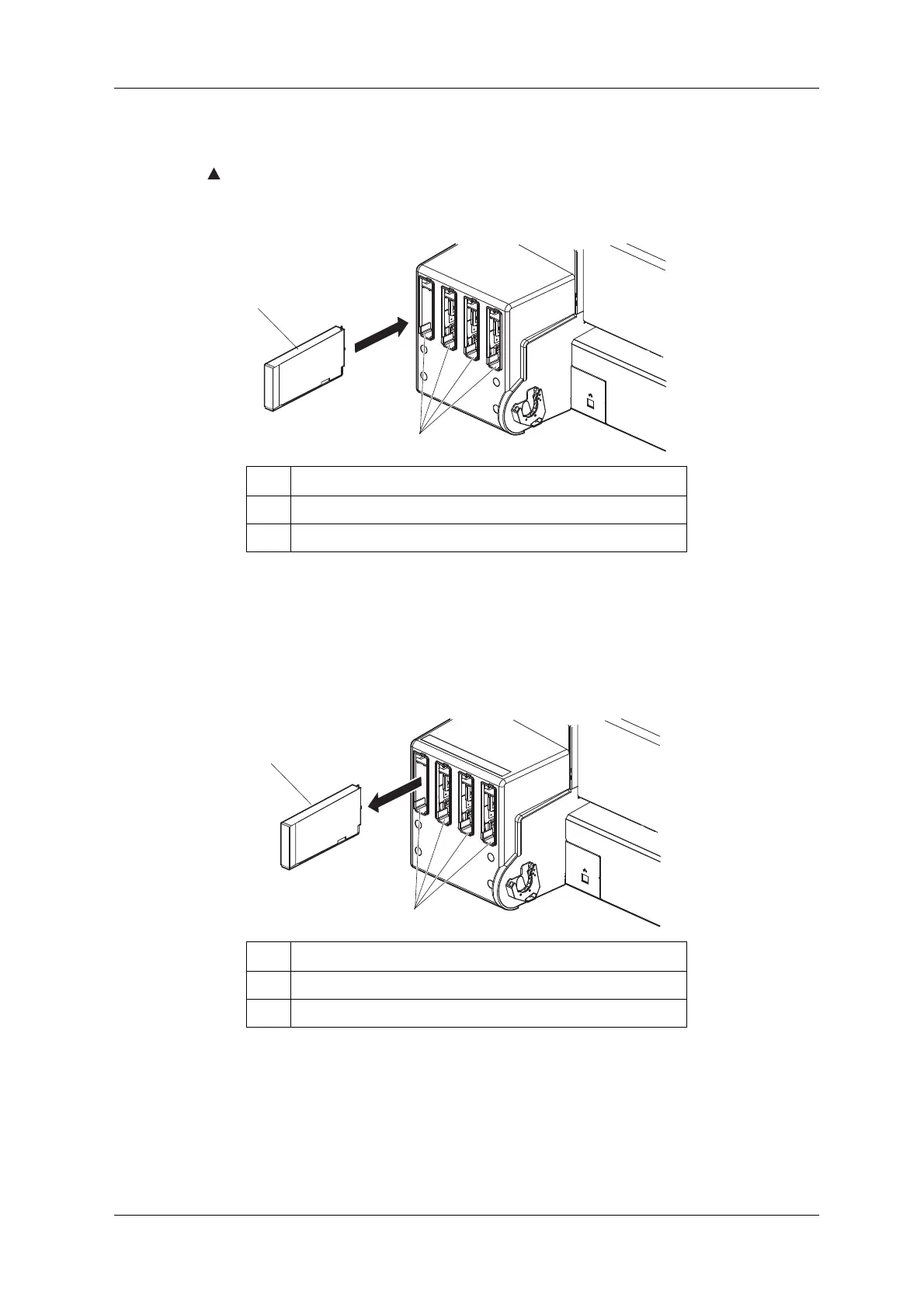
6. Set the cleaning cartridges to all ink cartridge slots.
• Keep mark of the cleaning cartridge facing up and insert towards the printer side.
• Insert the cleaning cartridge all the way to the end of the slot.
• When all cleaning cartridges are installed, “Busy-Washing” is displayed on the operation panel,
and the printer starts charging the cleaning fluid.
• When the cleaning fluid has been charged, “Remove Cartridges” is displayed on the operation
panel.
7. Remove all cleaning cartridges.
• “Busy-Washing” is displayed on the operation panel and the printer starts head cleaning.
• When head cleaning is complete, “[KCMY] Discharged” is displayed on the operation panel.
8. Press the [Power] key on the operation panel to turn OFF the printer.
• The Power lamp on the operation panel is turned off.
No. Name
1 Cleaning cartridge
2 Ink cartridge slots
No. Name
1 Cleaning cartridge
2 Ink cartridge slots



 To Next Page