Maintenance PrismJET 54 Gen2 OPERATION MANUAL
282 6.5 Long Storage and Initial Ink Charging
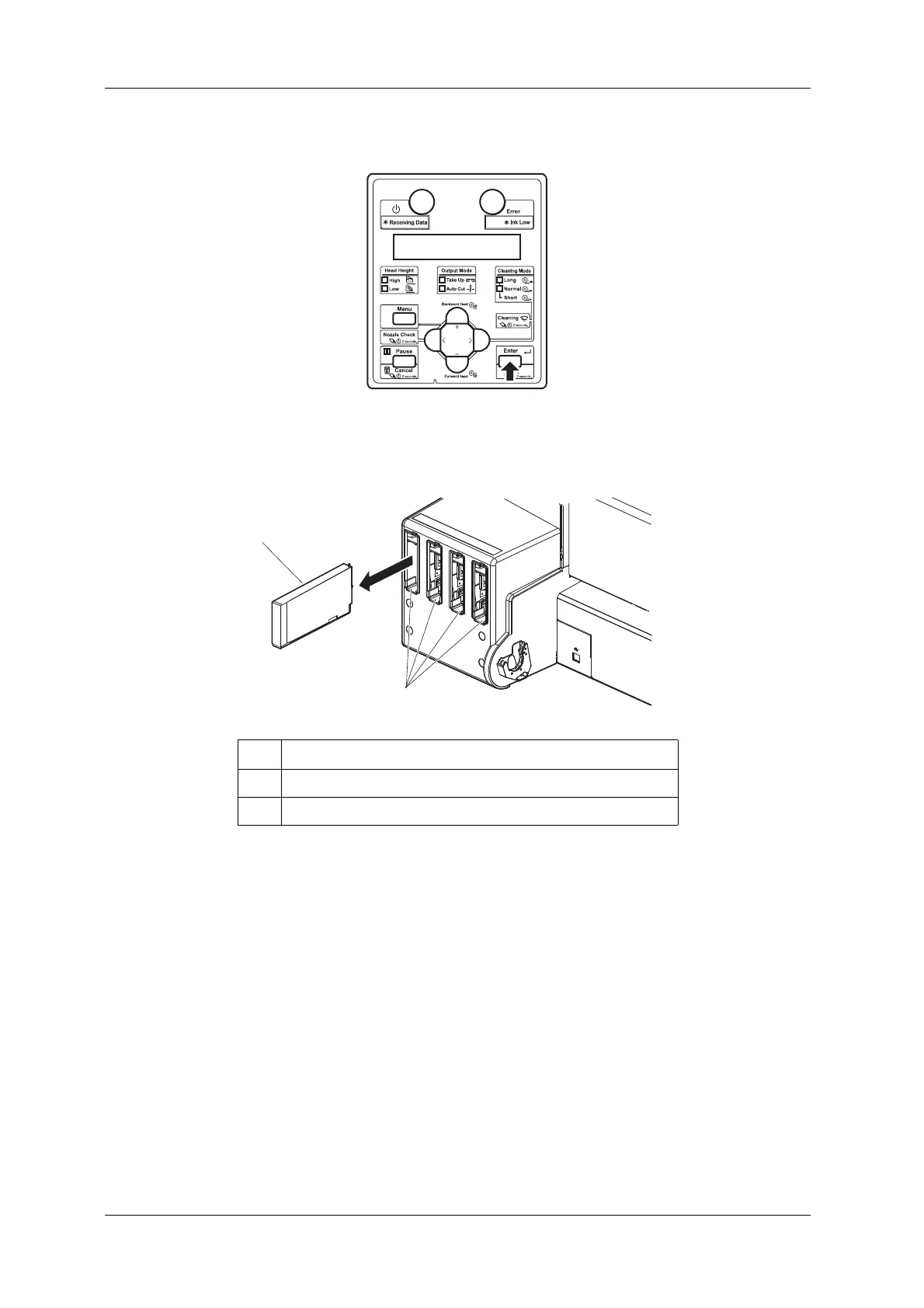
4. Press the [Enter] key on the operation panel.
• “Remove Cartridges” is displayed on the operation panel.
5. Remove all ink cartridges or high capacity ink pack adapters from the slot.
• “Discharging” is displayed on the operation panel and ink discharging begins.
• When the discharge is complete, “Insert CleaningCart.” is displayed on the operation panel.
No. Name
1 Ink cartridge
2 Ink cartridge slots



 To Next Page