PrismJET 54 Gen2 OPERATION MANUAL Panel setup menu
5.1 Setup menu 177
Setup item Setting Description
Origin
• X (media feeding distance):
-15000 mm to 15000 mm
• Y (print head transferring
distance):
0 mm to 1151 mm
Change the print head position and media feeding distance with the following
keys.
• [>] key: Decreases the print head transferring distance
• [<] key: Increases the print head transferring distance
• [+] key: Increase the media feeding distance.
• [–] key: Decrease the media feeding distance.
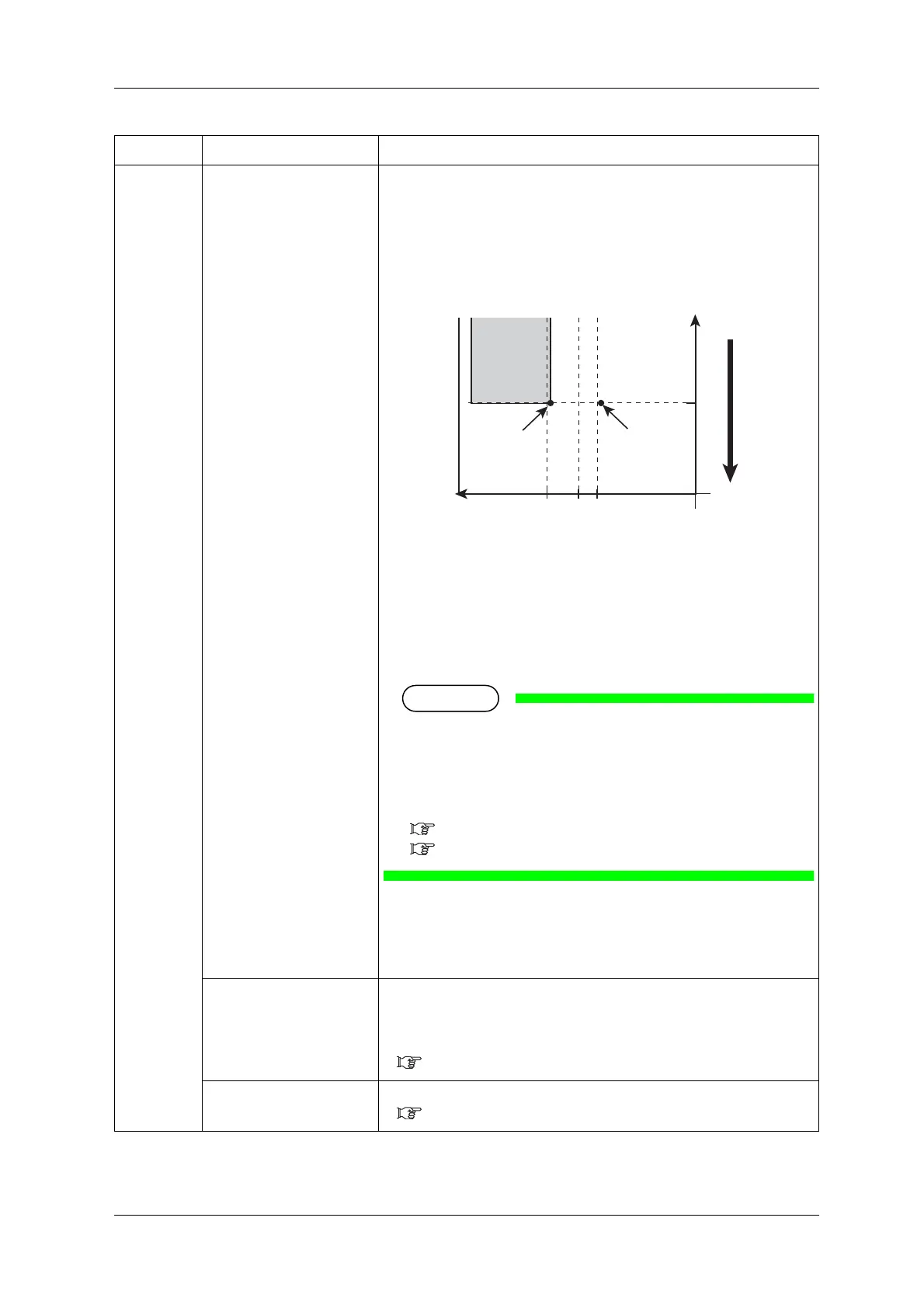
1. Starting position
2. Media feeding direction
3. Setting position of “Origin menu”
X (media feeding distance)
Y (print head transferring distance)
a (0mm/5mm: The spitting setting is On, Off/On Media)
b (5mm to 25mm: Side margin setting amount)
• Depending on the setting, the right margin is a sum of the
following.
“Y (print head transferring distance) of the Origin menu”
+ “5mm (when the spitting setting is “On Media”)” +
“value set on side margin menu”
5.1.2 Spitting menu
5.1.3 Side Margin menu
• [Enter] key:
“Moving Origin Pos.” is displayed on the operation panel and the print head
moves to the starting position.
The following content is displayed on the operation panel.
Confirm Position -> Enter
• [Enter] key or after a certain period of time:
Determines the setting.
Print head returns to the original position.
Save the setting and shift to the previous menu.
5.1 Setup menu
—
• [Cancel] key: cancels the setting and shifts to the previous menu.
5.1 Setup menu



 To Next Page