Panel setup menu PrismJET 54 Gen2 OPERATION MANUAL
210 5.9 Roll Length Manage menu
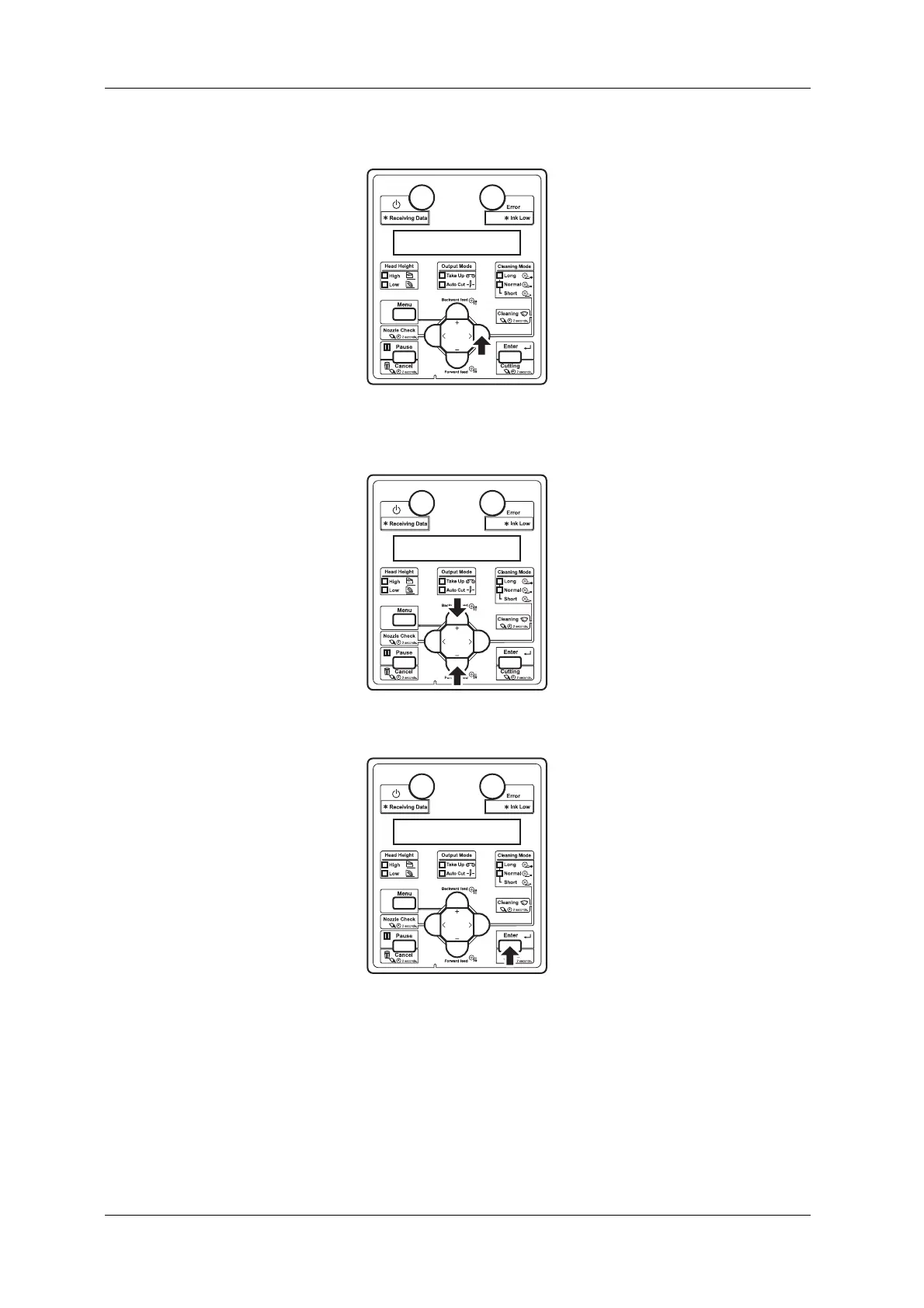
c. Press the [>] key on the operation panel.
• “Roll1: Print” is displayed on the operation panel.
d. Press the [+] key or [–] key to select “Roll3: Scan”.
e. Press the [Enter] key on the operation panel.
• “Please wait” is displayed on the operation panel.
3. The printer scans the print using the embedded color sensor, then automatically sets up the roll media
length.
• Once successfully completed, the roll media length is displayed on the operation panel.
Press the [Enter] key on the operation panel and the display shifts to Normal.
• If failed, the message “Scan Failed ->Enter” will appear on the panel.
Press the [Enter] key, and the operation panel shifts to the Roll Length menu display.



 To Next Page