PrismJET 54 Gen2 OPERATION MANUAL Panel setup menu
5.9 Roll Length Manage menu 209
5.9.3 Scan menu
Follow the procedure below to scan the remaining length management code.
1. Turn ON the printer and load the media that the remaining length management code has been printed
on it.
3.4.2 Setting Roll Media
• Check that the code printed on the media has passed through the pressurizing rollers.
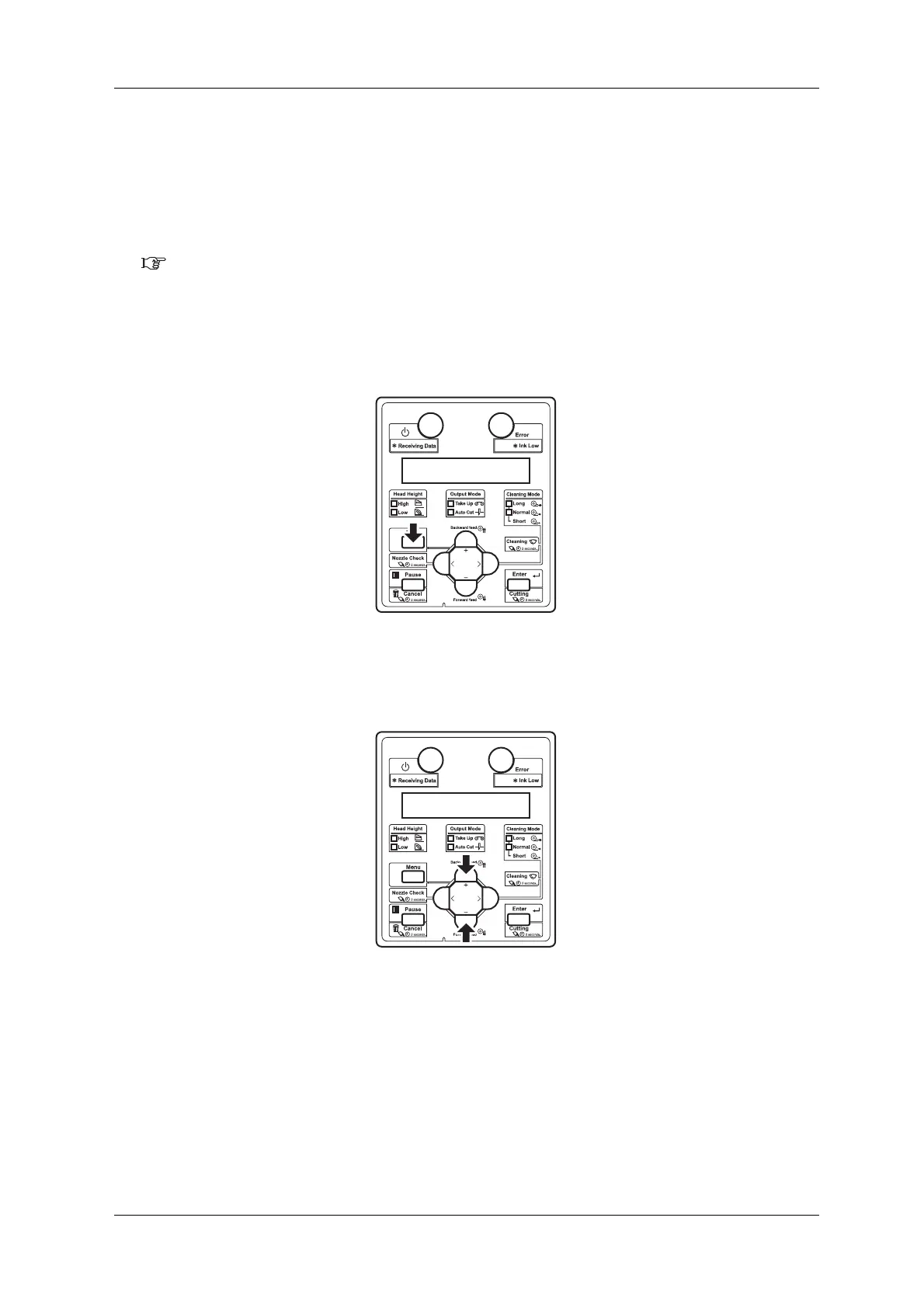
2. Display the Roll Length Manage menu on the operation panel.
a. Press the [Menu] key on the operation panel.
• “Menu 1: Setup>” is displayed on the operation panel.
• The operation panel shifts to the Setup menu display.
b. Press the [+] key or [–] key to select “Menu9: RollLengthMan>”.



 To Next Page