Product overview PrismJET 54 Gen2 OPERATION MANUAL
30 2.1 Names of parts and functions
When an error requiring a restart (fatal malfunction for the printer operation) occurs, all lamps blink with an alarm.
7.2.3 Error requiring restart
If the error persists even when the malfunction is fixed, contact your local MUTOH dealer.
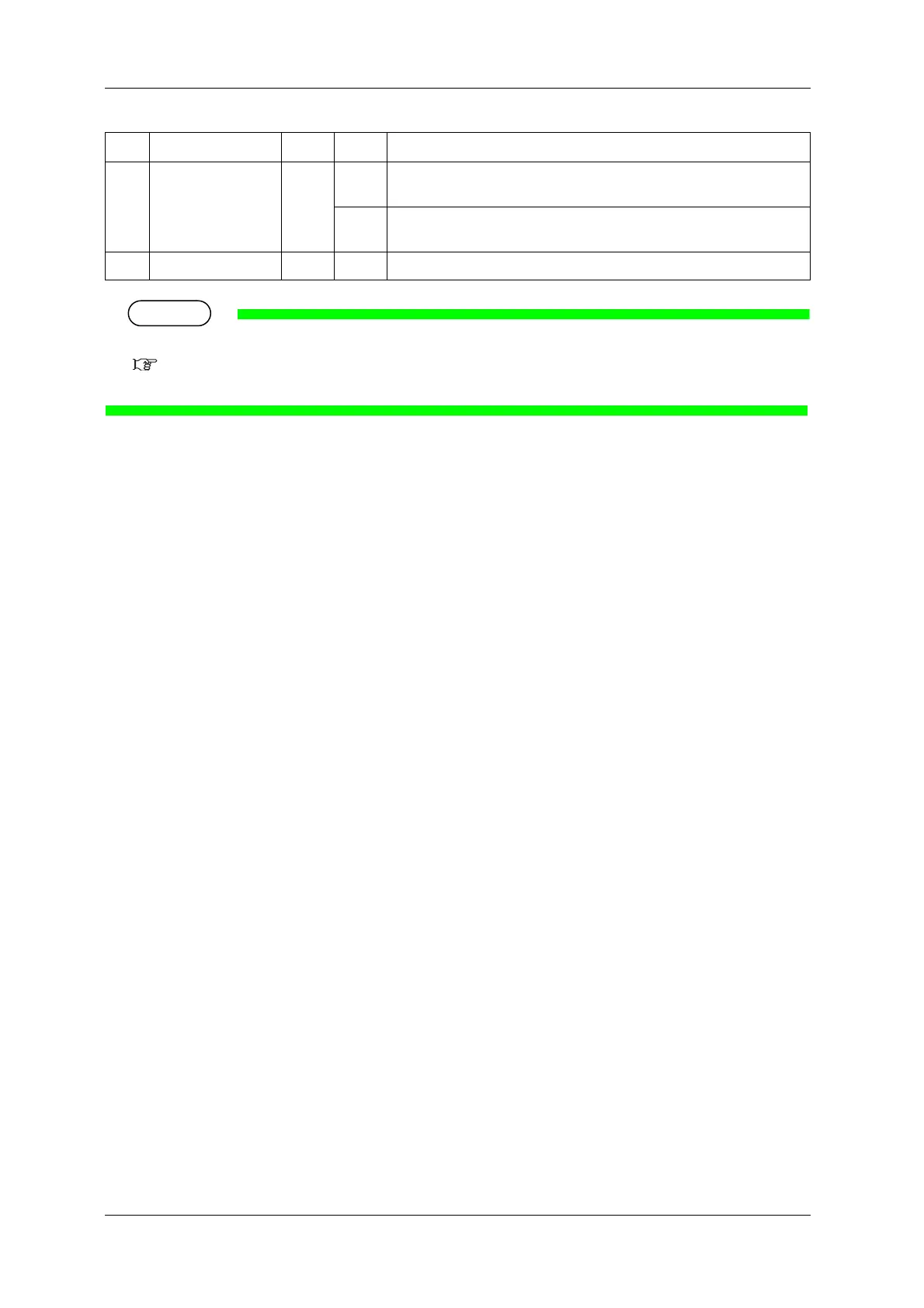
16 Normal lamp Green Lamp
ON
• Cleaning Mode is set to Normal.
• When the Long lamp is also on, Cleaning mode is set to Short.
Lamp
OFF
Cleaning Mode is set to Long.
17 LCD display section — — Displays operation status of the printer or an error message.
No. Name Color Status Description



 To Next Page