PrismJET 54 Gen2 OPERATION MANUAL Maintenance
6.1 Replacing consumable components 241
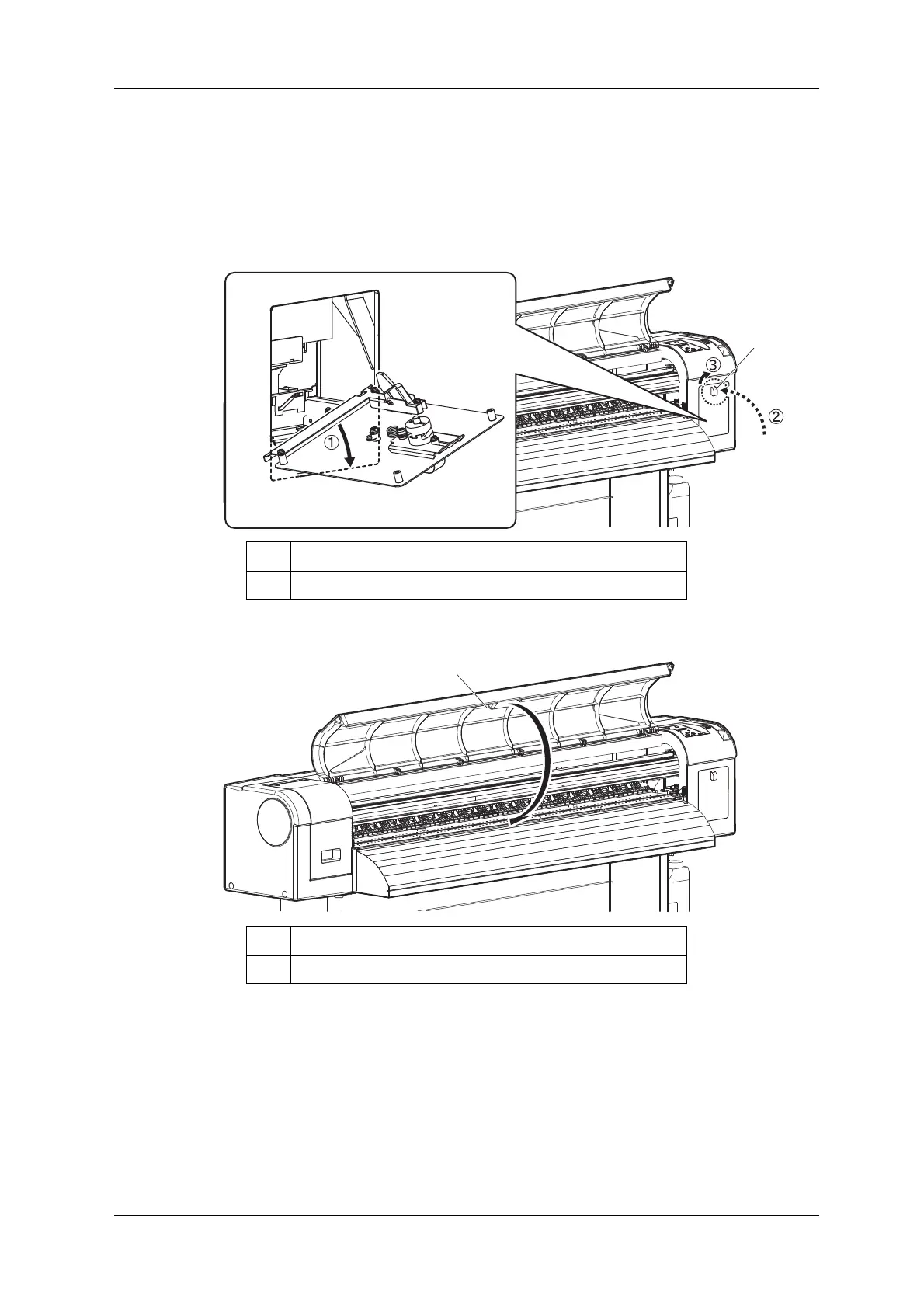
8. Close the maintenance cover R.
• Attach the bottom of the maintenance cover R to the printer.
• While turning the knob to left and sliding it down, close the upper side of the cover.
• Turn the knob back to the original position to lock the upper side of the cover.
9. Close the front cover.
No. Name
1 Maintenance cover R
No. Name
1 Front cover



 To Next Page