PrismJET 54 Gen2 OPERATION MANUAL Maintenance
6.2 Cleaning the printer 251
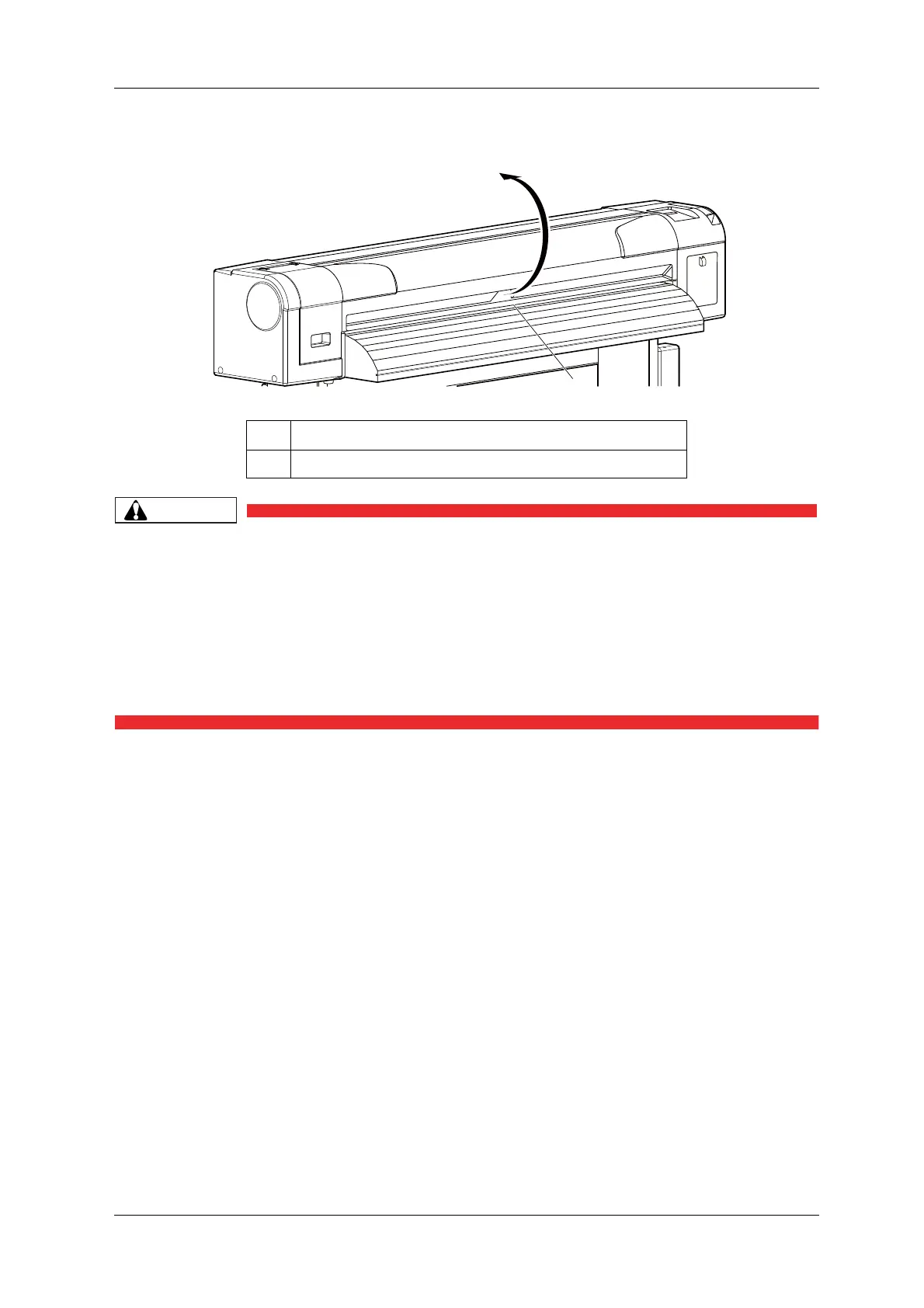
4. Open the front cover.
• When cleaning the cleaning wiper,
• do not touch the cleaning wiper and head cap unit.
Head cleaning may not be performed correctly because of oil from your hands.
• Make sure to wipe the print head using the cleaning stick.
A wet cleaning stick may cause the print head to clog.
• Do not reuse the cleaning stick.
The attached dust, etc may damage the print head.
No. Name
1 Front cover



 To Next Page