Maintenance PrismJET 54 Gen2 OPERATION MANUAL
278 6.4 Moving or transporting the printer
6. Remove the scroller.
7. Remove all the cables, such as the power cable.
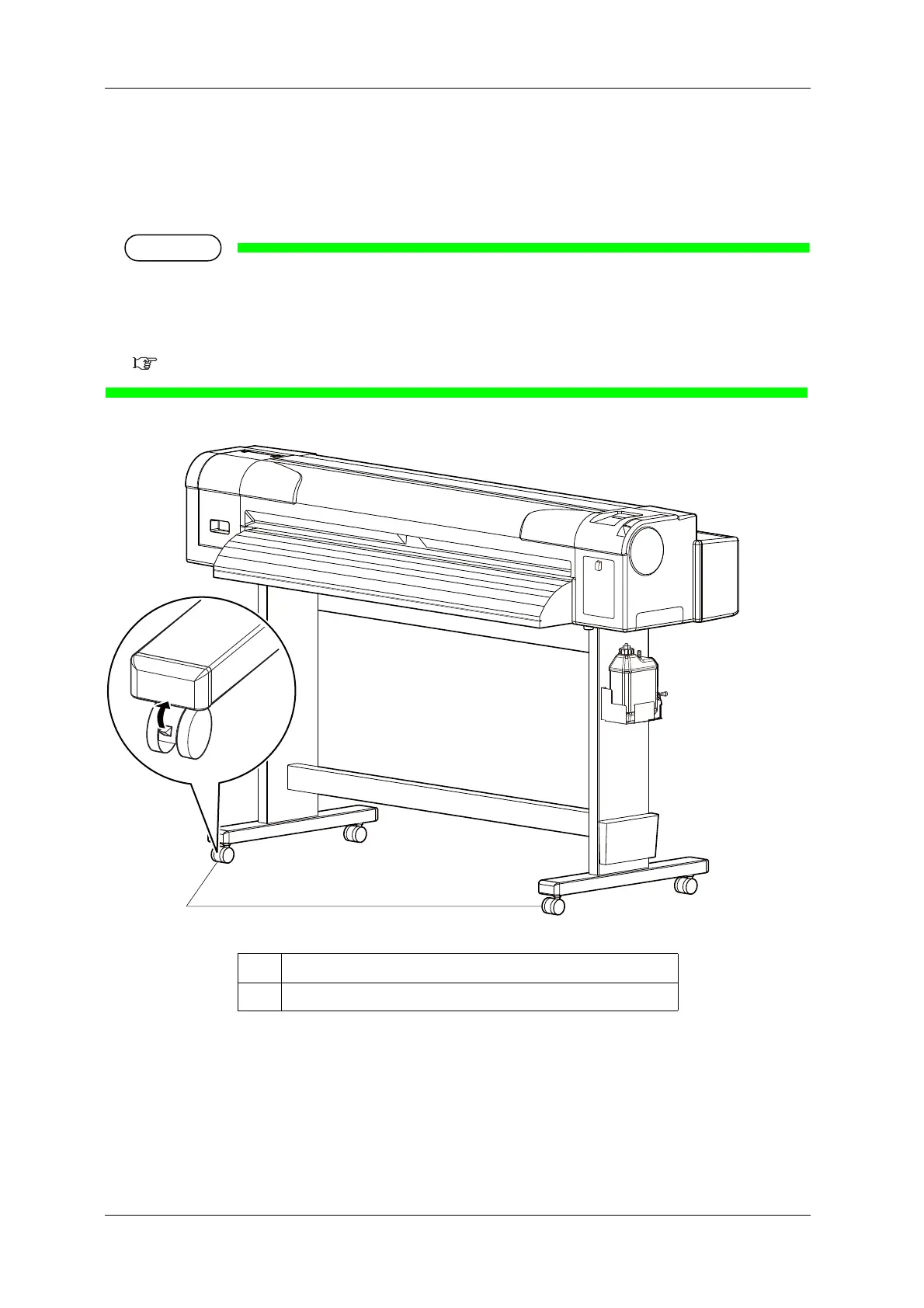
8. Unlock the casters to move it.
• The casters supplied with the dedicated stand are manufactured for little movement in flat indoor
areas, not for transporting equipment.
When moving the printer outdoors or where there are big bumps, remove the stands from the printer
before moving.
Installation manual
No. Name
1Casters



 To Next Page