PrismJET 54 Gen2 OPERATION MANUAL Before using
3.1 Power cable connection 37
Follow the procedure below to install the power cable.
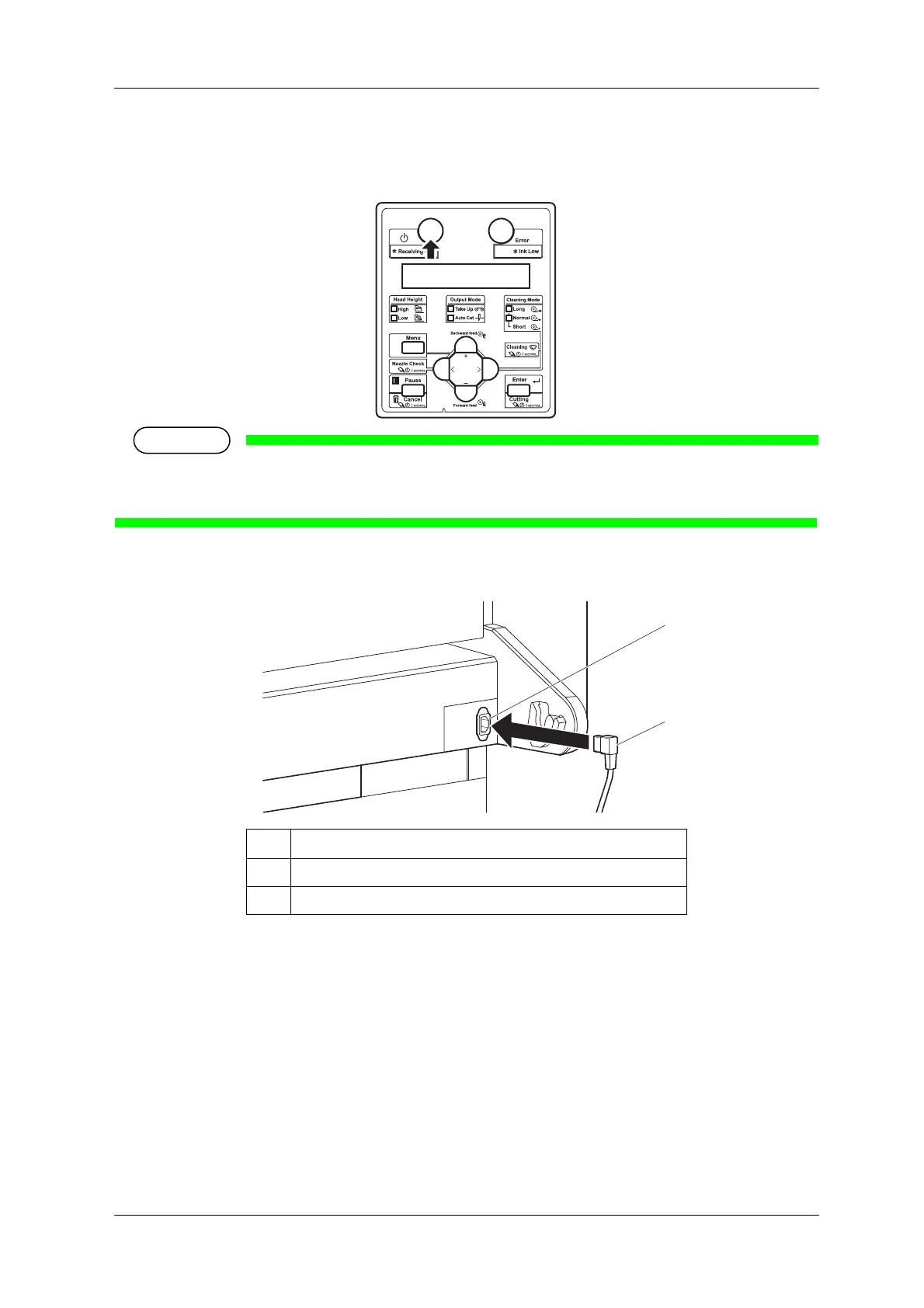
1. Make sure that the printer is turned OFF.
• The power is ON when the [Power] key of the operation panel is pressed in.
Press the key once again to turn OFF the power.
2. Connect the power cable to the AC inlet on the back of the printer.
No. Name
1AC inlet
2Power cable



 To Next Page