PrismJET 54 Gen2 OPERATION MANUAL Before using
3.3 Installing ink cartridges 47
• When performing head cleaning again before ink charge, press the [+] or [-] key on the operation
panel to select “Yes”, and press the [Enter] key to perform head cleaning.
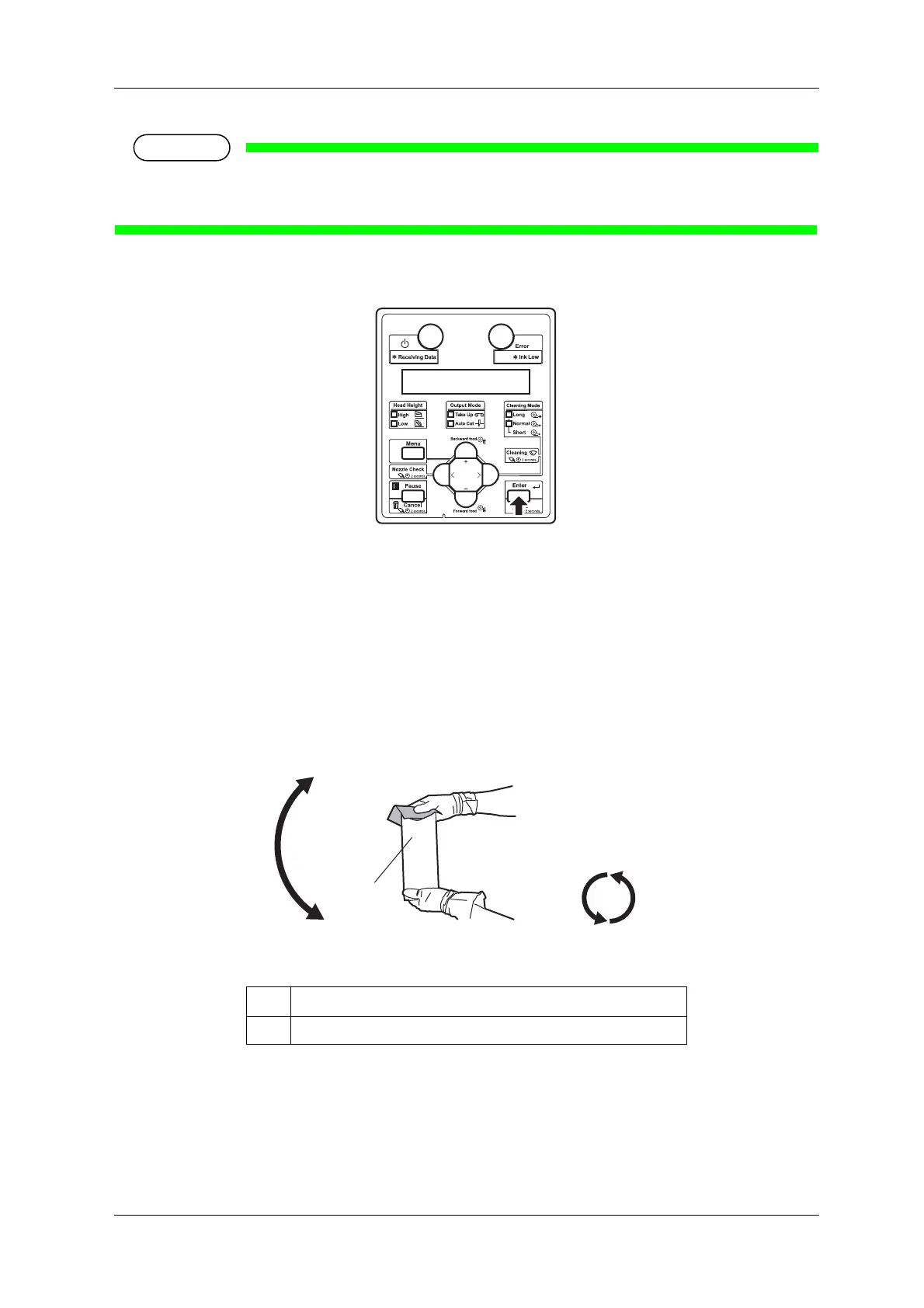
6. Press the [Enter] key on the operation panel.
• “Insert InkCartridges” is displayed on the operation panel.
7. Take out the new ink cartridge from the bag.
8. Agitate the ink cartridges.
• Turn the ink plug upward and wait for 3 seconds.
• Next, turn the ink plug downward and wait for 3 seconds.
• Repeat that 10 times.
No. Name
1 Ink cartridge



 To Next Page